
Thermalright TL-C14C-S X3
4.7Editor score
1500RPM max speed
17 ARGB light modes
Silent 26.4dBA noise
This guide compares the top ARGB 140mm fans for cooling and style. We review noise, airflow, and RGB sync to help you build the perfect PC setup today.
Choosing the right ARGB 140mm fans can transform your PC build. These fans balance silent operation with high airflow to keep components cool while adding stunning lighting effects to your setup.
We compared ten top models based on airflow, noise levels, and RGB sync capabilities. Each product was evaluated for bearing type, PWM control, and overall build quality to ensure reliable performance.
Every pick highlights key specs and ideal use cases for different builders. Prices and availability change frequently so check current listings before purchasing to confirm your build matches your exact needs.
4.7Editor score

4.6Editor score

4.6Editor score
This side-by-side comparison helps you visualize the differences across all ten models. We highlight key specs like airflow, speed, and unique features to simplify your final decision making process.
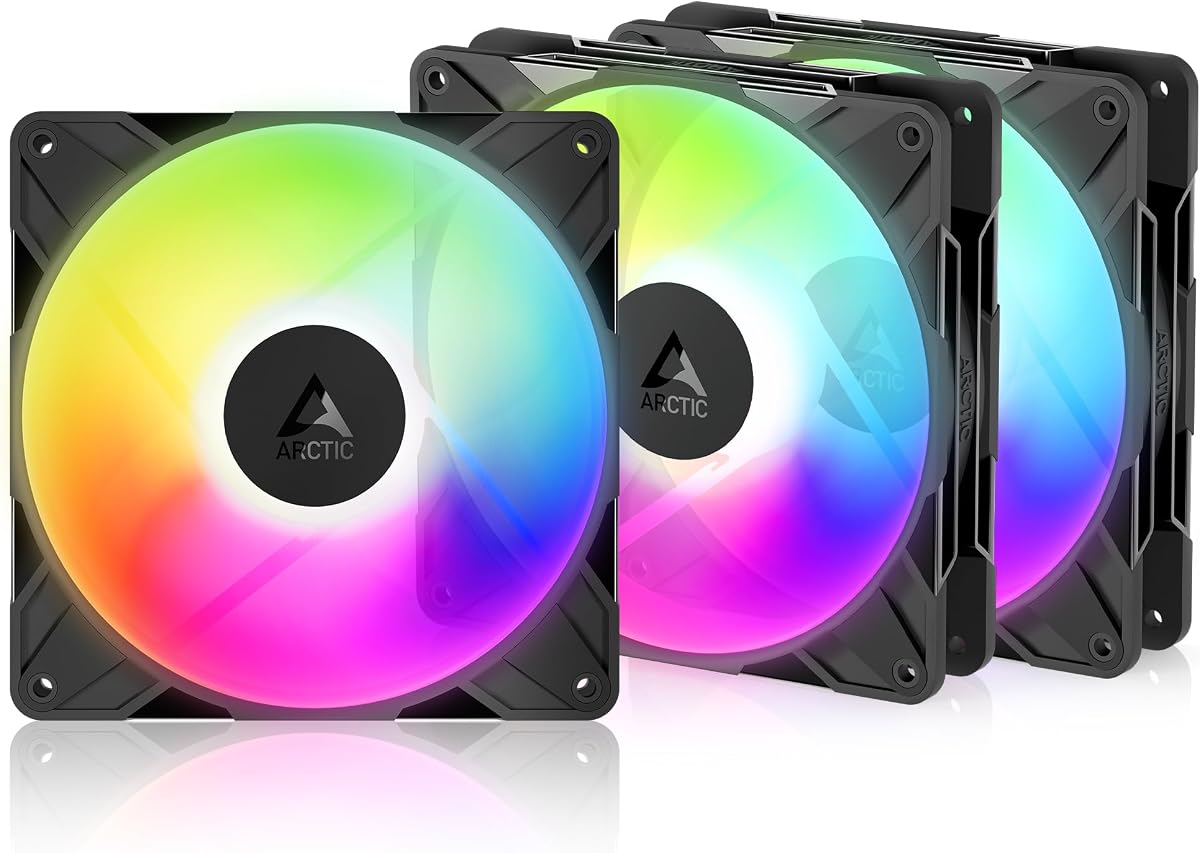


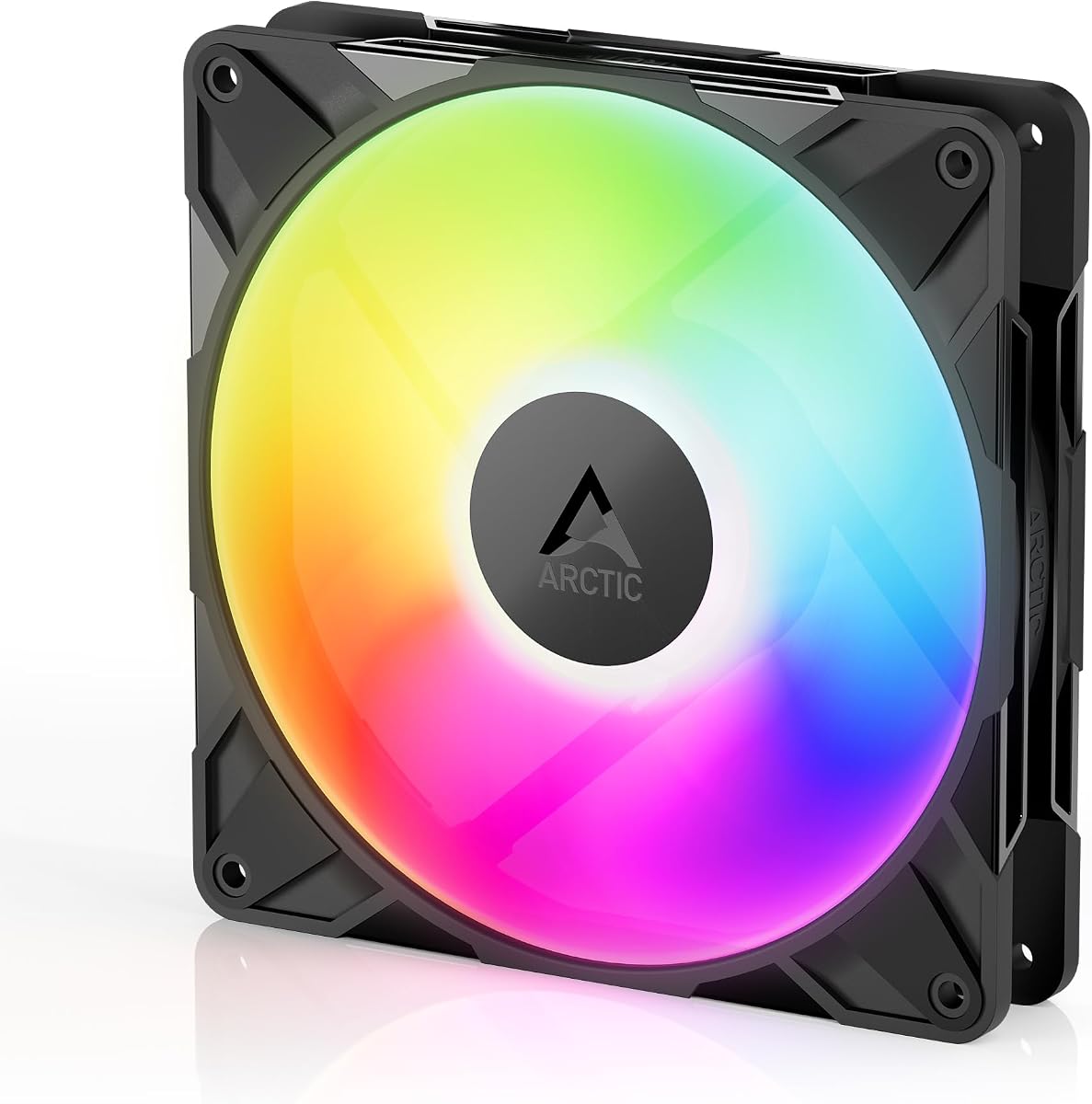


The Thermalright TL-C14C-S X3 offers exceptional value for budget builders seeking quality cooling. With a 4.7 rating it stands out as one of the most reliable options for silent PC airflow.
We may earn a commission when you buy through this link, at no additional cost to you.
Its 75.8 CFM airflow paired with 1500RPM speed ensures effective heat dissipation. The S-FDB bearing minimizes noise while the 17 ARGB modes provide decent customization for your setup.
While the cable length is limited to 55cm the design integrates well with standard cases. The soft silicone feet reduce vibrations effectively making it a solid choice for low noise builds.
This pack is ideal for users needing multiple fans without breaking the bank. It delivers consistent performance and looks great making it a top budget pick for most PC enthusiasts.
Getting three high quality fans at this price point is rare in the current market.
The airflow ensures your components stay cool during long gaming or work sessions.
We may earn a commission when you buy through this link, at no additional cost to you.
CORSAIR RS140 ARGB fans are engineered for users who want premium airflow and clean installation. Their high rating reflects excellent build quality and efficient cooling performance.
We may earn a commission when you buy through this link, at no additional cost to you.
AirGuide technology directs air precisely to hot components boosting cooling efficiency significantly. The magnetic dome bearing ensures smooth and quiet operation over long periods of heavy use.
Daisy chaining simplifies wiring allowing you to connect multiple fans via one connector. This feature reduces clutter inside your case while maintaining full PWM and RGB control capabilities.
If you prioritize performance and aesthetics these fans are a top choice. They are perfect for radiators and high airflow cases where silence and cooling power matter most.
This technology pushes air exactly where it is needed most for better heat removal.
Reduced wiring makes your build look cleaner and installation significantly faster.
We may earn a commission when you buy through this link, at no additional cost to you.
The Thermaltake CT140 EX brings innovation with its magnetic connection design. This unique feature simplifies fan daisy chaining and offers 16.8 million color options for stunning visual effects.
We may earn a commission when you buy through this link, at no additional cost to you.
MagForce 2.0 technology allows fans to link securely without complex cables. The hydraulic bearing ensures silent operation while the anti-vibration system keeps your case steady during high speeds.
Motherboard sync enables precise control over lighting and speeds. You can manage colors effortlessly making it a great choice for builders wanting a cohesive and vibrant lighting setup.
This pack stands out for its premium features and ease of use. It is perfect for those who want top tier aesthetics and reliable cooling for their gaming or work PC.
Magnetic connectors make building clean cable setups incredibly easy and fast.
The addressable LEDs provide a wide range of lighting patterns and colors.
We may earn a commission when you buy through this link, at no additional cost to you.
ARCTIC P14 Pro Reverse fans are perfect for glass case builds where aesthetics matter. The reverse design draws air from behind keeping the front panel clean and clutter free.
We may earn a commission when you buy through this link, at no additional cost to you.
Performance is high with speeds up to 2650 RPM for intense cooling needs. The fluid dynamic bearing ensures long life and minimal noise even at higher speeds.
PWM control stops the fan completely below 5% duty cycle. This feature allows for quiet operation when cooling demand is low which saves power and noise.
Choose this model if you want a professional look without sacrificing cooling power. It is ideal for custom loops or cases with limited clearance for standard fan frames.
Reverse airflow hides the motor hub for a seamless look on clear cases.
Zero RPM support ensures silent idle when your system does not need cooling.
We may earn a commission when you buy through this link, at no additional cost to you.
The AsiaHorse Amici offers solid cooling with a durable hydraulic bearing design. It aims for a balanced setup with decent airflow and good noise performance for gaming rigs.
We may earn a commission when you buy through this link, at no additional cost to you.
It boasts 89.77 CFM which handles heat well during intense loads. The 50000 hour lifespan suggests reliability reducing the need for frequent replacements over time.
Syncing with Asus Aura and other boards adds visual flair to the build. The infinity mirror effect enhances the look without costing extra compared to premium brands.
This fan is great for those who need good airflow on a budget. It supports major lighting systems and maintains a quiet profile during normal daily computer usage.
With 50000 hours of rated life these fans are built to last years.
Infinity mirror lighting adds depth making your case lights look richer.
We may earn a commission when you buy through this link, at no additional cost to you.
The Cooler Master MF140 Halo offers distinctive lighting with its duo ring design. It is a reliable choice for users who prioritize looks alongside strong cooling performance.
We may earn a commission when you buy through this link, at no additional cost to you.
Sound absorbing materials keep noise low even when the fan spins fast. Static pressure blades push air effectively through radiators and dense mesh panels easily.
Syncing with Mystic Light or Aura makes lighting setup straightforward. The 1500RPM max speed ensures quiet operation while maintaining decent airflow for cases.
Pick this fan if you want a standout look in your build. It is great for liquid coolers and cases where reducing noise is a high priority.
The unique ring design creates a modern and eye catching visual style.
Sound absorbing materials ensure the fan stays whisper quiet under load.
We may earn a commission when you buy through this link, at no additional cost to you.
The ARCTIC P14 Pro A-RGB is designed for users needing raw cooling power. Its 3000RPM speed allows it to push massive amounts of air through any obstruction.
We may earn a commission when you buy through this link, at no additional cost to you.
Fluid dynamic bearings ensure smooth and quiet operation at lower speeds. The optimized rotor blades balance performance and noise for a versatile cooling experience.
Static pressure performance is excellent which makes it ideal for radiators. It excels at pushing air through tight spots where other fans might struggle.
If you have a high heat load this fan handles it well. It is a robust choice for extreme cooling scenarios and demanding gaming environments.
The high speed allows this fan to move air faster than standard models.
New blade shapes ensure efficiency and smooth airflow at all speeds.
We may earn a commission when you buy through this link, at no additional cost to you.
The Thermalright TL-C14C-S X3 focuses on silent cooling for quiet PC builds. With low noise levels it keeps your system cool without distracting background hum.
We may earn a commission when you buy through this link, at no additional cost to you.
Rubber feet and PBT+PC material help reduce vibration noise significantly. This makes it perfect for home offices or shared spaces where silence matters.
The 1500RPM speed provides enough airflow for most setups. It handles heat dissipation well without being intrusive or requiring complex setups to work.
Choose this pack for reliable cooling where noise is a priority. It is an excellent budget option for users who value quiet over flashy lights.
Vibration dampening materials ensure whisper quiet performance during use.
Durable materials ensure these fans perform well over long periods.
We may earn a commission when you buy through this link, at no additional cost to you.
The ARCTIC P14 Pro Reverse is a premium single fan for specific builds. Its high rating reflects strong performance and attention to detail in manufacturing.
We may earn a commission when you buy through this link, at no additional cost to you.
The reverse design allows clean airflow without cluttering the front view. Fluid dynamic bearings keep it whisper quiet even when spinning at top speeds.
PWM control ranges widely allowing precise adjustment for your needs. It handles dense radiators well with strong static pressure performance.
Buy this if you need a high quality single fan. It is perfect for custom cases where aesthetics and silence are paramount concerns.
Self lubricating bearings ensure smooth and quiet operation over years.
High precision manufacturing reduces vibration and noise effectively.
We may earn a commission when you buy through this link, at no additional cost to you.
The Thermalright TL-C14C-S is a straightforward option for budget builds. It provides reliable airflow and a basic lighting option for casual users.
We may earn a commission when you buy through this link, at no additional cost to you.
The S-FDB bearing offers long life with minimal noise. The 7-blade design ensures efficient cooling while keeping the price very affordable.
PWM control makes setup simple for most standard motherboards. RGB sync helps match your case lighting without needing extra controllers or wires.
This is a great starter fan for new PC builders. It balances cost and performance well making it easy to recommend for entry level projects.
Standard connectors make installation quick and straightforward for beginners.
Low cost allows users to upgrade airflow without overspending.
We may earn a commission when you buy through this link, at no additional cost to you.
Choosing the right 140mm ARGB fan requires balancing airflow, noise, and aesthetics. This guide breaks down the key factors you should consider before buying.
Airflow (CFM) measures how much air a fan moves. Static pressure (mmH2O) measures how well it pushes air through obstructions like radiators. Choose high static pressure for radiators and high airflow for open cases.
Focus on static pressure if mounting on a radiator. Focus on airflow for exhaust or intake on open mesh panels.
PWM allows your motherboard to adjust fan speed automatically based on temperature. Look for fans with 4-pin connectors for best control. This helps balance cooling and noise effectively.
Always choose 4-pin PWM fans for modern motherboards. Avoid 3-pin options unless you only need fixed speeds.
Check if your motherboard supports 5V 3-pin ARGB. Most brands sync with Aura, Mystic Light, or Polychrome. Ensure cables match your system headers for seamless control.
Verify your motherboard header type before buying. Mismatched headers require adapters or limit lighting features.
Sleeve bearings are cheap but wear faster. Fluid Dynamic Bearings (FDB) last longer and run quieter. Magnetic bearings are premium and extremely smooth. Choose FDB for best value.
Prioritize FDB or magnetic bearings for longevity. Sleeve bearings are fine for short term budget builds.
Noise is measured in dBA. Lower numbers mean quieter fans. Aim for 26dBA or less for silent PCs. High RPM fans can be loud even with good bearings.
Look for low noise ratings if you need silence. Check decibel specs at max RPM.
Consider reverse airflow fans for glass front cases. They hide motor hubs for cleaner looks. Standard fans work better for radiators. Check case clearance before choosing.
Use reverse fans for front intake on glass cases. Use standard fans for rear exhaust.
Daisy chaining lets you connect multiple fans with one cable. This reduces clutter inside your case. Look for models with built in connectors for ease.
Choose fans with daisy chain support if you have many fans. It saves motherboard ports and keeps builds tidy.
Blade material affects noise and durability. PBT plastic resists warping better than standard plastic. Rubber feet reduce vibration. Check material specs for long term reliability.
Prefer PBT materials for better durability. Rubber feet help reduce case vibrations significantly.
Install fans with correct airflow direction. Intake fans push cool air in and exhaust fans pull hot air out. Check the arrow on the frame for orientation before screwing them in.
Connect fans to 4-pin PWM headers. Link fans in a daisy chain if supported. Ensure the ARGB header is connected to a 5V 3-pin port for lighting control.
Clean fans every 3 to 6 months. Dust accumulation increases noise and reduces cooling. Use a soft brush or compressed air to remove debris from the blades carefully.
Yes, ARGB fans usually need a 5V 3-pin header. Some older boards use 12V 4-pin RGB which may not work. Check your motherboard manual for supported lighting ports before purchasing.
RGB lights change colors together as one block. ARGB lets you control individual LEDs for complex effects. ARGB offers more customization and requires a 5V 3-pin connector.
Yes, 140mm fans generally run slower to move the same air. This reduces noise significantly. They are often better for quiet setups despite their larger size.
Yes, you can connect the power and PWM wires only. The LEDs will stay off. This allows you to control speeds without worrying about lighting configuration on the board.
Most headers support 2 to 4 fans. Use a splitter or daisy chain connection for more. Avoid overloading the port to prevent motherboard damage or errors.
Reverse airflow moves air from the back of the fan to the front. This hides the motor hub for a clean look on glass cases. Standard fans move front to back.
We covered ten top options ranging from budget picks to premium models. The Thermalright TL-C14C-S offers value while CORSAIR RS140 excels in cooling performance.
Prioritize airflow and noise levels that fit your case. Ensure lighting sync matches your motherboard header type. Always check physical clearance to avoid fit issues.
Prices change often so verify listings before purchase. Review current stock to secure the best deal for your build needs today.