
Capshi HDMI to DVI-D Adapter Cable
4.7Editor score
24K gold plated connectors
Bi-directional 1080p support
Reinforced nylon braided design
This guide compares the top HDMI to DVI adapters and cables for 2026, focusing on build quality, signal stability, and device compatibility.
Choosing the right HDMI to DVI adapter or cable ensures your older monitors stay useful with modern devices. You need reliable connections that support high resolutions without signal loss or flickering during use.
We evaluated ten highly rated options based on connector quality, shielding, and bi-directional support. Our review highlights which cables handle 1080p best and which adapters offer the most flexibility for your setup.
Each pick shows real specs and user feedback to help you decide quickly. Prices and availability change frequently, so check current listings before purchasing to ensure you get the right deal.
4.7Editor score

4.7Editor score

4.7Editor score
Here is a side-by-side view of all ten products. We list key specs and links so you can compare build materials, lengths, and supported resolutions at a glance.


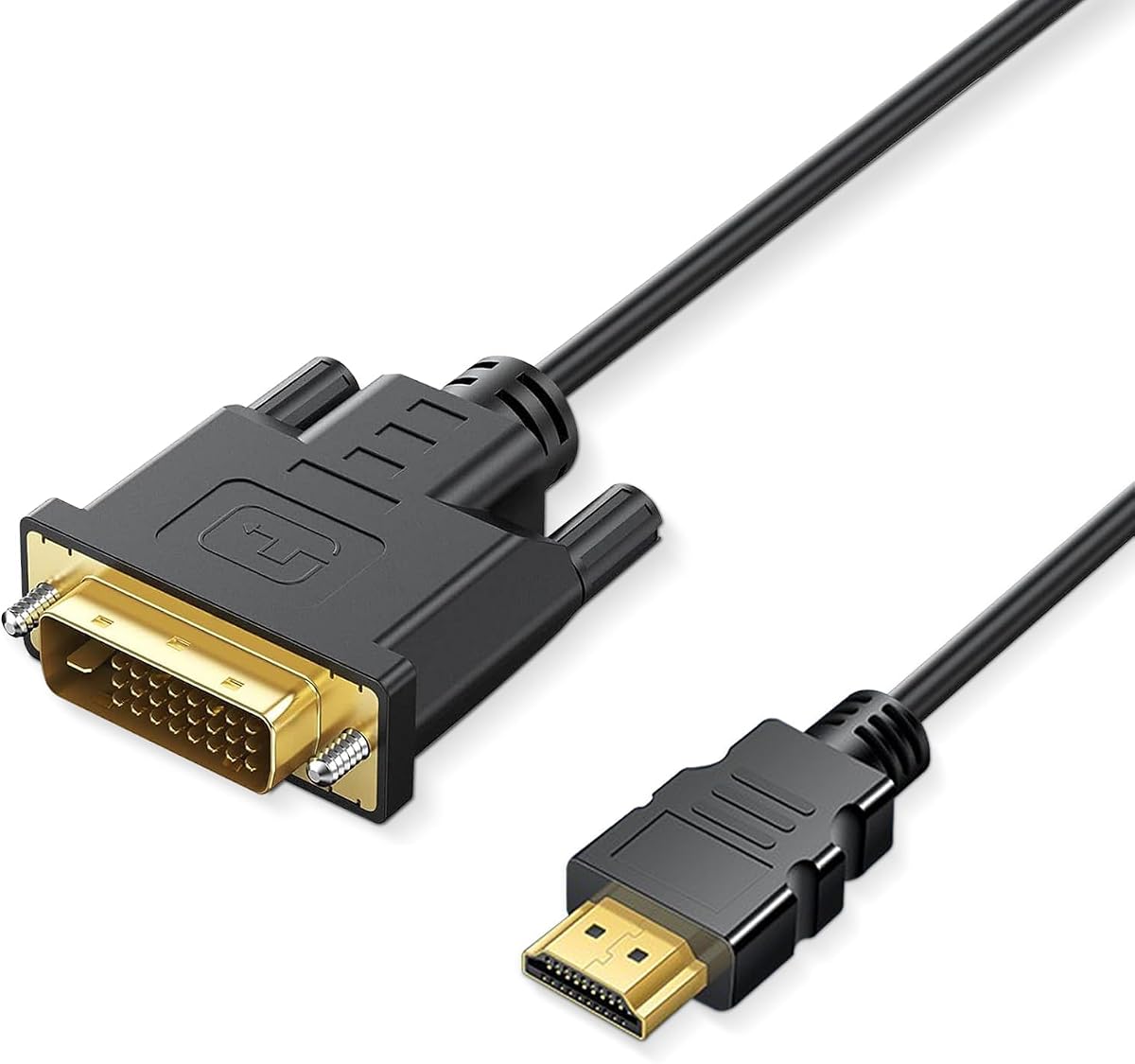



The Capshi HDMI to DVI-D Adapter Cable earns our top spot for its balance of durability and performance. With a solid 4.7 rating and robust construction, it connects HDMI sources to DVI monitors reliably.
We may earn a commission when you buy through this link, at no additional cost to you.
Its 24K gold-plated connectors resist corrosion while the oxygen-free copper lines ensure clean signal transmission. The reinforced nylon braid adds physical protection against bending and wear over time.
You lose audio transmission since DVI is video-only, requiring a separate audio cable for sound. This is expected but worth noting if you want a single-cable solution for speakers.
Buy this if you need a sturdy 6-foot cable that handles 1080p without flickering. It delivers stable video for desktops, consoles, and streaming boxes to older monitors.
The nylon braid and aluminum foil shielding guard against physical damage and electromagnetic noise.
It works both ways, letting you connect HDMI devices to DVI displays and vice versa easily.
We may earn a commission when you buy through this link, at no additional cost to you.
Amazon Basics delivers a no-fuss cable at an unbeatable price. It connects HDMI and DVI-D devices seamlessly while maintaining 1080p video clarity for basic setups.
We may earn a commission when you buy through this link, at no additional cost to you.
The net jacket gives extra protection against daily wear, while gold-plated connectors keep conductivity high over many plug cycles. It handles DVI-I 24+5 as well.
Three feet might be tight for setups where devices are far apart. You may need to manage extra cables for audio since this adapter only carries video.
Perfect for tight budgets or short desktop connections, this cable is a smart buy for anyone needing basic video conversion without extra cost.
Amazon Basics ensures consistent quality with a proven track record for simple accessories.
At 3 feet, it reduces clutter while still fitting most desk or TV setups.
We may earn a commission when you buy through this link, at no additional cost to you.
BENFEI stands out with premium double shielding that protects against EMI and RFI interference. It supports 1080p and fits a wide range of devices from consoles to graphics cards.
We may earn a commission when you buy through this link, at no additional cost to you.
Its aluminum foil and braid layers ensure stable transmission, while the finger-tightened screws lock the DVI side securely. The lifetime warranty adds long-term peace of mind.
Though priced higher than basic options, the durability and support justify the cost. Just remember to connect audio separately since DVI doesn't carry sound signals.
Buy this if you want a heavy-duty cable that lasts for years. It suits professionals or gamers who demand stable video connections without flickering or dropouts.
Double shielding prevents interference from nearby electronics that might disrupt video quality.
BENFEI supports buyers with a lifetime warranty for worry-free long-term usage.
We may earn a commission when you buy through this link, at no additional cost to you.
This cable offers a generous 6-foot length that bridges longer distances between devices without signal loss. Its all-metal connectors resist corrosion while the PVC jacket protects the wire.
We may earn a commission when you buy through this link, at no additional cost to you.
The hand-tightened screws give a firm grip on the DVI port, ensuring no accidental disconnections during movement. Bi-directional support lets you swap roles easily.
You must add a separate audio cable for sound since DVI is video-only. The PVC jacket is sturdy but less flexible than braided options under stress.
Ideal for setups where devices are far apart, this cable delivers reliable video across longer distances with strong physical protection.
At 6 feet, it covers gaps that shorter cables cannot without needing extenders.
All-metal connectors offer superior durability against frequent plugging and unplugging.
We may earn a commission when you buy through this link, at no additional cost to you.
The CableCreation adapter is ultra-compact at 15cm, making it perfect for tight spaces. It links HDMI and DVI ports directly without bulky cable bulk in front of devices.
We may earn a commission when you buy through this link, at no additional cost to you.
Gold-plated connectors and oxygen-free copper ensure clean signal transfer. The metal shell resists corrosion and physical wear better than plastic alternatives over time.
Its short length may not reach if ports face opposite directions. Audio is not supported, so plan for separate speakers or a soundbar for complete setups.
This adapter suits laptops and portable setups where space matters most. It delivers solid video quality while keeping your cable clutter minimal.
At 15cm, this adapter fits tightly behind small devices without protruding.
A full-metal connector shell adds durability against scratches and repeated use.
We may earn a commission when you buy through this link, at no additional cost to you.
With a rare 4.9 rating, this cable delivers excellent performance for both HDMI and DVI connections. It supports 1080p Full HD at 60Hz, beating single-link standards for stability.
We may earn a commission when you buy through this link, at no additional cost to you.
Bi-directional support allows you to swap signal directions without issues. The DVI-I Dual Link port ensures higher video resolution for monitors needing more bandwidth.
Like others, it requires separate audio cabling since DVI lacks audio channels. The PVC jacket is functional but less rugged than nylon braids under stress.
Choose this for smooth 1080p video without flickering. It is ideal for users who prioritize signal quality and a high rating among budget-friendly options.
Dual Link enables higher resolutions and refresh rates compared to single-link DVI.
Plug and play functionality means no drivers are needed for immediate use.
We may earn a commission when you buy through this link, at no additional cost to you.
This cable balances flexibility with shielding, using doubled PVC coating to resist wear. Its 5-foot length suits most home offices while keeping cables manageable.
We may earn a commission when you buy through this link, at no additional cost to you.
Gold-plated connectors and oxygen-free copper wires maintain high signal quality for 1080p video. The bi-directional design ensures compatibility with both HDMI and DVI sources.
At a higher price point, it costs more than basic options. Audio is missing, so you will need extra cables if you want sound on the connected display.
Pick this for setups requiring flexible, mid-length cables. It handles daily use well and delivers solid video without extra setup headaches.
The doubled PVC coat resists bending without cracking or signal loss inside.
Five feet offers enough slack for most setups without excessive cable clutter.
We may earn a commission when you buy through this link, at no additional cost to you.
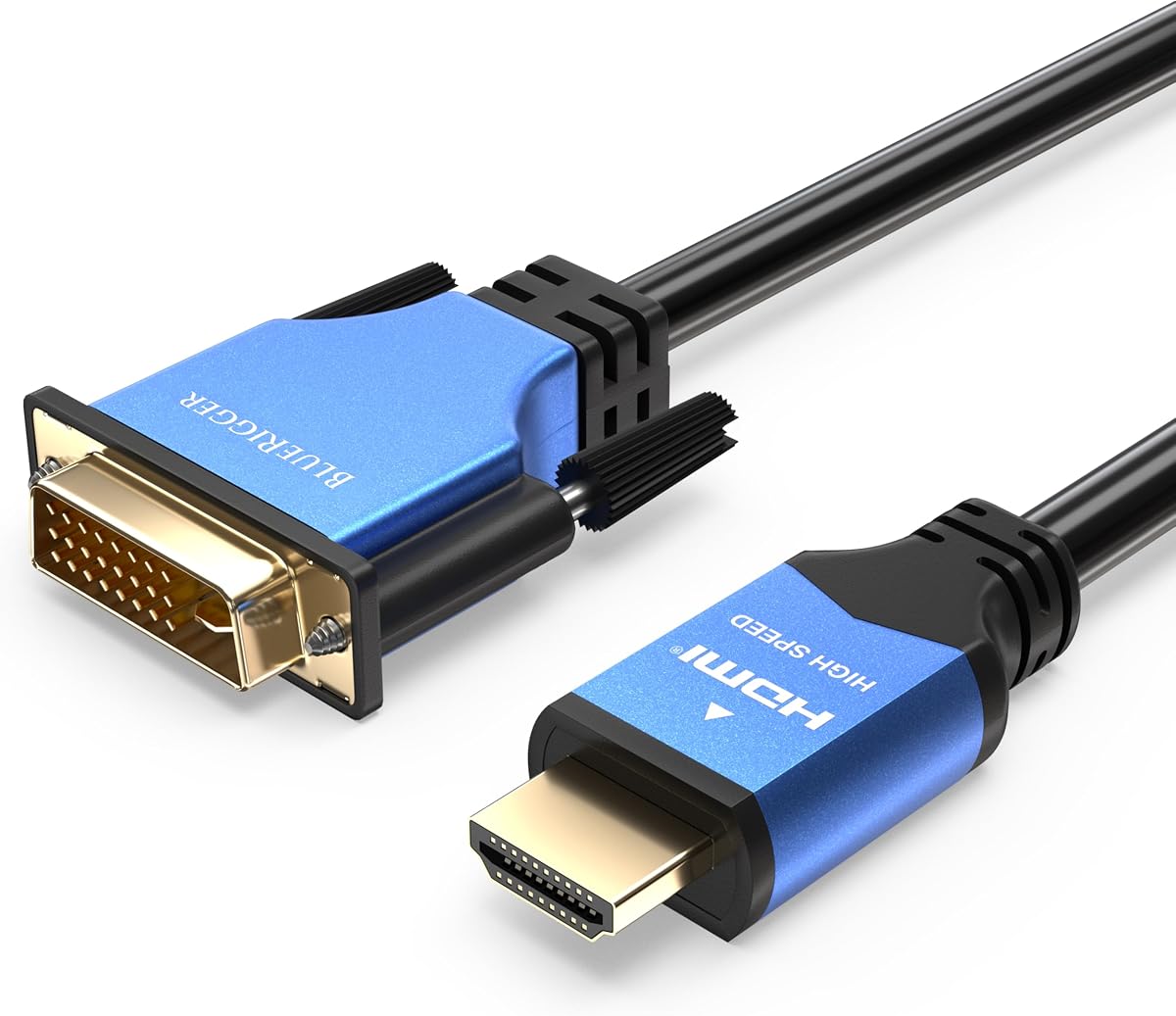
BlueRigger features an aluminum alloy shell that provides maximum protection against EMI and RFI. Its non-slip screws ensure the DVI end stays locked in place during use.
We may earn a commission when you buy through this link, at no additional cost to you.
With a 6-foot length and US-based support, it caters to both reach and customer service needs. The lifetime warranty adds significant value for long-term buyers.
The metal shell makes it heavier than some plastic options. Audio is not carried, so plan for external speakers or a separate audio connection.
This cable fits users who prioritize durability and customer support. It delivers reliable video while keeping connections secure on busy desks.
Aluminum alloy shells block more external noise than standard plastic jackets.
Quick local support helps resolve issues faster than overseas alternatives.
We may earn a commission when you buy through this link, at no additional cost to you.
Buying a 2-Pack ensures you have spares or adapters for multiple monitors. Each unit supports 1080p and connects DVI and HDMI devices flexibly.
We may earn a commission when you buy through this link, at no additional cost to you.
Gold-plated connectors resist oxidation for lasting use. High-grade PVC molding prevents slipping and wear, ideal for travel or home office switching.
These are adapters only, so you must use separate HDMI or DVI cables for the full connection. Sound is not included, requiring external audio setups.
Choose this pack if you need multiple adapters or backups. It is cost-effective and convenient for anyone with several video devices.
Getting two adapters together saves money versus buying single units separately.
PVC molding ensures a firm grip on ports without slipping during setup.
We may earn a commission when you buy through this link, at no additional cost to you.
DTECH offers a compact m/f adapter that supports up to 4K at 30Hz. It fits both DVI-D and DVI-I ports for broader compatibility across displays.
We may earn a commission when you buy through this link, at no additional cost to you.
Grip treads and screws make installation easy without stripping your hands. Gold-plated connectors prevent corrosion and ensure steady signal transfer over time.
You cannot use this for analog signals or audio. If you need 1080p or lower, it works well, but 4K is limited to 30Hz.
Pick this adapter for its flexibility and 4K support. It suits users who want a small, versatile converter for various monitor types.
Supporting up to 4K makes this adapter future-proof for newer displays.
Grip treads and screws simplify installation even for non-tech users.
We may earn a commission when you buy through this link, at no additional cost to you.
Selecting the right adapter depends on your specific hardware and connection needs. Below are key factors to evaluate before purchasing.
Verify whether your DVI port is DVI-D (digital only) or DVI-I (analog compatible). Most cables support digital signals but not analog, so check the pin layout.
Ensure the adapter matches your ports for proper signal transmission without errors.
Bi-directional cables allow both HDMI-to-DVI and DVI-to-HDMI connections. This flexibility is useful if you switch between devices often.
Always choose bi-directional options if you need to connect various source and display types.
Measure the distance between devices to pick the right length. Shorter cables reduce clutter but longer ones offer more flexibility for placement.
Look for braided or PVC jackets that bend without cracking to maintain signal stability.
Quality shielding such as aluminum foil or braid reduces electromagnetic interference. This keeps your video stable without flickering in noisy environments.
Invest in well-shielded cables if you use devices near routers or other electronics.
Gold-plated connectors resist corrosion and oxidation better than bare metal. This extends the life of the adapter and ensures clean signal transfers.
Check for strain relief and molded ends to prevent cable breakage near the connectors.
Ensure the adapter supports your display resolution such as 1080p or 4K. Some cables cap at 1080p while others support higher refresh rates.
Confirm resolution limits match your monitor specs for smooth viewing without dropped frames.
DVI connections do not carry audio signals, so you must add a separate cable for sound. Plan for a 3.5mm or HDMI audio extraction setup if needed.
Factor in extra cables or adapters for a complete video and audio solution.
Reputable brands offer warranties ranging from one year to lifetime support. This protection covers defects and gives you peace of mind.
Prioritize brands with responsive support in case you need technical help.
Connect the HDMI end to your source device such as a laptop or game console. Plug the DVI end into your monitor or TV with matching ports to establish the link.
Use the provided screws on the DVI connector to secure it firmly. This prevents accidental disconnection during use and improves signal stability.
Store cables loosely coiled away from direct sunlight to protect the jacket. Avoid bending near the connector to extend its lifespan and prevent internal damage.
No, DVI ports only support video data. You must use a separate audio cable to connect speakers or a soundbar for sound.
Most adapters work with DVI-I but transmit only digital signals. Analog pins remain unused, so you need a digital display for proper video.
Most options support up to 1080p Full HD. Some may allow 4K but typically at lower refresh rates like 30Hz.
Yes, most models listed support both HDMI-to-DVI and DVI-to-HDMI connections. Always verify the product specs for confirmation.
No, they are plug-and-play devices. Simply connect them and the operating system should detect the display automatically.
Use the thumbscrews on the DVI connector to tighten the fit. This prevents wobbling and keeps the signal stable during use.
We found the Capshi adapter offers the best mix of value and durability for most users. Amazon Basics and BENFEI provide strong alternatives for budget or premium needs.
Prioritize bi-directional support and shielding quality for stable video. Check that your ports match the adapter type before ordering to avoid issues.
Prices and stock fluctuate daily so always review current listings before buying. This guide reflects November 2026 data but deals may change quickly online.