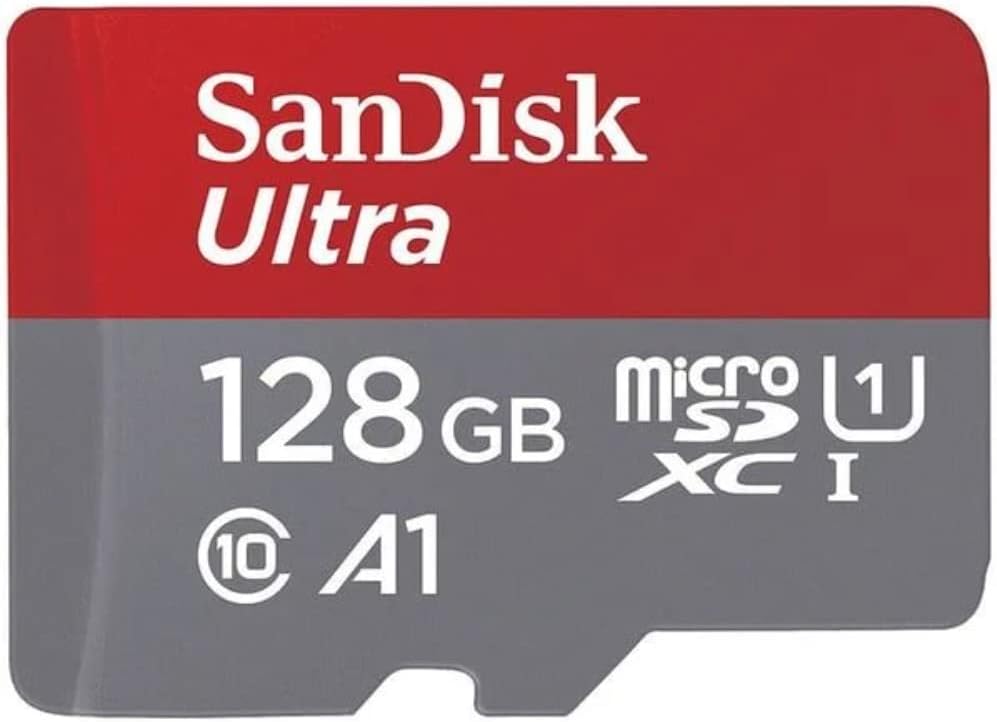
SanDisk 128GB Ultra microSDXC UHS-I Memory Card
4.7Editor score
Up to 140MB/s transfer speeds
A1-rated performance for faster apps
10-year limited warranty included
This guide compares the top ten extra storage for tablet solutions including microSD cards, USB drives, and portable SSDs for reliable data expansion.
Modern tablets often come with limited internal memory that fills up quickly with apps and media. Finding the right extra storage for tablet can restore your device performance without needing a new hardware purchase.
We evaluated ten highly rated products based on speed compatibility, and value. Each option offers unique benefits whether you need quick file transfers or massive capacity for professional media workflows on the go.
Every pick includes specific details on performance and use cases to help you decide. Keep in mind that prices fluctuate regularly so check current listings before finalizing your purchase decision today.
4.7Editor score

4.5Editor score

4.5Editor score
This side by side comparison highlights key specifications for all ten options to help you find the ideal match for your specific tablet model usage needs.



The Samsung Type-C USB Flash Drive stands out as the premium choice for tablet users needing high capacity and speed. With a 4.5 rating from verified buyers it delivers consistent performance for large file transfers.
We may earn a commission when you buy through this link, at no additional cost to you.
Its up to 400MB/s read speeds mean you can move 4GB files in seconds making it ideal for professional content creation. The drive is also waterproof shockproof and magnet-proof ensuring your data stays safe in harsh conditions.
While the price point is higher than basic flash drives the durability and speed justify the cost for power users. The lack of a separate cable adapter might require an extra purchase if your tablet lacks native USB-C ports.
If you need reliable portable storage for your tablet that can handle 4K video and large datasets this drive is the top recommendation. Its sleek design and trusted warranty make it a long-term investment worth considering.
The waterproof shockproof and X-ray-proof body ensures your drive survives drops and exposure to elements so your data remains secure anywhere you go.
With USB 3.2 Gen 1 technology you can transfer large files quickly without waiting around which saves valuable time during work or travel.
We may earn a commission when you buy through this link, at no additional cost to you.
The SanDisk 128GB Ultra microSDXC is the best budget option for tablets with microSD slots. Rated 4.7 stars it offers fast speeds and reliability without breaking the bank for everyday storage needs.
We may earn a commission when you buy through this link, at no additional cost to you.
With up to 140MB/s transfer speeds you can move photos and videos quickly while the A1 rating ensures apps load faster when stored on the card. This makes it great for expanding gaming or media libraries on Android tablets.
The only downside is needing a separate card reader if your laptop lacks a microSD slot which adds minor inconvenience. However the ten-year limited warranty provides long-term peace of mind that justifies the low upfront cost.
Choose this card if you need a quick and affordable way to boost your tablet storage for apps and media. Its proven track record and speed make it the top pick for cost-conscious buyers.
The A1 performance rating ensures apps run smoother and load faster when installed directly on the card rather than the internal memory.
Backed by a ten-year limited warranty this card offers excellent protection against failures so you can rely on it for years of storage.
We may earn a commission when you buy through this link, at no additional cost to you.
The SSK Portable SSD offers a massive one terabyte of storage for tablets handling massive video projects and large datasets with ease. Its 4.5 rating confirms users appreciate the speed and reliability for professional work.
We may earn a commission when you buy through this link, at no additional cost to you.
Read speeds up to 1050MB/s allow instant access to files while SLC caching maintains steady performance during large transfers. The aluminum alloy case ensures superior heat dissipation keeping the drive cool even during extended use.
The premium price reflects the high performance and capacity which may be too much for casual users with basic storage needs. Additionally you will need a USB-C port on your device to utilize its full speed capabilities.
If you are a professional needing portable storage for 4K video or extensive media libraries this SSD is unmatched. The combination of speed capacity and durability makes it the best premium option available.
With read speeds up to 1050MB/s you can open and edit files directly from the drive without waiting for slow transfers.
The aluminum alloy case dissipates heat effectively so the drive stays cool and maintains performance even under heavy load.
We may earn a commission when you buy through this link, at no additional cost to you.
This card is specifically tested and certified for Amazon Fire tablets ensuring seamless compatibility without software hiccups. Users rate it 4.6 stars for its ability to handle multiple tasks smoothly while storing games and videos.
We may earn a commission when you buy through this link, at no additional cost to you.
Class 10 performance ensures Full HD video playback without stuttering which is crucial for media consumption on Fire tablets. Apps and games run directly from the card keeping the internal storage free for essential system files.
The certification means it works better than generic cards on Fire devices but limits its use to this specific ecosystem. It might be pricier than standard cards yet the guaranteed performance on Fire tablets makes it worth it.
Choose this card if you own a Fire tablet and want guaranteed compatibility for games and media. Its reliability and optimization make it the ideal choice for Amazon ecosystem users.
As the only card tested for Fire devices it ensures your apps and media run without lag or compatibility issues.
Class 10 performance supports Full HD video playback and recording so you enjoy high quality content smoothly.
We may earn a commission when you buy through this link, at no additional cost to you.
This drive features both USB-C and USB-A connectors making it versatile for tablets and laptops without extra dongles. A 4.5 rating shows users appreciate its convenience for transferring files between Android devices and Mac computers.
We may earn a commission when you buy through this link, at no additional cost to you.
The retractable design protects the connectors from damage and keeps the drive compact for pocket storage. It allows you to free up space on your tablet by moving photos and videos directly to the drive.
While read speeds are fast write speeds are not explicitly guaranteed which might affect backup times. Also ensure your tablet supports OTG to use the USB-C end properly or it will not work.
If you need a flexible drive that connects to both your tablet and laptop this is a practical choice. The dual connector design saves time and adapters making file sharing effortless.
With both USB-C and USB-A plugs you can connect to modern tablets and older computers without needing extra adapters.
The retractable connectors prevent damage and keep the drive small and safe when carried in your pocket daily.
We may earn a commission when you buy through this link, at no additional cost to you.
The JOIOT flash drive supports Type-C and USB-A ports for seamless transfers between phones tablets and computers. With a 4.4 rating it is a reliable budget option for users needing simple portable storage across multiple platforms.
We may earn a commission when you buy through this link, at no additional cost to you.
Optimized USB 3.0 technology allows transfers up to 130MB/s which is faster than standard USB 2.0 drives for photos and small videos. The slim design fits easily into a pocket or bag for instant access anywhere.
While the capacity is lower than larger drives the price is accessible for casual users needing extra room. The durable plastic casing helps dissipate heat though it may not be as rugged as metal drives.
Choose this drive if you need an affordable solution for sharing files between your tablet and laptop. Its broad compatibility and compact size make it convenient for everyday use.
Works with Windows Android Linux Mac OS and USB-C phones so you can share files across different systems easily.
At just a few inches long this drive fits in your pocket for instant access to large files on the go.
We may earn a commission when you buy through this link, at no additional cost to you.
This drive combines portability with speed offering dual connectors for modern and older devices easily. A 4.5 rating highlights its reliability for transferring photos and files between tablets and computers without compatibility issues.
We may earn a commission when you buy through this link, at no additional cost to you.
Up to 150MB/s read speeds ensure quick access to your data while the reversible USB-C connector saves hassle during connection. The included Memory Zone app can automate backups to keep your important photos safe on the drive.
Write speeds may vary depending on capacity which could slow down large backups. You will need to install the Memory Zone app for automated features which adds a setup step before use.
If you want a compact reliable drive with smart backup features this is a great choice. The dual connector design and good speed make it versatile for most tablets and laptops.
The reversible plug allows you to connect to your tablet without worrying about orientation for faster easier access.
The Memory Zone app can automatically back up your photos so you never lose important memories to device space issues.
We may earn a commission when you buy through this link, at no additional cost to you.
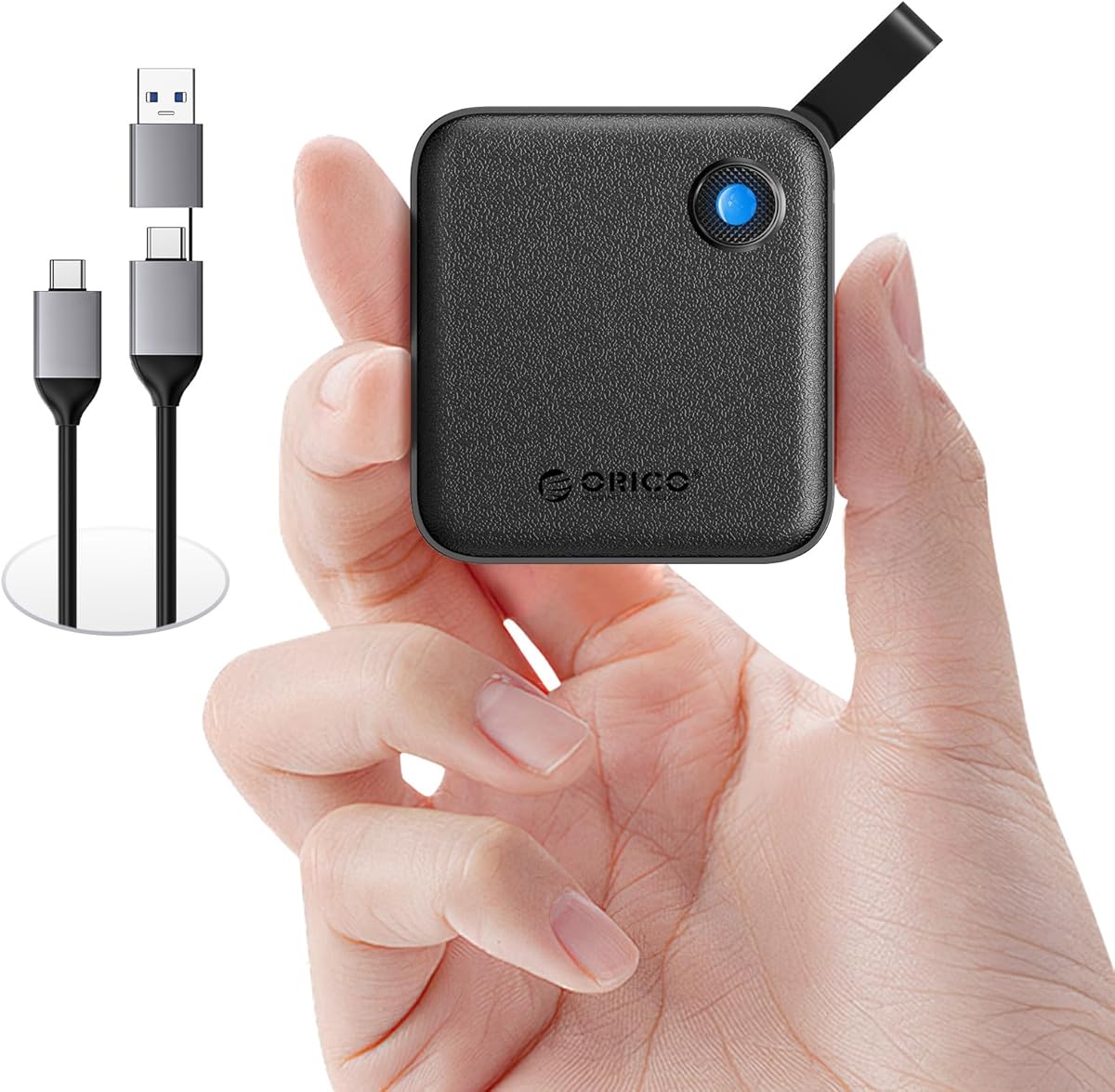
The ORICO SSD provides fast solid state performance at an affordable price point for tablets needing more than flash drive speeds. Its 4.5 rating confirms users appreciate the balance of cost and speed for media storage.
We may earn a commission when you buy through this link, at no additional cost to you.
Up to 460MB/s speeds let you move files quickly while the included USB-C and USB-A cable ensures compatibility with various devices. Its compact design makes it easy to carry in a pocket for on-the-go use.
While not as fast as premium SSDs with 1000MB/s speeds it offers solid value for casual users. The plastic casing is less rugged than metal alternatives but keeps the weight and price low.
Choose this drive if you want SSD speed without the premium price tag for general file storage. The included cable and decent performance make it a practical choice for many.
SSD technology ensures faster read and write speeds than traditional flash drives so you spend less time waiting for files.
Comes with both USB-C and USB-A cables so you can connect to any device without buying separate adapters.
We may earn a commission when you buy through this link, at no additional cost to you.
This SSD offers USB 3.2 Gen 2 speeds ideal for recording high-resolution videos directly from your tablet camera. A 4.6 rating reflects its reliability and speed for content creators needing portable storage during shoots.
We may earn a commission when you buy through this link, at no additional cost to you.
With read speeds up to 550MB/s you can transfer and playback 4K videos smoothly without lag. The aluminum alloy frame protects against drops and vibration while keeping the drive cool during prolonged use.
The weight is slightly higher than flash drives but necessary for the durable build. It works best with devices supporting USB-C and USB-A and might need extra care to match older devices.
If you record videos on your tablet this drive ensures smooth performance and reliable storage. Its build quality and speed make it a strong choice for mobile content creators.
Designed to handle 4K 60fps video recording directly so you can shoot professionally without worrying about internal memory.
The solid aluminum frame makes it silent and durable so it performs quietly and safely in any environment.
We may earn a commission when you buy through this link, at no additional cost to you.
The Vansuny drive offers a simple way to expand tablet storage for photos and videos without complex setup. Rated 4.3 stars it is a budget friendly option for users who need basic file access across multiple devices.
We may earn a commission when you buy through this link, at no additional cost to you.
It supports OTG so you can connect it to compatible Android phones and tablets for direct file transfers. The keychain design keeps the drive with you so you never lose it while moving between devices.
Transfer speeds are moderate so large backups might take longer compared to SSDs. The plastic build is durable enough for daily use but not for extreme conditions compared to metal cases.
If you need a cheap and easy storage extension for your tablet this drive is worth the price. Its plug-and-play nature and OTG support make it simple for everyday needs.
The included keychain ensures the drive stays with you so you always have access to your important files.
No software installation is needed so you can start transferring files immediately after connecting the drive.
We may earn a commission when you buy through this link, at no additional cost to you.
Selecting the right storage expansion depends on capacity needs device compatibility and how fast you need to transfer files. Consider these factors before buying to ensure the product matches your specific use case.
Think about what you will store. If you mostly need photos and documents 128GB might be enough. For 4K video editing large media libraries or games consider 256GB or higher like 1TB options.
Choose enough capacity to grow with your needs so you do not have to replace the drive soon.
Check your tablet ports. Modern tablets use USB-C while older ones may need microSD or USB-A. Dual connector drives simplify transfers between tablets and laptops.
Ensure the drive matches your tablet ports directly to avoid needing extra adapters or hubs.
Faster speeds matter if you move large files. Flash drives usually offer 130 to 150MB/s while SSDs reach 500MB/s and above. This impacts how long backups take.
Opt for higher speeds like 400MB/s or more if you transfer video or large datasets regularly.
If you travel often choose waterproof shockproof or metal drives. Aluminum cases also dissipate heat better than plastic during heavy use.
Pick a rugged design if your device will face drops heat or moisture in daily use.
MicroSD cards offer low cost for basic expansion but SSDs cost more for better speed. Decide if you need enterprise grade performance or just simple storage.
Balance cost and speed based on your needs to avoid overspending on features you will not use.
Most drives work on Android iOS macOS and Windows but check app support for backups. Some need software like Memory Zone for automation.
Ensure the drive is compatible with your tablet OS to avoid software errors or slow transfers.
Look for drives with at least a three year warranty. Better brands offer up to ten years of protection against failures.
A strong warranty ensures you get reliable service if the drive fails early in its life.
Plug and play drives save setup time. Others may need formatting or apps to unlock features on mobile devices.
Choose options that work immediately when plugged in to keep your workflow efficient.
Always back up important files before moving them to an external drive. This prevents accidental data loss during the transfer process.
Safely eject the drive before unplugging it from your tablet. Forceful removal can corrupt files and damage the storage device over time.
Store drives in a dry cool place away from heat or water. Keep connectors clean and covered to prevent dust buildup and corrosion.
MicroSD cards slot directly into the tablet for internal expansion while USB drives plug into ports for portable storage. USB drives are more versatile for laptops while cards are permanent internal expansions.
Most drives work without software using plug and play. Some may include apps for auto backup but basic file transfers require no setup on modern tablets.
Some Android tablets allow apps to move to SD cards but USB drives typically support only file storage. Check your device settings to confirm app support.
It is safe but remove it when not in use to avoid accidental data loss. Always eject the drive properly before disconnecting to keep files secure.
Most modern Android tablets support OTG. Check your device settings or try connecting a USB drive. If it appears in files it is supported without extra software.
Use exFAT for best compatibility across Windows Android and iOS. NTFS works on Windows but some tablets need formatting first for full read write access.
Yes drives work for photo backups. Use the drive to copy media from the tablet to free up internal space and protect photos from loss.
SSDs with 500MB/s speeds or higher are best for 4K video. They ensure smooth playback and fast transfers needed for professional editing on the go.
The Samsung Type-C flash drive and SanDisk microSD card top our picks for speed and budget respectively. For massive capacity the SSK SSD delivers unmatched performance for professionals.
Prioritize compatibility and speed based on what files you store daily. A good drive expands your tablet potential and protects your media without needing new hardware.
Check current prices before buying as deals change regularly. Select the right storage for your tablet now and keep your device running smoothly for years.