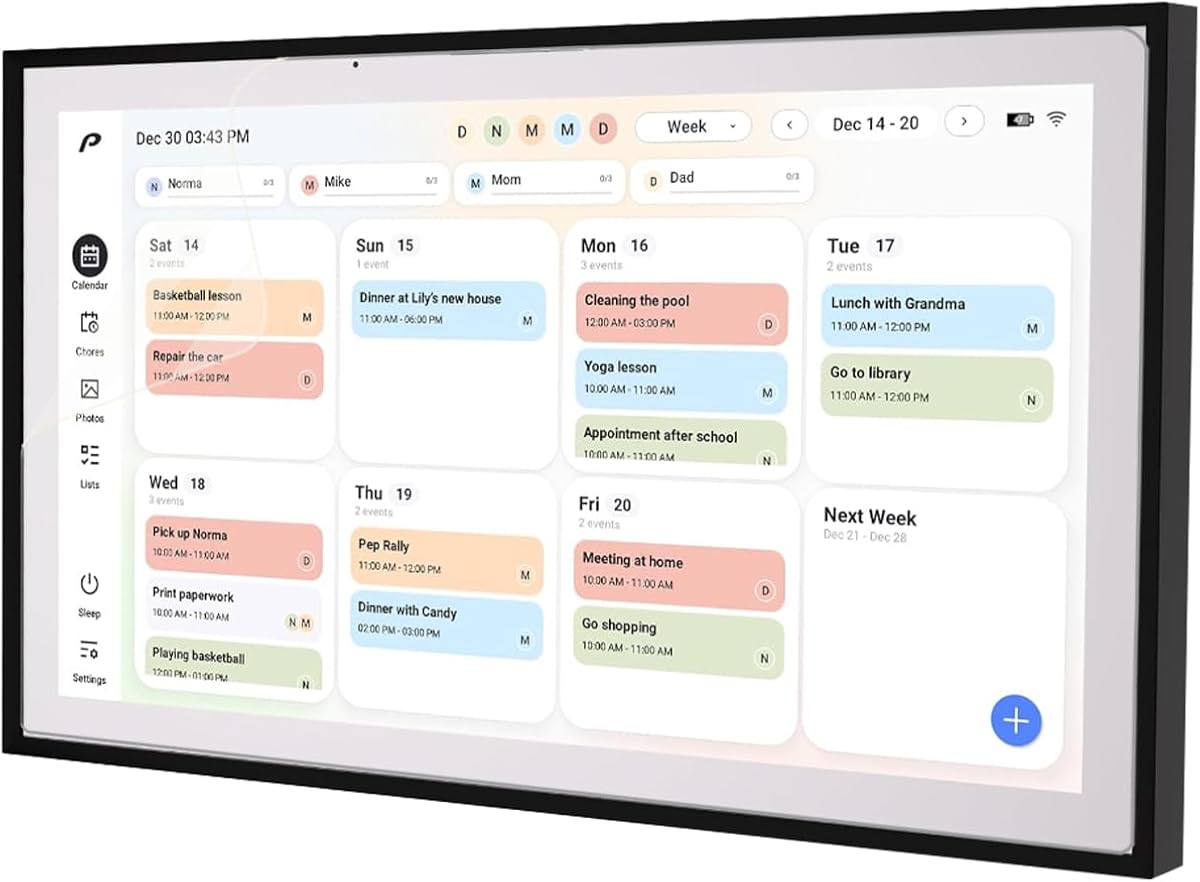
2 Pack Screen Protector for 15.6" Skylight Digital Calendar
5.0Editor score
Ultra-thin 0.15mm thickness
High definition clarity
Anti-fingerprint coating
Protecting your digital calendar screen is essential for maintaining clarity and longevity. A good protector prevents scratches while ensuring touch sensitivity remains intact for daily use.
We compared ten leading options based on compatibility and material quality. Our analysis focuses on glare reduction and ease of installation for family-friendly devices.
Each pick highlights unique features like anti-glare coatings or stylus inclusion. Prices change frequently so verify current offers before completing your purchase decision.
5.0Editor score

4.2Editor score

3.2Editor score
As an Amazon Associate we earn from qualifying purchases.
This side-by-side comparison highlights key specifications for every model. We evaluate hardness ratings and dimensions to help you choose the right fit for your specific device.

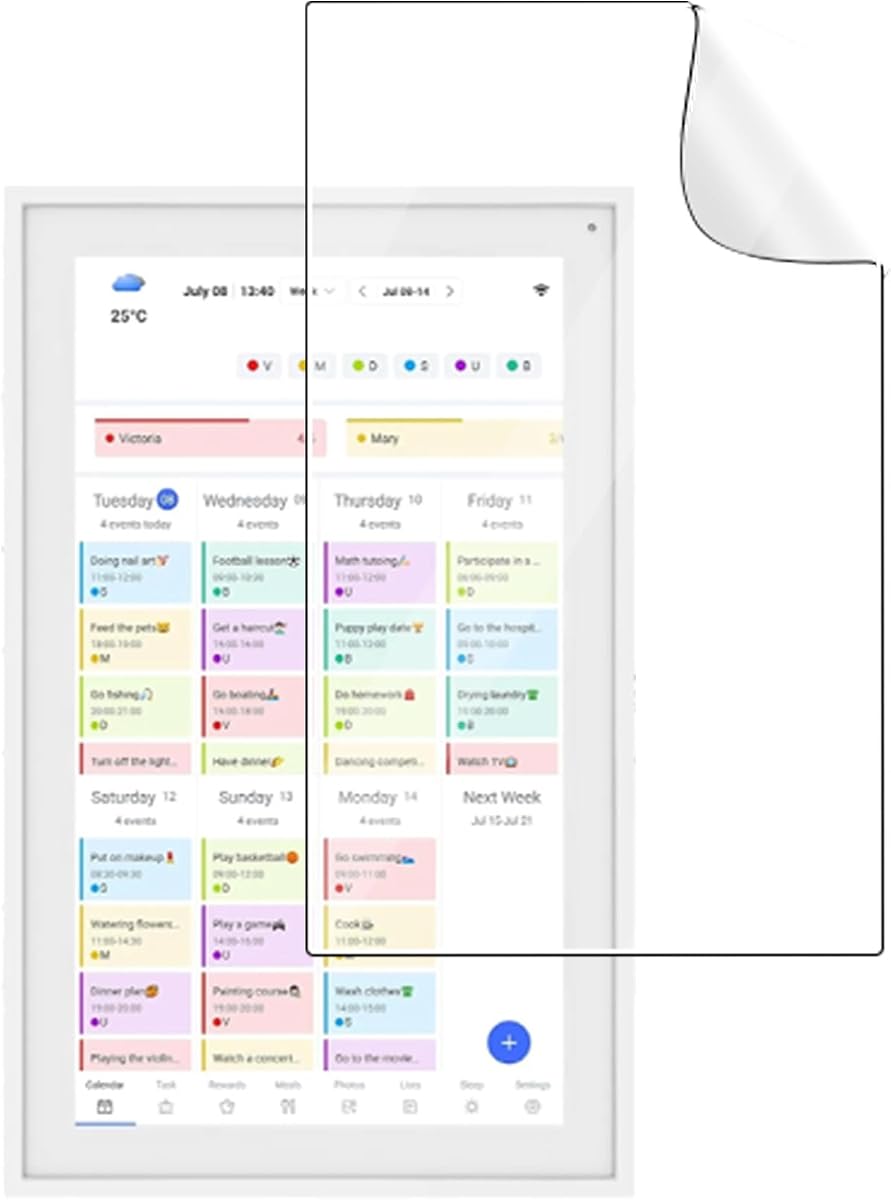

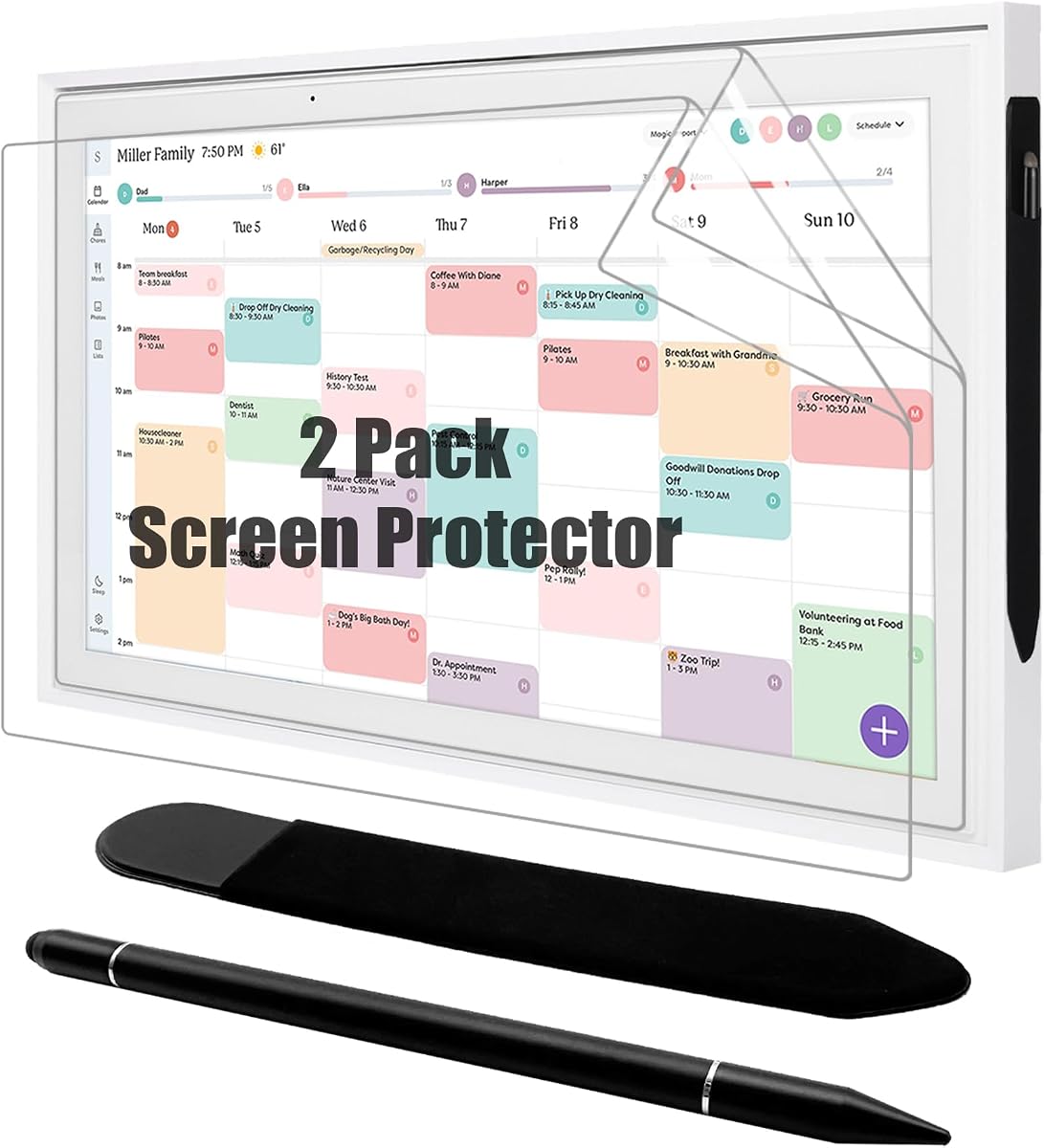
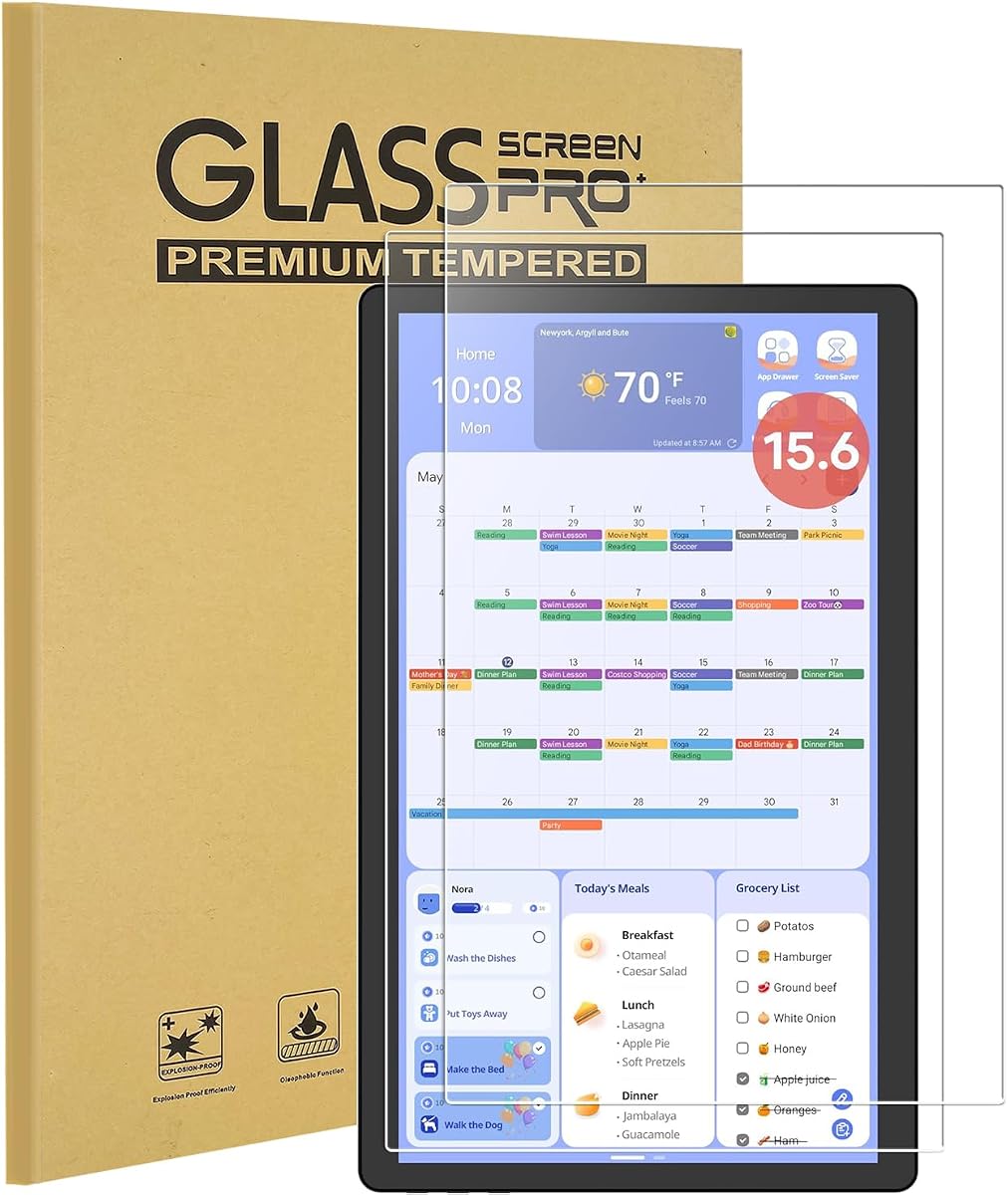


This accessory kit offers comprehensive protection for your digital calendar with a unique stylus inclusion. It earns its top rating by combining screen safety with enhanced functionality for daily family use.
We may earn a commission when you buy through this link, at no additional cost to you.
The Paperfeel screen protector significantly reduces glare from sunlight and indoor lighting. Its hydrophobic coating ensures the display remains clear and free of smudges even after constant handling.
While the stylus adds value, users should note the tip may require replacement over time. The installation process is straightforward but requires careful alignment to avoid dust particles.
Families seeking a complete solution will appreciate this bundle. It addresses both protection and input needs in one purchase for optimal convenience.
The included stylus pen provides precise control for editing calendar entries and marking important dates effortlessly.
Anti-glare properties help protect eyes from strain during prolonged viewing in bright environments.
We may earn a commission when you buy through this link, at no additional cost to you.
Tempered glass protection ensures your device remains safe from accidental impacts and scratches. This model delivers high transparency so the original display quality remains unaffected.
We may earn a commission when you buy through this link, at no additional cost to you.
The 9H hardness rating provides robust defense against daily wear and tear. Its oleophobic coating prevents fingerprints from accumulating quickly on the screen surface.
Installation is designed to be bubble-free with venting adhesive. However, users must align the protector carefully to ensure perfect fit before adhesion sets.
This option is ideal for those prioritizing durability and clarity. It balances protection with visual fidelity for a premium viewing experience.
High transparency ensures the original brightness and color accuracy of your calendar screen remain intact.
The 9H hardness rating effectively protects against scratches from keys and other hard objects.
We may earn a commission when you buy through this link, at no additional cost to you.
This budget-friendly option offers a two-pack deal perfect for households needing multiple protections or backups. It achieves a perfect rating through exceptional clarity and slim design.
We may earn a commission when you buy through this link, at no additional cost to you.
The ultra-thin 0.15mm thickness ensures your screen retains original touch sensitivity. Hydrophobic coatings keep the surface clean from sweat and oils effectively.
While it may not match glass hardness, it effectively shields against daily scratches. The package includes cleaning tools to simplify the installation process for users.
Those seeking affordability without sacrificing quality should consider this pick. It delivers reliable protection at an accessible price point.
The 0.15mm thickness ensures no bulk is added to the screen while maintaining touch sensitivity.
Includes two screen protectors along with a cleaning tool to ensure a smooth installation process.
We may earn a commission when you buy through this link, at no additional cost to you.
Designed specifically for smaller digital calendars, this protector ensures a perfect fit for 10.1 inch screens. It maintains clarity while shielding against scratches from daily handling.
We may earn a commission when you buy through this link, at no additional cost to you.
The high definition transparency keeps the display vibrant. Bubble free adhesive simplifies installation ensuring a smooth finish without air pockets.
Users must confirm their device model before purchasing as it does not fit other sizes. The product focuses on basic protection rather than additional features.
Ideal for owners of compact digital calendars needing reliable coverage. It offers a simple effective solution for screen maintenance.
Precise laser cuts ensure the protector fits the exact dimensions of the 10.1 inch screen.
Maintains the original touch response ensuring all interactive features remain fully functional.
We may earn a commission when you buy through this link, at no additional cost to you.
The matte anti-reflective coating significantly reduces glare making it easier to view in bright rooms. This option includes all necessary tools for a professional finish.
We may earn a commission when you buy through this link, at no additional cost to you.
Scratch resistance ensures long term protection against dust and impacts. The surface repels fingerprints to keep the screen looking clean longer.
Some users may prefer a glossy look over the matte finish. However the reduction in glare makes this a strong choice for outdoor use.
Families wanting glare reduction will find this kit valuable. It balances protection with visual comfort for extended viewing.
Matte anti-reflective coating minimizes glare from sunlight or indoor lighting for comfortable viewing.
Includes two screen protectors along with a microfiber cloth and squeegee for application.
We may earn a commission when you buy through this link, at no additional cost to you.
This set combines two protectors with a versatile stylus pen for enhanced interaction. It supports family usage with features designed for precise editing and note taking.
We may earn a commission when you buy through this link, at no additional cost to you.
Anti-reflective coating helps maintain visibility in sunny kitchens. The hydrophobic layer repels oils and fingerprints ensuring the screen remains pristine.
The stylus tips may vary in durability depending on usage frequency. Users should handle the ballpoint tip carefully to avoid damaging paper surfaces.
For those wanting added input tools this package is ideal. It provides comprehensive care for your calendar with practical accessories.
The 3-in-1 stylus offers multiple tips including a ballpoint pen for writing on paper.
Coating reduces glare from sunlight and indoor lighting protecting your eyes during prolonged use.
We may earn a commission when you buy through this link, at no additional cost to you.
Tailored for Cozyla digital calendars, this glass protector offers reliable scratch resistance. Its high transparency ensures the display remains clear without color distortion.
We may earn a commission when you buy through this link, at no additional cost to you.
The oleophobic coating prevents unsightly smudges from appearing frequently. It maintains original brightness making content easier to read in various lighting.
Because it is model specific, verification before purchase is essential. This specificity ensures a better fit than generic options available on the market.
Owners of Cozyla models will find this option suitable. It delivers durable protection with a focus on clarity.
Offers crystal clear transparency for optimal viewing experience without affecting display quality.
Boasts a 9H hardness rating to protect your screen from scratches and impacts effectively.
We may earn a commission when you buy through this link, at no additional cost to you.
This large format protector is designed for 27 inch wall touch screens. It features blue light blocking technology to help reduce eye strain during evening usage.
We may earn a commission when you buy through this link, at no additional cost to you.
The oleophobic layer keeps fingerprints and water from damaging the surface. Touch sensitivity remains true ensuring accurate responses during navigation.
Users should note the lower rating may indicate variability in adhesive quality. Careful application is recommended to avoid residue when removing the film.
Suitable for large digital wall calendars needing specific dimensions. It offers unique blue light filtering benefits for night time viewing.
Helps relieve eyes strain caused by using the device for a long time.
Provides maximum scratch resistance and screen explosion resistance for safety.
We may earn a commission when you buy through this link, at no additional cost to you.
BoxWave offers a specialized anti-glare solution for Dragon Touch calendars. Its glueless adhesive design ensures no sticky residue remains upon removal.
We may earn a commission when you buy through this link, at no additional cost to you.
The matte surface provides a high-end look while reducing reflections. This option is tailored for those wanting a specific aesthetic and feel.
Current customer feedback suggests potential issues with adhesion or clarity. Consider this option with caution given the lower satisfaction rate.
If you prefer a glueless option for Dragon Touch this is a candidate. Verify recent reviews before purchasing to ensure quality.
The special GLUELESS adhesive will never leave any sticky residue that may damage your screen.
Ultra smooth matte surface gives you a FUTURISTIC high-end look and feel to your device screen.
We may earn a commission when you buy through this link, at no additional cost to you.
Designed for 10.1 inch Dragon Touch models this clear film offers up to 99% visual clarity. It ensures all ports and functionalities remain fully accessible during use.
We may earn a commission when you buy through this link, at no additional cost to you.
The glueless adhesive adheres smoothly and removes cleanly without leaving marks. Application tools are included to assist with setting the film correctly.
Low-tack adhesive may take time to settle fully along edges. Patience ensures better results for the adhesive to secure properly.
Owners of Dragon Touch devices seeking clarity should consider this. It delivers premium protection with a clean and simple design.
Provides up to 99% visual clarity for a clear vibrant viewing experience with a smooth glass-like surface.
Made from high-quality thermoplastics to help protect your screen against everyday scratches dust and minor impacts.
We may earn a commission when you buy through this link, at no additional cost to you.
Selecting the right protector depends on your device size and specific needs. We outline key factors to ensure you find a compatible and effective solution.
Always verify your digital calendar model and screen dimensions before purchasing. A mismatched size can lead to poor coverage or interference with touch functionality.
Check the product description carefully to ensure it lists your exact model name or size.
Screen protectors come in PET film or tempered glass. Glass offers better scratch resistance but may be thicker while film is slimmer and lighter.
Choose based on whether you prioritize durability or maintaining a slim profile for your device.
Options include glossy for high clarity or matte for reduced glare. Matte finishes are better for bright rooms but may reduce sharpness slightly.
Consider where the device sits most often to decide which finish suits your lighting conditions.
High-quality adhesives ensure a bubble-free application and clean removal. Look for glueless options if you plan to change protectors frequently.
Poor adhesive may leave residue or fail to stick properly over time.
Some kits include stylus pens or cleaning tools which add value. These can be useful for interactive calendars or those needing note-taking capabilities.
Assess if these extras justify the price difference compared to basic models.
Hardness is rated on the H scale where 9H is the most resistant to scratches. Higher ratings provide better protection against keys and other hard objects.
Prioritize higher hardness if your calendar sees frequent daily contact.
Buying in packs of two or more can offer better value for families. This ensures you have a backup if the first protector is damaged or poorly applied.
Check what tools are included in the box to avoid extra costs.
Customer feedback often reveals real-world installation issues or durability concerns. Read recent reviews to gauge current product performance and reliability.
Look for consistent praise regarding fit and clarity before making your final decision.
Start by cleaning your screen thoroughly with the provided microfiber cloth to remove any dust or oils before applying the protector.
Align the protector carefully with the edges of your device and press down gently from the center outward to avoid trapping bubbles.
Avoid using harsh chemicals to clean the protector surface and instead wipe it with a soft cloth to maintain its coating.
Most screen protectors come with a protective plastic film that must be removed before installation. This film protects the adhesive layer during shipping and handling. Ensure you peel it off carefully to avoid scratching the glass.
High-quality protectors are designed to maintain touch sensitivity. Thinner films and tempered glass generally preserve the original response. However cheap materials may slightly reduce responsiveness over time.
Use a soft microfiber cloth to gently wipe the surface. Avoid using alcohol or abrasive cleaners that can damage the oleophobic coating. A damp cloth may be used if needed but must be dry before use.
Bubbles often occur due to dust or misalignment during application. You can push them out with a card or wait for self-healing adhesive to settle. Ensure the screen is clean before starting.
If your family uses the calendar for note-taking or drawing a stylus adds convenience. It reduces the need for separate tools. However verify the stylus fits well with the screen surface.
It is not recommended to cut protectors as it may damage the edges and coating. Precision-cut options fit better and maintain structural integrity. Always buy the correct size for your device.
Anti-glare coatings diffuse light to reduce reflections from bright sources. This makes the screen easier to view in sunlight. It often gives the surface a matte or textured appearance.
We have reviewed ten top options to help you select the ideal protection for your digital calendar. Each pick balances features and quality to meet different needs.
Prioritize compatibility and hardness ratings to ensure your device stays safe from daily wear. Matte finishes may suit bright environments better than glossy ones.
Remember to check current availability and pricing before buying to secure the best value for your family. A good protector ensures your calendar lasts longer.