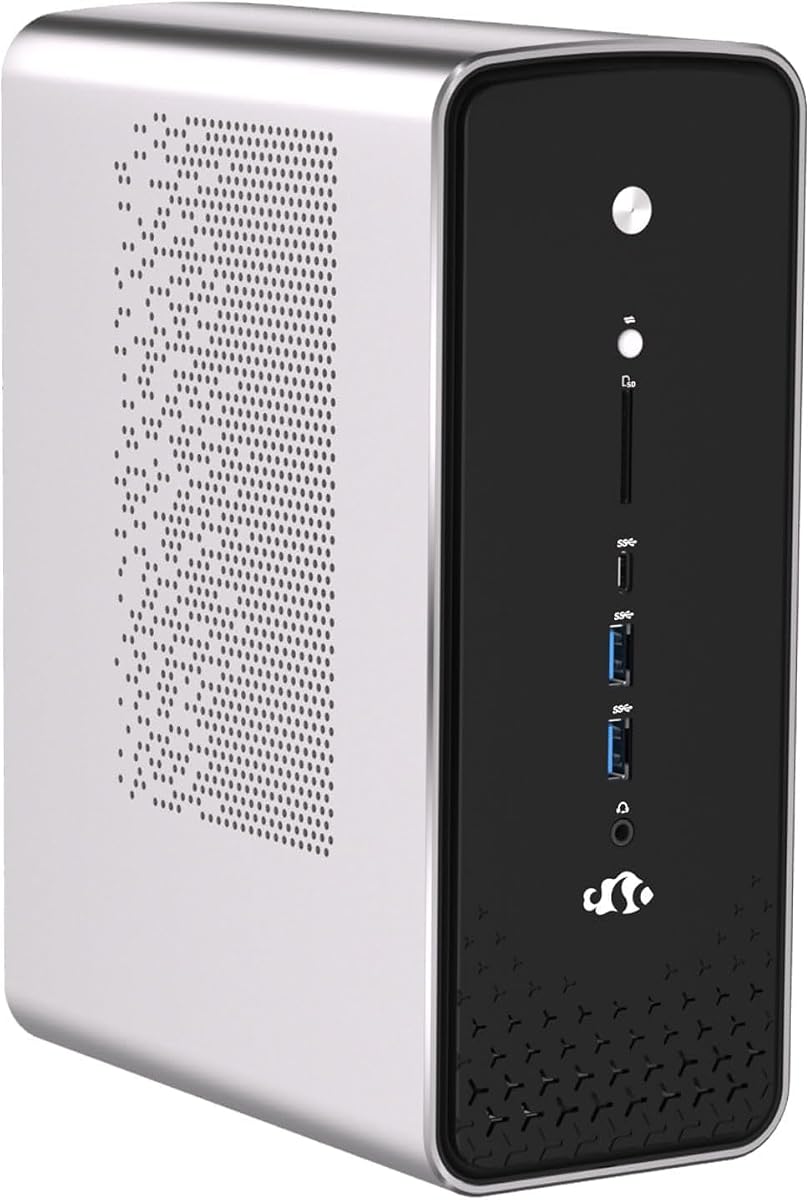
NIMO Mini PC Ryzen AI Max+
5.0Editor score
Ryzen AI Max+ 395
Dual OS Flexibility
Next-Gen AI NPU
This guide compares the best Desktop PC with Ubuntu Pre Installed options for developers and professionals, highlighting performance, specs, and real-world
Finding a Desktop PC with Ubuntu Pre Installed simplifies your workflow by eliminating complex setup steps. These systems offer a stable, open-source environment ready for development and productivity out of the box.
We evaluated ten top-rated mini towers and desktops based on processing power, memory, storage, and connectivity. Each entry supports Linux natively and delivers reliable performance for professional and personal computing tasks.
Every pick includes key specs, pros, cons, and detailed analysis to help you choose wisely. Remember that availability and configurations change frequently, so verify current details before making your final purchase decision.
5.0Editor score

4.0Editor score
The following table provides a side-by-side comparison of all ten models evaluated in this guide, highlighting their core specifications and distinctive features.





The Beelink Mini PC SER9 Pro stands out as a top contender for those seeking a Desktop PC with Ubuntu Pre Installed. It delivers high-end processing power with a Ryzen 7 255 CPU, offering smooth performance for development and AI tasks.
We may earn a commission when you buy through this link, at no additional cost to you.
This model shines with its 24GB LPDDR5X memory and integrated Radeon 780M graphics, which handle multitasking and multimedia without lag. The pre-installed Ubuntu system and OpenClaw integrations provide immediate utility for developers and power users.
While the OpenClaw suite offers advanced automation, it may require a learning curve for casual users. However, the hardware robustness and Linux readiness make these trade-offs worthwhile for professional workflows.
If you need a compact, powerful workstation ready for Linux development, this mini PC is a strong recommendation. Its connectivity options and display flexibility support complex setups effectively.
Built-in OpenClaw and Ubuntu support streamline workflows for developers needing AI, DevOps, and automation tools from day one.
Triple display output via HDMI, DP, and USB4 allows extensive multitasking and productivity setups for professionals.
We may earn a commission when you buy through this link, at no additional cost to you.
The NIMO Mini PC Ryzen AI Max+ is a premium Desktop PC with Ubuntu Pre Installed designed for heavy computational tasks and AI workloads. Its dual OS setup allows seamless switching between Linux and Windows.
We may earn a commission when you buy through this link, at no additional cost to you.
Equipped with the Zen 5 architecture Ryzen AI Max+ 395 and a dedicated NPU, this system accelerates local LLM execution and data modeling. The high-bandwidth memory ensures smooth performance even with multiple virtual machines.
The price point is higher than most options, reflecting its advanced features and premium build. However, for those requiring local AI inference and robust Linux support, the investment is justified.
This machine is ideal for developers and researchers who need a powerful desktop without sacrificing OS flexibility. The triple display and thermal design support intensive, continuous workloads.
Integrated NPU and Zen 5 cores boost AI tasks locally without cloud dependency, ideal for research and development.
Dual OS pre-install allows users to choose Ubuntu for coding or Windows for gaming, with zero setup hassle.
We may earn a commission when you buy through this link, at no additional cost to you.
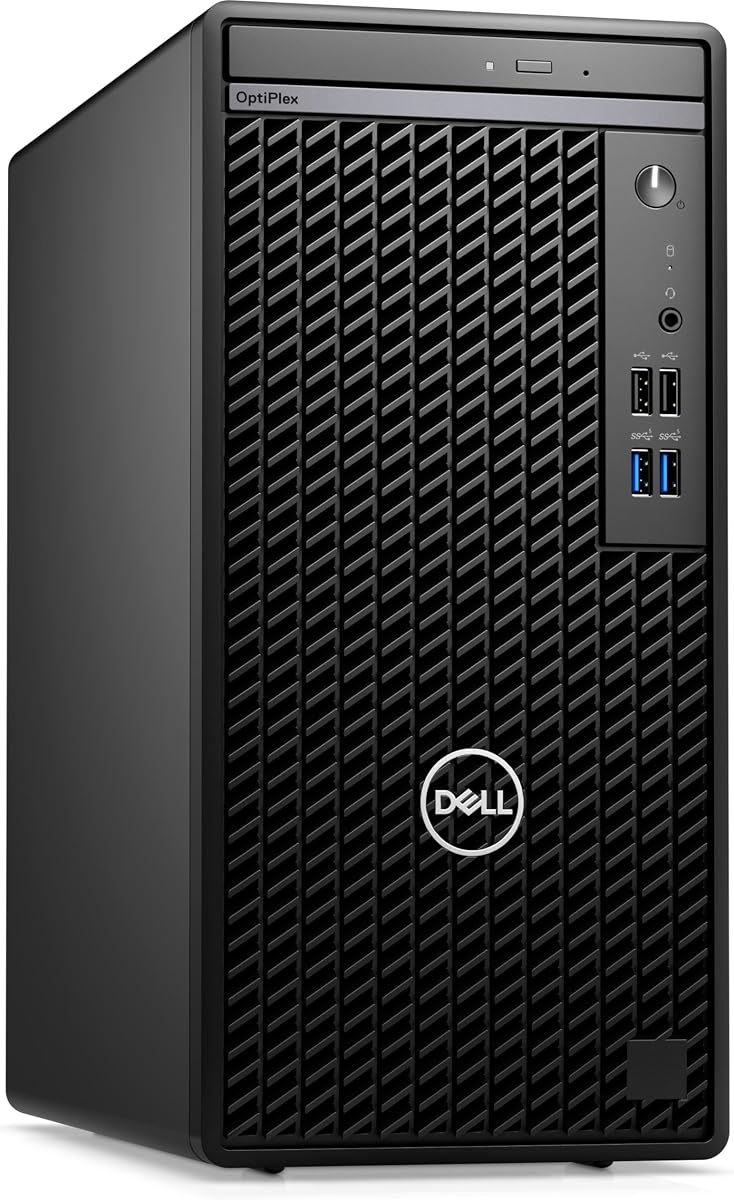
The Dell Optiplex 7010 offers an affordable entry into the Desktop PC with Ubuntu Pre Installed category. It features a robust 14-Core i5-13500 processor suitable for general office and development tasks.
We may earn a commission when you buy through this link, at no additional cost to you.
Ubuntu 22.04 comes pre-installed, ensuring immediate usability for Linux users. The system includes necessary peripherals like a keyboard and mouse, which adds value for small businesses or home offices.
The RAM and storage may feel limited for heavy multitasking or large datasets, but upgrades are possible. For basic to moderate workflows, the performance remains reliable and cost-effective.
If budget is a primary concern, this mini tower delivers solid performance with Linux out of the box. Its compact design saves desk space while maintaining professional build quality.
Pre-installed Ubuntu and included peripherals make this system ready for immediate deployment in office environments.
The mini tower chassis allows RAM and storage upgrades to extend the system lifespan and performance.
We may earn a commission when you buy through this link, at no additional cost to you.
While primarily sold with Windows, the Dell OptiPlex 7070 is a strong candidate for Ubuntu installation. Its generous 32GB RAM and fast NVMe storage support demanding Linux workloads efficiently.
We may earn a commission when you buy through this link, at no additional cost to you.
The small form factor design saves space while delivering powerful 8-Core i7 performance. Wireless connectivity is modern with WiFi 6E, ensuring stable network access for remote development.
Installing Ubuntu manually adds time compared to pre-installed options, but the hardware quality supports smooth operation. For those comfortable with OS changes, this is a robust workstation.
This desktop is ideal for users who value RAM and storage capacity over pre-installed OS convenience. The renewed condition ensures cost savings with professional reliability.
32GB RAM and 1TB SSD allow extensive multitasking and large project storage without performance bottlenecks.
WiFi 6E and built-in AX210 adapter ensure high-speed, low-latency network performance for remote work.
We may earn a commission when you buy through this link, at no additional cost to you.
The ASUS NUC 14 Pro is designed for developers seeking open-source efficiency with Linux Mint pre-installed. While Mint differs from Ubuntu, it offers similar compatibility and ease of use for most Linux tasks.
We may earn a commission when you buy through this link, at no additional cost to you.
With the Intel Ultra 7 155H processor and DDR5 memory, this mini PC handles complex development and AI workflows smoothly. The Thunderbolt 4 support enables versatile peripheral and display connections.
The low user rating may reflect compatibility concerns or delivery issues, so buyer caution is advised. However, the hardware specs remain compelling for those prioritizing portability and expandability.
For users comfortable with Linux Mint as a substitute for Ubuntu, this system offers cutting-edge processing and connectivity. It is particularly suited for portable workstation environments.
Linux Mint provides a lightweight and stable environment optimized for development, virtualization, and privacy.
Thunderbolt 4 and WiFi 6E support ultra-fast data transfer and reliable wireless networking for diverse setups.
We may earn a commission when you buy through this link, at no additional cost to you.
The Dell Optiplex 7050 is a reliable choice for businesses needing a desktop that can run Linux efficiently. Its 32GB RAM and 1TB SSD provide ample resources for multitasking even after OS changes.
We may earn a commission when you buy through this link, at no additional cost to you.
Designed for office use, it supports dual monitors and includes wireless peripherals. The renewed condition ensures a tested and certified device with warranty support from the seller.
Users aiming for Ubuntu will need to install it manually, which may require additional technical steps. Still, the hardware stability makes it a cost-effective workstation option.
For small offices seeking affordable hardware capable of Linux support, this model delivers consistent performance. Its compact size fits well in crowded workspaces.
32GB RAM allows running multiple virtual machines or heavy applications simultaneously without slowdown.
Dual monitor support and wireless peripherals make this system ready for productive office environments.
We may earn a commission when you buy through this link, at no additional cost to you.
The DELL Optiplex 7060 balances speed and storage for professional use. While it ships with Windows, its hardware is well-suited for running Ubuntu after installation.
We may earn a commission when you buy through this link, at no additional cost to you.
With 32GB RAM and NVMe SSD, the system boots quickly and manages multiple applications efficiently. Built-in WiFi and Bluetooth add convenience for wireless peripherals and network access.
The renewed status guarantees a tested device with warranty, offering peace of mind for business purchases. Storage limits may require external drives for larger data needs.
This desktop is a practical choice for organizations needing reliable machines capable of supporting Linux environments. The compact design fits seamlessly into modern office layouts.
NVMe SSD ensures rapid boot times and quick file access for improved daily productivity.
Built-in Bluetooth and WiFi eliminate cable clutter and support modern wireless accessories easily.
We may earn a commission when you buy through this link, at no additional cost to you.
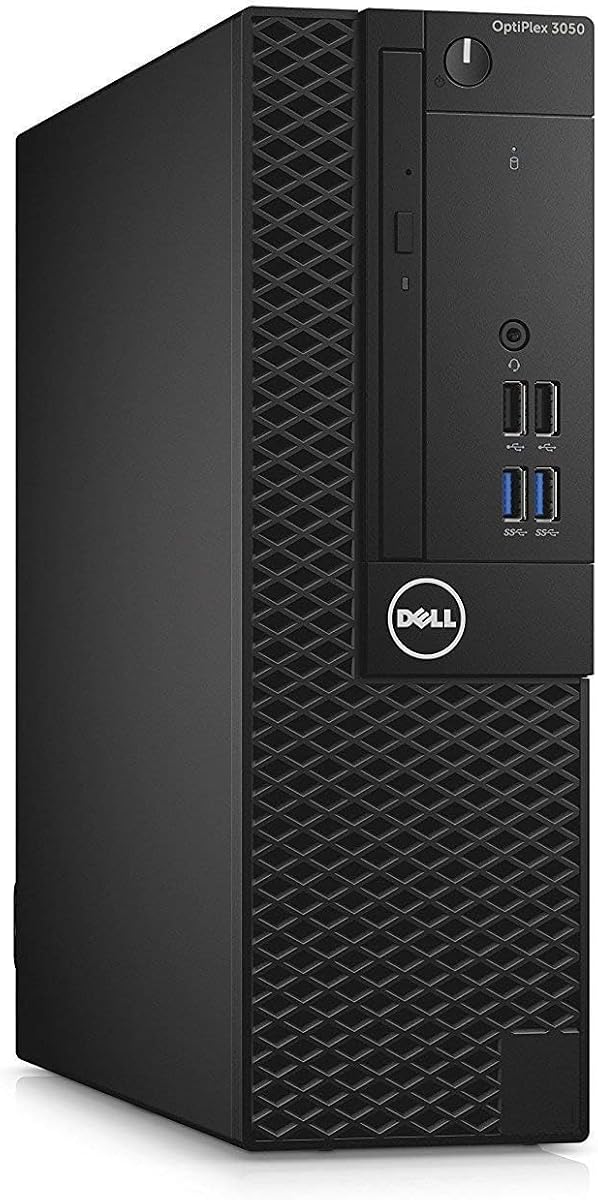
The Dell Optiplex 5050 offers a compact footprint ideal for limited desk space. Its quad-core i7 and 16GB RAM support smooth multitasking in Linux environments.
We may earn a commission when you buy through this link, at no additional cost to you.
Built for office productivity, the system includes NVMe storage for speed and dual monitor support. The renewed condition ensures consistent quality without brand new costs.
While the OS is Windows, installing Ubuntu is straightforward given the standard hardware components. Users should verify Wi-Fi compatibility before relying on wireless.
This unit suits businesses needing affordable, efficient workstations that can adapt to Linux needs. Its design maximizes performance in minimal space.
Small Form Factor design reduces desk clutter while maintaining full workstation functionality.
16GB RAM and NVMe SSD provide balanced speed and capacity for typical business applications.
We may earn a commission when you buy through this link, at no additional cost to you.
The Dell Pro Micro QCM1250 introduces the latest 15th Gen Intel processing with Ubuntu pre-installed. It is built for secure business environments needing modern AI capabilities.
We may earn a commission when you buy through this link, at no additional cost to you.
While the OS version may be older, the hardware supports upgrades for improved performance. DDR5 memory enhances speed and responsiveness for daily tasks.
Limited RAM may restrict heavy multitasking, but upgrades are possible. The compact size ensures it fits easily in restricted office environments.
This mini desktop is ideal for businesses prioritizing security and latest-generation hardware. Ubuntu availability ensures flexibility for open-source developers.
15th Gen Ultra processor and DDR5 memory deliver fast and efficient computing for modern tasks.
Integrated TPM and business-ready design protect data and support secure deployment practices.
We may earn a commission when you buy through this link, at no additional cost to you.
The ASUS PB64 Full System is a premium mini PC with powerful latest-gen hardware capable of running Ubuntu efficiently. Its toolless design simplifies maintenance and upgrades.
We may earn a commission when you buy through this link, at no additional cost to you.
With Ultra 7 processing and DDR5 memory, this unit delivers exceptional speed and multitasking capability. TPM hardware ensures enterprise-grade data security and identity protection.
While priced at a premium, the build quality and features justify the investment for high-performance needs. Manual OS installation is required for Linux users.
This mini PC fits professional environments requiring reliability and upgrade flexibility. Its compact design supports space-saving VESA mounts and modern workflows.
Toolless chassis access simplifies hardware changes and upgrades without specialized tools or downtime.
Hardware TPM ensures data encryption and identity protection for secure enterprise computing needs.
We may earn a commission when you buy through this link, at no additional cost to you.
Selecting a Desktop PC with Ubuntu Pre Installed requires careful evaluation of hardware specs, software support, and expandability to match your specific professional needs.
The processor determines overall system speed and multitasking capability. Look for 12th Gen Intel or Ryzen 5/7 series for smooth Linux operation.
Prioritize multi-core CPUs to handle development, virtualization, and heavy workloads efficiently.
RAM affects how many applications can run simultaneously without slowdown. At least 16GB is recommended for development and Linux tools.
Choose systems with upgrade options to extend lifespan and adapt to growing workload demands.
Fast NVMe SSDs ensure quick boot times and application loading. Minimum 512GB storage accommodates OS, applications, and data.
Consider dual SSD slots if you need to expand storage without replacing existing drives.
Verify that the Ubuntu version installed matches your application requirements and security standards. Some vendors may offer older LTS versions.
Check if the system supports easy OS reinstallation or dual-boot options for flexibility.
Ports like HDMI, DisplayPort, and USB-C allow connecting monitors and peripherals. Ensure sufficient USB ports for your devices.
Modern WiFi 6E and Ethernet options guarantee stable network performance for remote work.
Mini PCs save desk space but may limit thermal performance and upgradeability. Tower designs offer more power but occupy more room.
Consider VESA mounts if you need to hide the PC behind a monitor for cleaner setups.
A solid warranty protects against hardware failures, especially for business deployments. Check support responsiveness for Linux-specific issues.
Renewed systems should include seller warranties to ensure reliability and service availability.
Hardware TPM and secure boot options are essential for protecting sensitive data. Ensure the BIOS supports Linux security settings.
Verify biometric or multi-factor authentication features if required by your organization policies.
Power on the system and log into Ubuntu using the default credentials provided. Check for software updates to ensure security patches are installed immediately.
Install necessary development tools and applications via the Ubuntu Software Center or terminal. Configure external displays and peripherals using system settings.
Maintain performance by cleaning dust from vents regularly and keeping firmware updated. Backup important files to external drives or cloud services.
It saves time on OS installation and ensures compatibility with Linux tools from day one. Developers avoid driver issues and can start coding immediately after setup.
Yes, but you must create a bootable USB and follow partitioning steps carefully. Some systems may require disabling Secure Boot in BIOS settings first.
Not all. Many mini PCs ship with Windows and require manual Ubuntu installation. Check the product specifications or ask the seller about Linux support.
Ubuntu 22.04 LTS provides longer support and newer packages. Older versions may lack security updates, so prefer recent LTS releases for stability.
8GB works for basic tasks, but 16GB or more is recommended for development and multitasking. More RAM prevents slowdowns when running virtual machines.
Many support external GPUs via Thunderbolt or USB-C if drivers are installed. Desktop PCs generally offer better support for dedicated graphics hardware.
Mini PCs usually allow RAM and SSD upgrades, but CPU is soldered. Larger desktops often offer full component replacement and customization options.
Look for models with ample storage and BIOS access. Dual-boot setup requires partitioning drives to install both Windows and Ubuntu safely.
Our top picks highlight a range of options from budget-friendly towers to powerful mini PCs tailored for development and AI workloads.
Prioritize memory and storage capacity to ensure smooth multitasking and future expandability as your projects grow over time.
Always verify current pricing and specifications before purchasing since configurations change frequently based on vendor availability.