
Wireless CarPlay Adapter for iPhone 2026 Upgraded
4.6Editor score
Plug and play setup
Dual-chip technology
Compact metal shell design
This guide compares the top wireless CarPlay adapters for Tesla owners looking to upgrade their vehicle entertainment system with reliable plug-and-play
Tesla owners often seek ways to enhance their in-car entertainment experience without compromising the vehicle sleek interface. Wireless CarPlay adapters offer a seamless transition from wired to wireless connectivity for supported devices.
We evaluated ten leading adapters based on connectivity speed, build quality, and user feedback. Our analysis focuses on models that deliver stable performance for navigation music and calls on the go.
Each pick highlights key strengths and potential limitations to help you choose the right fit for your needs. Keep in mind that product availability and pricing may shift over time.
4.6Editor score

4.3Editor score

4.5Editor score
This table provides a side-by-side look at the core specifications of each adapter to help you compare features and performance at a glance.

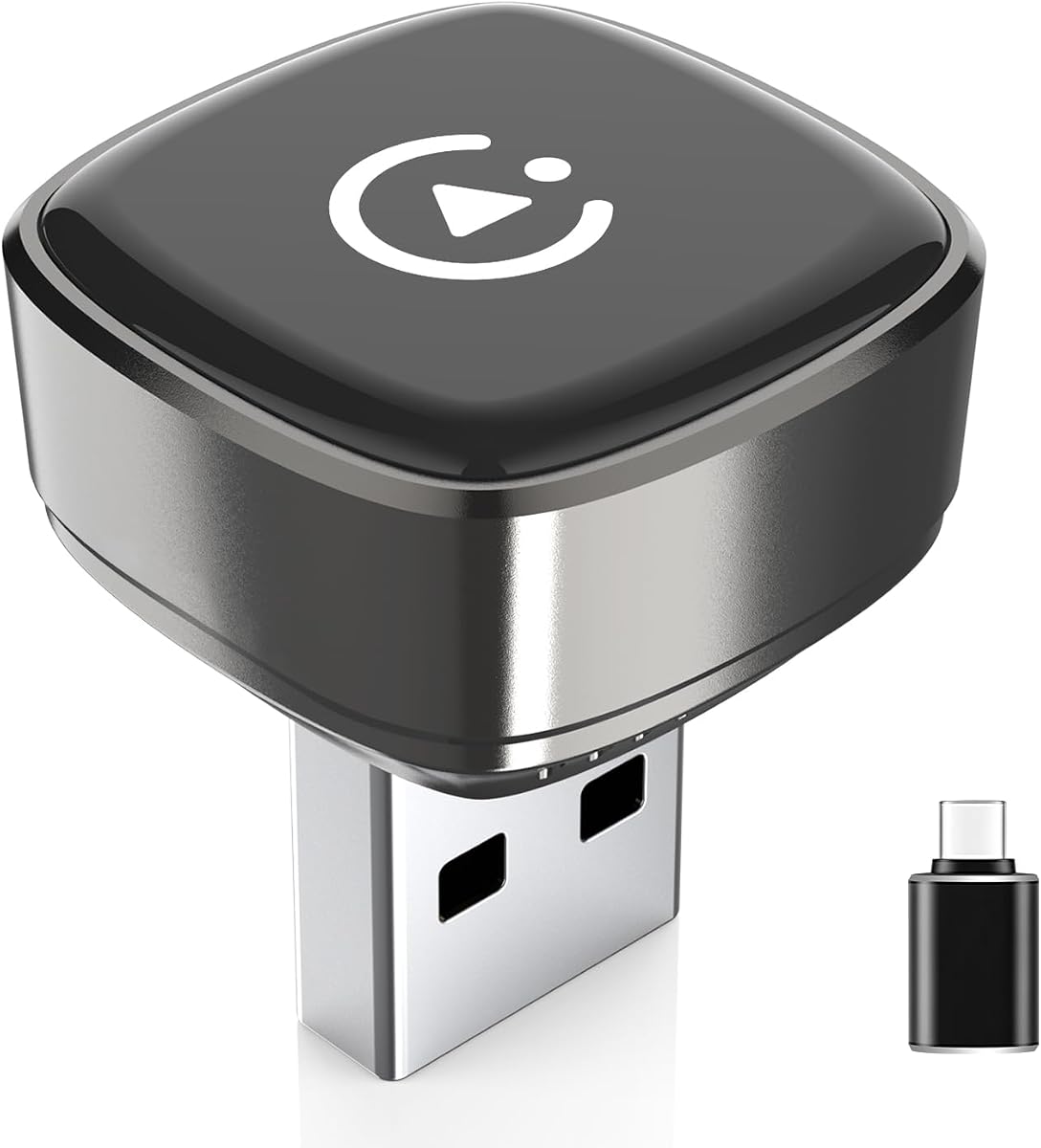
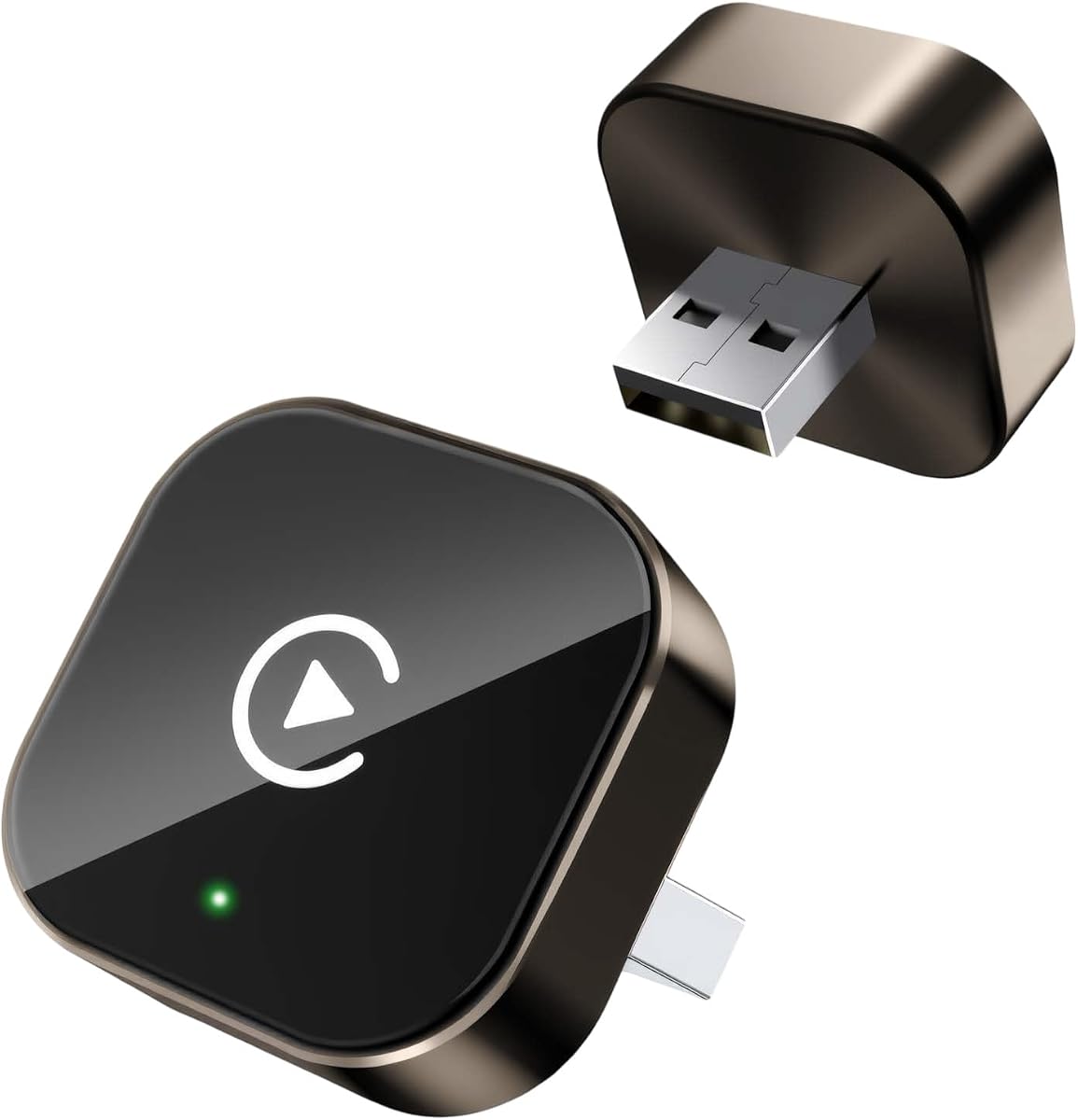


The Jemluse Wireless CarPlay Adapter stands out with its robust chip technology and multi-user capabilities. It maintains a strong rating from users who need consistent connectivity for navigation and media during long drives.
We may earn a commission when you buy through this link, at no additional cost to you.
Its 5.8GHz WiFi and 5.3 Bluetooth ensure fast data transmission while the aluminum alloy build provides superior heat dissipation. The design allows multiple users to connect seamlessly without frequent re-pairing.
While the price is higher than budget options, the durability and performance justify the cost for daily commuters. It requires a wired CarPlay base but eliminates the need for constant cable plugging.
Families or frequent drivers who value stability will appreciate this adapter. It is a reliable choice for those seeking long-term performance over the lowest cost.
The aluminum alloy construction helps manage heat effectively during extended use in varying temperatures.
Multiple drivers can store their profiles for quick access to their own navigation and media settings.
We may earn a commission when you buy through this link, at no additional cost to you.
This adapter excels in size reduction while maintaining strong performance for GPS and media streaming. Users praise its ability to blend into the console without cluttering the dashboard or USB ports.
We may earn a commission when you buy through this link, at no additional cost to you.
The 2026 chipset ensures stable connections with low latency for maps and music. It auto-connects quickly after the initial setup which simplifies daily driving routines significantly.
Although marketed as compatible with many cars it notes limitations for specific brands. The build is compact and durable enough for standard use but lacks advanced features like video streaming.
Ideal for drivers wanting a no-fuss solution this adapter offers great value. It fits well for those prioritizing simplicity and a clean interior aesthetic.
The ultra-mini box fits discreetly into the USB port reducing visual clutter in the cabin.
Connection happens automatically within seconds of starting the car for seamless usability.
We may earn a commission when you buy through this link, at no additional cost to you.
Rated highly for its performance relative to cost this adapter provides a smooth wireless transition for wired systems. It supports essential functions like navigation and music with minimal lag.
We may earn a commission when you buy through this link, at no additional cost to you.
The dual-chip technology ensures efficient transmission and stability across various driving conditions. Its compact metal shell adds durability while keeping the device small and unobtrusive.
While it lacks advanced video streaming capabilities it handles standard CarPlay tasks with ease. The zero latency claim holds true for most users during typical commuting scenarios.
Budget-conscious drivers will find this option compelling for daily use. It balances price and performance well for standard entertainment and navigation needs.
The collaborative dual-chip tech ensures data moves quickly between phone and vehicle display.
The metal casing resists wear and tear better than plastic alternatives over time.
We may earn a commission when you buy through this link, at no additional cost to you.
This adapter focuses on simplicity and ease of use for converting wired systems to wireless. It connects quickly and stays connected automatically once the initial setup is complete.
We may earn a commission when you buy through this link, at no additional cost to you.
Users benefit from a clutter-free dashboard since the adapter hides easily behind the console. It reduces physical wear on charging cables and the phone port significantly.
While performance is reliable for basic tasks it does not offer advanced streaming features. The auto-reconnection ensures you do not need to manually pair every time you enter the vehicle.
It suits drivers who want a straightforward solution without extra bells and whistles. The price point makes it an accessible entry into wireless CarPlay.
The small size allows it to be mounted out of sight for a clean look.
Eliminating constant plugging and unplugging extends the life of your charging cable.
We may earn a commission when you buy through this link, at no additional cost to you.
This adapter distinguishes itself by supporting both iPhone and Android devices for flexibility. It offers lifetime firmware updates to keep performance optimized as software evolves.
We may earn a commission when you buy through this link, at no additional cost to you.
The metal casing provides durability and heat resistance during long drives. It connects reliably to most factory wired systems and auto-reconnects quickly after startup.
User feedback is mixed with some noting occasional stability issues compared to dedicated iOS solutions. It remains a solid option for households with mixed phone operating systems.
Families using different devices will appreciate the dual compatibility. It is a practical choice for those needing versatility over pure performance.
Supports both Android and iOS for flexibility in multi-driver households.
Lifetime firmware updates ensure the adapter stays current with new OS versions.
We may earn a commission when you buy through this link, at no additional cost to you.
This latest upgrade focuses on maintaining original sound quality while delivering stable wireless performance. It uses Bluetooth 5.4 to minimize latency during calls and media playback.
We may earn a commission when you buy through this link, at no additional cost to you.
The multi-core processor ensures smooth operation for navigation apps and streaming services. Users appreciate the zero-lag claim which is backed by consistent connection stability in tests.
Support is emphasized with lifetime technical assistance for any connectivity issues. The tiny receiver fits unobtrusively into the USB port without blocking other functions.
Drivers prioritizing audio fidelity and smooth navigation will find this adapter effective. It is a strong contender for those needing reliable daily performance.
The chipset is tuned to preserve the car native sound system integrity.
Touchscreen and steering wheel buttons work seamlessly with the wireless link.
We may earn a commission when you buy through this link, at no additional cost to you.
This box transforms your screen into a personal theater with built-in video apps. It allows streaming services directly on the car display making idle time more entertaining.
We may earn a commission when you buy through this link, at no additional cost to you.
The aluminum alloy build provides superior durability and heat dissipation. It supports USB drives and TF cards for offline content which is useful in areas with weak signals.
OTA updates keep the software current without manual intervention. While it costs more the added functionality justifies the price for entertainment-focused users.
Road trippers or those who spend long periods parked will enjoy the features. It is the top pick for those seeking more than just navigation.
Pre-loaded apps turn your vehicle into a mobile entertainment hub instantly.
Use local files via USB or SD card when internet connection is unavailable.
We may earn a commission when you buy through this link, at no additional cost to you.
This adapter bridges the gap between iOS and Android users with seamless switching. It fits well in mixed households where drivers use different phone systems regularly.
We may earn a commission when you buy through this link, at no additional cost to you.
The design is ultra-compact to avoid clutter while including extension cables for various port types. It retains OEM-level controls for a natural driving experience.
Setup is straightforward with auto-reconnection once paired. The warranty provides peace of mind against potential defects or connection issues.
For couples or families with mixed devices this is a practical solution. It simplifies the dashboard experience regardless of the phone being used.
Effortlessly switch between Android Auto and CarPlay without unplugging cables.
Included USB-A and USB-C cables ensure a fit for various car models.
We may earn a commission when you buy through this link, at no additional cost to you.
This adapter is designed for speed and convenience with a next-gen A7S chip. It connects in seconds and re-establishes connection almost immediately after every ignition.
We may earn a commission when you buy through this link, at no additional cost to you.
It has been tested for vibration resistance to ensure stability on rough roads. The compact design blends into the interior without drawing attention or causing clutter.
The inclusion of a USB-C cable helps with compatibility across different models. It is straightforward to use with minimal steps required for activation.
Drivers who value time and efficiency will find this model appealing. It offers a high-quality experience with reliable daily performance.
The A7S chip ensures rapid data transfer for instant app loading.
Designed to stay connected even on bumpy roads without dropping the signal.
We may earn a commission when you buy through this link, at no additional cost to you.
This versatile dongle supports both major platforms for flexible connectivity. It connects via USB-A or USB-C to match various car port configurations seamlessly.
We may earn a commission when you buy through this link, at no additional cost to you.
The 2026 chipset provides stable performance for navigation and media on the go. It auto-connects quickly after pairing to ensure a smooth start to every drive.
While it lacks advanced entertainment features it handles standard apps effectively. The compact design ensures it does not obstruct the console or other controls.
Drivers seeking a reliable and simple adapter for daily use will appreciate it. It offers solid value for standard navigation and media needs.
USB-A and USB-C options ensure compatibility with different vehicle port types.
The device reconnects automatically so you do not wait to start your journey.
We may earn a commission when you buy through this link, at no additional cost to you.
Selecting the right adapter requires checking compatibility and features to ensure smooth integration with your vehicle.
Ensure the adapter supports your specific vehicle model and operating system version. Most adapters require a factory wired CarPlay base to function correctly.
Always verify that your car model is on the supported list before purchasing to avoid connection issues.
Look for dual-band WiFi and Bluetooth 5.3 or higher for stable and low-latency performance. This ensures navigation and media stream without drops.
Higher frequency bands help reduce interference from other electronic devices in the cabin.
Choose adapters with metal casings for better heat dissipation and durability over time. Plastic units may overheat in hot weather or fail prematurely.
A sturdy build ensures the device withstands daily vibration and temperature changes.
Decide if you need support for both Android and iOS or just iPhone. Most are iOS focused but some offer dual platform options.
Check minimum OS versions required to ensure your current device will connect successfully.
Prioritize plug-and-play setups with auto-reconnect to avoid manual pairing. Firmware updates should be easy to apply through OTA services.
Regular updates maintain security and stability so ensure the brand offers lifetime support.
Ensure the adapter fits your USB port type and does not block adjacent slots. A compact design keeps the dashboard clean and unobtrusive.
Consider models with included extension cables for hard-to-reach or angled ports.
Compare costs against features to find the best value for your specific needs. Look for warranties that cover defects for at least one year.
Higher prices often reflect better durability and support but budget options exist for basic tasks.
Some premium models offer video apps or offline playback for idle time entertainment. Check if these extra features align with your usage patterns.
Standard adapters focus on navigation and audio so choose accordingly if video is a priority.
Plug the adapter into a powered USB port in your vehicle and allow the car to fully boot. This ensures the device gets enough power to initialize properly.
Enable Bluetooth and WiFi on your phone to pair with the adapter for the first time. Follow the on-screen prompts to confirm the connection is secure.
Keep the adapter free of dust and avoid covering it with heavy objects to prevent overheating. Regularly check for firmware updates to maintain peak performance.
No most require a wired CarPlay base to convert. If your car already has wireless CarPlay you do not need an adapter to connect wirelessly.
Many units pass charging signals but it depends on the USB port. Using a separate cable for charging ensures your phone stays powered up.
Most adapters update automatically via OTA when connected to your car. Some may require a mobile app to check for and apply updates manually.
Drops often happen due to weak WiFi or Bluetooth interference. Re-pair the device or move other electronics away from the adapter to improve stability.
Yes metal built models are designed for extended heat exposure. Just ensure they are mounted in a ventilated area to avoid overheating.
Your phone OS updates rarely break the adapter but keep firmware current. Check the manufacturers site for compatibility notes after major phone updates.
We highlighted ten top adapters ranging from budget picks to premium entertainment hubs. Each option offers reliable wireless conversion with varying feature sets to suit different drivers.
Prioritize build quality and connectivity stability if you drive daily. For mixed households consider dual platform support to accommodate all users.
Always check current availability and pricing on Amazon before finalizing your purchase. Models and features may update so verify specs match your needs today.