
Dell 24 240Hz
4.7Editor score
240Hz Refresh Rate
0.5ms Response Time
FreeSync Premium
Finding the right display for competitive gaming requires careful attention to refresh rates and synchronization technologies. A 24 Inch G Sync Monitor offers the perfect balance of size and speed for most gamers.
We evaluated ten leading models based on panel quality, response times, and adaptive sync compatibility. Each product was scrutinized for real-world performance in fast-paced titles.
Every pick highlights key strengths and potential trade-offs to help you decide. Note that pricing and availability change frequently so check current listings before buying.
4.7Editor score

4.5Editor score

4.4Editor score
As an Amazon Associate we earn from qualifying purchases.
This side-by-side comparison details the specifications and unique features of each monitor to help you find the perfect fit for your setup.


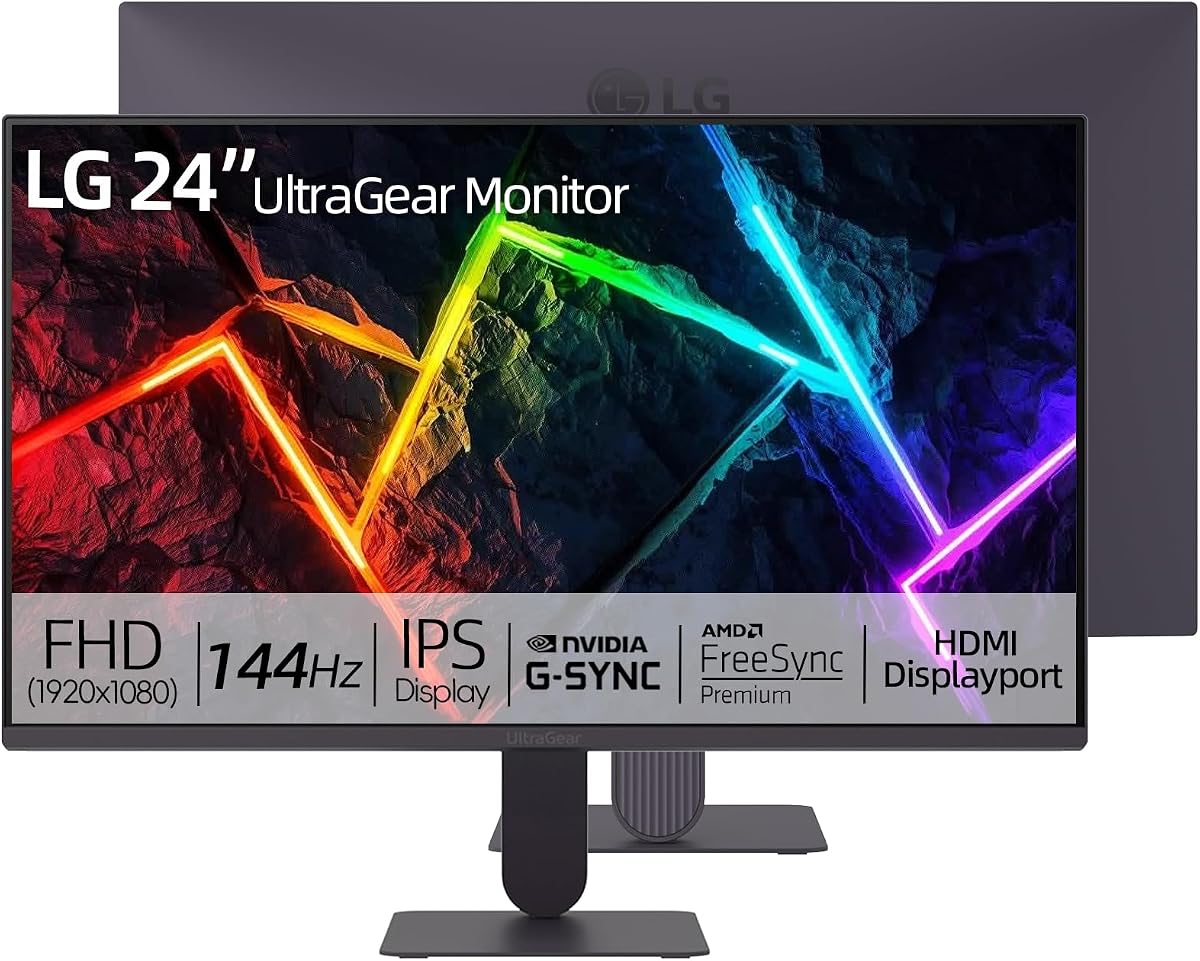


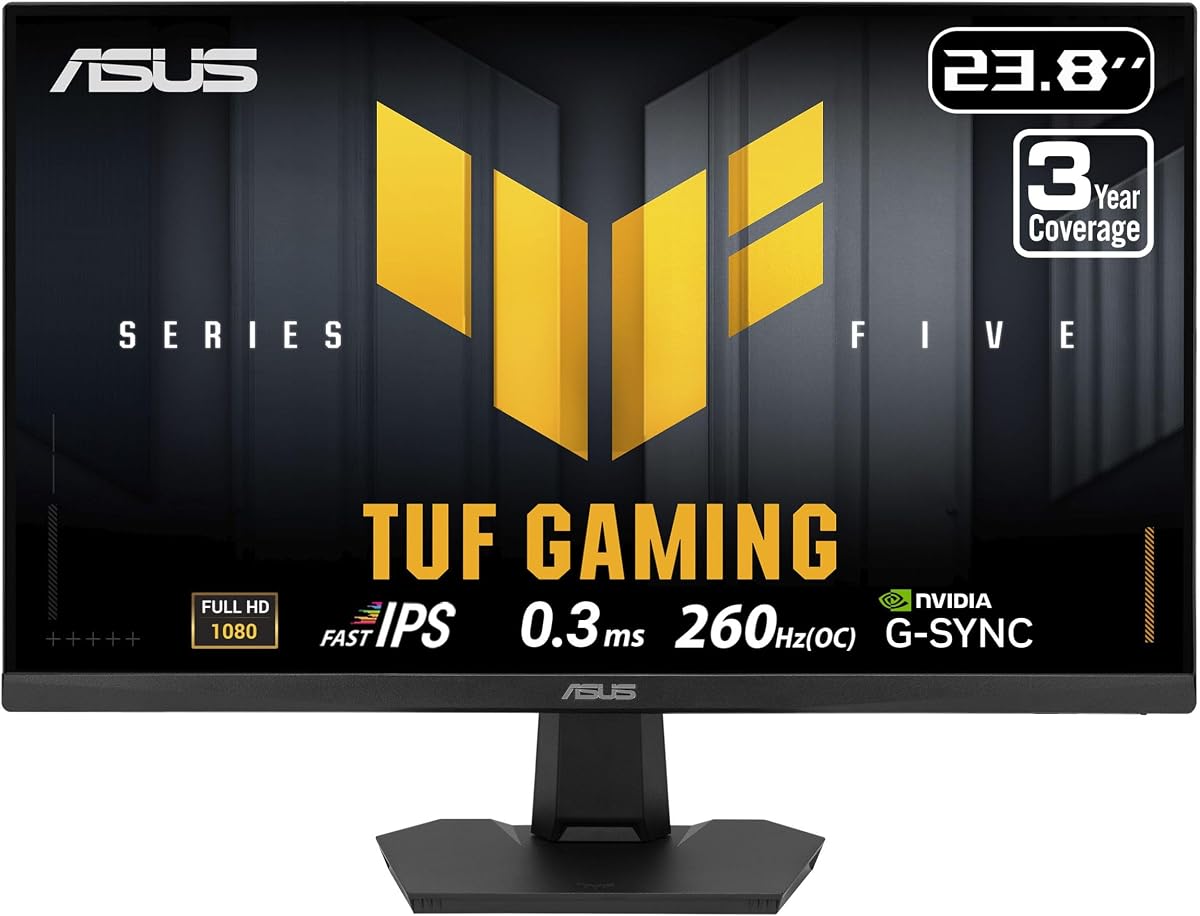
The LG 24G411A-B stands out as a top choice for gamers seeking reliable performance. Its 4.5-star rating reflects consistent user satisfaction with smooth gameplay.
We may earn a commission when you buy through this link, at no additional cost to you.
Vivid HDR10 visuals and 99% sRGB coverage ensure rich colors. The 120Hz native speed boosts to 144Hz for fluid motion without tear.
The stand is slim but offers limited adjustability. HDR10 is present but lacks peak brightness for true high dynamic range experiences.
Ideal for competitive gamers needing speed without breaking the budget. This monitor delivers the essential features for a superior experience.
HDR10 and 99% sRGB coverage deliver lifelike visuals that enhance immersion in any game.
120Hz native refresh rate with 1ms MBR keeps fast-paced action sharp and responsive.
We may earn a commission when you buy through this link, at no additional cost to you.
Dell's SE2426HG offers incredible speed for the price. Its 4.7-star rating highlights excellent performance in competitive titles.
We may earn a commission when you buy through this link, at no additional cost to you.
240Hz refresh and 0.5ms response eliminate blur effectively. FreeSync Premium ensures smooth visuals across various graphics cards.
Speakers are absent so external audio is needed. The stand only tilts which might limit ergonomic positioning options.
Perfect for budget-focused competitive gamers needing high refresh rates. This model balances speed and value exceptionally well.
240Hz refresh rate paired with 0.5ms response time provides an edge in fast-paced matches.
TÜV 3-Star certification lowers blue light for extended gaming sessions without strain.
We may earn a commission when you buy through this link, at no additional cost to you.
This ASUS TUF model brings premium features to the 24-inch class. A 4.4-star rating confirms strong user satisfaction.
We may earn a commission when you buy through this link, at no additional cost to you.
ELMB SYNC allows motion blur reduction without sacrificing variable refresh rate. Height adjustable stand supports better ergonomics.
Higher price point than competitors may deter some buyers. HDR support is minimal compared to other premium options.
Best for serious gamers who need top-tier speed and ergonomics. The included subscription adds extra value to the package.
ELMB SYNC enables variable refresh rate while eliminating motion blur for clear visuals.
Height adjustable stand allows you to customize viewing position for maximum comfort.
We may earn a commission when you buy through this link, at no additional cost to you.
The LG 24G414B-B offers a balanced feature set with audio included. Its 4.3-star rating suggests reliable performance for most.
We may earn a commission when you buy through this link, at no additional cost to you.
Built-in stereo speakers add convenience for streaming. Height and tilt adjustability support comfortable viewing sessions.
HDR10 is present but brightness is average for high dynamic range. Audio quality is decent but headsets still preferred.
Great for casual gamers wanting a complete setup. The included audio simplifies your desk without extra peripherals.
Built-in stereo speakers provide clear sound for gaming without needing external devices.
Height and tilt adjustable stand ensures you find the most comfortable viewing angle.
We may earn a commission when you buy through this link, at no additional cost to you.
This model offers 200Hz speed ideal for competitive play. With 4.5 stars it appeals to gamers needing high frame rates.
We may earn a commission when you buy through this link, at no additional cost to you.
Anti-glare matte screen reduces reflections effectively. G-Sync compatible ensures seamless performance across hardware.
Pricing may be steep for budget shoppers. HDR support is present but limited in terms of peak brightness.
Suitable for gamers needing speed without moving to larger screens. The matte finish enhances visibility in bright rooms.
Built anti-glare matte screen supports multi-system compatibility for daily office and gaming.
200Hz high refresh rate paired with 0.3ms response eliminates motion blur.
We may earn a commission when you buy through this link, at no additional cost to you.
A 4.9-star rating highlights exceptional user satisfaction with color quality. This LG monitor delivers vivid visuals consistently.
We may earn a commission when you buy through this link, at no additional cost to you.
Official G-Sync compatibility ensures seamless synchronization. The slim bezel design maximizes the field of view.
Lack of height adjustment limits ergonomic flexibility. Tilt-only stand may not suit all desk configurations.
Ideal for visual creators and gamers wanting reliable color. The high rating confirms trust in performance.
Officially validated NVIDIA G-SYNC Compatibility ensures reliable tear-free gaming.
Ultra-slim bezel design maximizes your field of view for immersive gaming.
We may earn a commission when you buy through this link, at no additional cost to you.
This LG model receives a perfect 5.0-star rating from users. It offers a rich set of gaming tools.
We may earn a commission when you buy through this link, at no additional cost to you.
Black Stabilizer and Crosshair aim assist improve FPS performance. Screen partitioning aids productivity too.
Stand lacks height adjustment which may limit comfort. OSD menu is functional but lacks advanced controls.
Best for FPS gamers needing built-in advantages. The perfect rating highlights user trust and satisfaction.
Black Stabilizer and Crosshair aiming assistance improve targeting accuracy in complex environments.
Supports screen partitioning and customizable layouts to boost productivity during work.
We may earn a commission when you buy through this link, at no additional cost to you.
This ASUS monitor brings 200Hz speed and eye care tech. Its 4.6-star rating reflects strong competitive performance.
We may earn a commission when you buy through this link, at no additional cost to you.
ELMB Sync reduces ghosting without sacrificing refresh rates. VESA mount support allows flexible wall mounting.
Stand lacks height adjust which limits ergonomic options. HDR presence is minimal for bright room use.
Perfect for competitive FPS players needing low lag. Eye care tech ensures comfort during long sessions.
ASUS ELMB Sync technology reduces ghosting during high-frame-rate gaming.
ASUS Low Blue Light helps reduce eye strain during extended gaming sessions.
We may earn a commission when you buy through this link, at no additional cost to you.
Another perfect 5.0-star rated LG Ultragear model. It delivers a true color experience for all users.
We may earn a commission when you buy through this link, at no additional cost to you.
Slim minimalist design and multitasking layouts support varied uses. HDR10 adds depth to color gradation.
Stand is basic without height adjustment. Might require external monitor arm for full ergonomics.
Best for gamers and professionals needing versatility. The perfect rating confirms excellent reliability.
HDR10 technology delivers richer more nuanced color gradations for immersive visuals.
Ultra-narrow bezels and a sleek stand deliver an immersive visual experience.
We may earn a commission when you buy through this link, at no additional cost to you.
This ASUS model offers blazing 260Hz speed for pros. A 4.8-star rating reflects top-tier performance.
We may earn a commission when you buy through this link, at no additional cost to you.
AI gaming tech and shadow boost enhance gameplay. HDMI 2.1 supports next gen console gaming.
High price limits accessibility for casual gamers. HDR10 support present but brightness is standard.
Best for competitive esports needing top-tier speed. The included warranty ensures long-term peace.
TUF Gaming A.I. technology and Shadow Boost enhance your gameplay visibility.
Includes HDMI 2.1 ports for compatibility with next-generation consoles.
We may earn a commission when you buy through this link, at no additional cost to you.
Choosing the right monitor involves understanding several critical features that affect gameplay.
Look for 144Hz or higher refresh rates and response times under 1ms for competitive gaming.
Higher refresh rates ensure smoother motion while faster response times reduce ghosting.
IPS panels provide better viewing angles and color accuracy compared to TN or VA options.
Choose 99% sRGB coverage for rich and accurate color performance.
Ensure the monitor is certified G-Sync Compatible to eliminate screen tearing without lag.
This technology syncs refresh rates with your GPU for seamless visuals.
Check if the stand offers height tilt and swivel adjustments for comfortable viewing.
A good stand reduces neck strain during long sessions significantly.
Look for HDMI 2.1 and DisplayPort 1.4 to support high refresh rates and resolutions.
Multiple ports allow flexible connections to PCs and consoles.
Monitors with low blue light and flicker-free certifications protect your eyes.
These technologies reduce strain during extended gaming hours.
HDR10 support enhances contrast and brightness for more vivid visuals.
Check brightness levels to ensure visibility in your gaming environment.
A three-year warranty indicates manufacturer confidence in durability and quality.
Always check support options before buying to ensure peace of mind.
Set up your monitor by connecting it to a compatible graphics card using DisplayPort for best performance.
Enable G-Sync settings in the NVIDIA Control Panel to ensure seamless synchronization during gameplay.
Clean the screen with a soft microfiber cloth to avoid scratches and maintain image clarity.
G-Sync is crucial for eliminating screen tearing and stuttering. It synchronizes refresh rates for smoother gameplay.
Yes to utilize high refresh rates like 240Hz or 260Hz you need a GPU capable of high frame rates.
Use built-in calibration tools or software like DisplayCAL. This ensures accurate color reproduction for gaming.
IPS panels offer faster response times and better viewing angles. VA panels often have better contrast.
Most models support VESA mounts allowing flexible positioning. Check compatibility before purchasing a mount.
Black Stabilizer enhances visibility in dark scenes helping players spot threats more easily during combat.
The LG 24G411A-B and Dell 24 240Hz lead the pack for balance and value.
Prioritize response times and refresh rates to match your gaming style.
Always check current pricing before making your final decision today.