
AOC 24 Gaming Monitor FHD 200Hz
4.6Editor score
24 inch Full HD panel
200Hz refresh rate
116 percent sRGB
This guide compares the top Aoc monitors for gaming and work, evaluating performance, display technology, and features to help you choose the right model.
Finding the right monitor can transform your computing experience. Whether you are a competitive gamer or a creative professional, Aoc offers a wide range of displays tailored to different needs and budgets.
We have evaluated ten distinct models based on panel technology, refresh rates, and overall value. This comparison helps you understand which features matter most for your specific setup and usage patterns.
Each entry highlights key specifications and real-world performance traits. Please note that availability and pricing may change, so verify current details before making your final purchase decision.
4.6Editor score

4.6Editor score
4.4Editor score
The following table provides a side by side overview of each model. It highlights core specifications such as resolution, refresh rate, and panel type to facilitate quick decision making.


This 27 inch monitor delivers exceptional gaming performance with its 240Hz refresh rate and QHD resolution. It balances speed and clarity effectively for competitive titles.
We may earn a commission when you buy through this link, at no additional cost to you.
The IPS panel offers wide viewing angles and precise color reproduction. Adaptive Sync ensures smooth gameplay without tearing across different GPU brands.
While it lacks HDR, the brightness and contrast are solid for a standard display. The frameless design helps in multi monitor configurations.
Gamers seeking high frame rates without sacrificing resolution will find this model compelling. It is a reliable choice for serious players.
The 0.3ms MPRT response time minimizes motion blur during fast action sequences.
QHD resolution provides sharp text and detailed textures ideal for both games and productivity.
We may earn a commission when you buy through this link, at no additional cost to you.
An ideal entry point for gamers on a tight budget. It delivers 200Hz refresh rates at Full HD resolution for smooth visual flow.
We may earn a commission when you buy through this link, at no additional cost to you.
The color performance is impressive with a wide sRGB coverage. This makes content consumption and gaming look vibrant even at this price.
While not as sharp as QHD, the 24 inch size keeps pixels dense enough. Console compatibility adds versatility for mixed use setups.
Buyers needing an affordable upgrade from older panels should consider this. It offers excellent value for pure gaming performance.
Designed to maximize console performance with up to 120Hz frame rates supported.
Three sided frameless design reduces distractions and aids multi monitor alignment.
We may earn a commission when you buy through this link, at no additional cost to you.
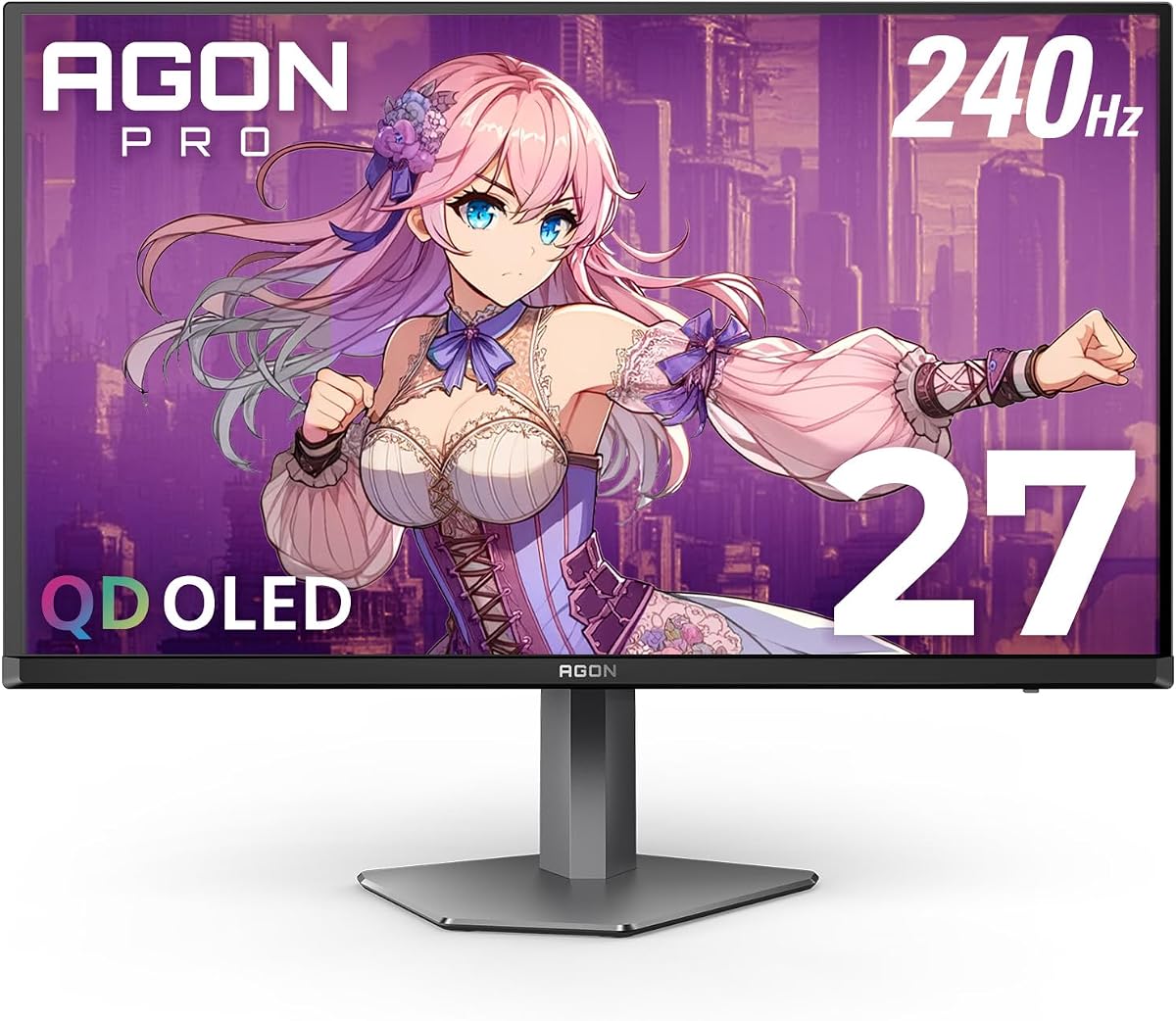
This monitor showcases advanced QD OLED technology for unmatched image quality. Self luminous pixels provide true blacks and infinite contrast ratios.
We may earn a commission when you buy through this link, at no additional cost to you.
With a 240Hz refresh rate and 0.03ms response time, it dominates competitive environments. HDR10 enhances detail in bright and dark scenes.
The color coverage exceeds standard requirements for professional work too. However, OLED panels require care regarding static elements to avoid burn in.
Enthusiasts prioritizing visual fidelity over cost will appreciate this choice. It represents the pinnacle of current display technology.
Over 1.07 billion colors ensure smooth gradients and accurate representation.
Back lighting effects sync with in game action for heightened immersion.
We may earn a commission when you buy through this link, at no additional cost to you.
Focused on workloads this model provides crisp 4K imagery. Text readability is excellent due to the high pixel count.
We may earn a commission when you buy through this link, at no additional cost to you.
IPS technology ensures consistent colors across viewing angles. Built-in speakers add convenience for users needing sound without extra hardware.
It is not suited for high-speed gaming but fits office or home use. HDR capability enhances media consumption quality slightly.
Professionals needing screen real estate on a budget will find this useful. It is a straightforward display for daily tasks.
High resolution makes document work and coding more comfortable over time.
Integrated audio reduces cable clutter for a cleaner workspace arrangement.
We may earn a commission when you buy through this link, at no additional cost to you.
This 27 inch display prioritizes motion handling with an overclocked 260Hz rate. It delivers razor-sharp visuals for high-speed shooters.
We may earn a commission when you buy through this link, at no additional cost to you.
The flicker-free technology reduces eye strain during long sessions. Connectivity options include HDMI and DisplayPort for flexible hardware integration.
The 27 inch Full HD resolution may appear softer than 1080p on smaller panels. But the speed compensates for many competitive gamers.
Users focusing purely on frame rates will appreciate this performance. It balances motion smoothness with a manageable price point.
Overclocked rates ensure fluid gameplay even in rapidly changing environments.
Eco mode helps maintain lower power usage without affecting performance.
We may earn a commission when you buy through this link, at no additional cost to you.
A 32 inch curved panel wraps around your field of view. The QHD resolution ensures sharp details across the large surface.
We may earn a commission when you buy through this link, at no additional cost to you.
VA technology offers strong contrast for darker game scenes. Multiple connectivity options support consoles and PCs simultaneously.
Motion clarity is good but may show minor ghosting. The curved screen demands careful positioning to avoid visual distortion.
Those seeking immersion in storytelling games will enjoy this size. It brings a cinematic experience to the desk.
32 inch display provides ample space for windows and game UI.
SmartContrast technology enhances depth for richer visual experiences.
We may earn a commission when you buy through this link, at no additional cost to you.
This model combines a large 32 inch curved screen with high refresh speed. It is tailored for gamers who prioritize frame rates over resolution.
We may earn a commission when you buy through this link, at no additional cost to you.
AMD FreeSync Premium ensures smooth visuals without tearing. The frameless look supports multi-monitor setups nicely.
Full HD on 32 inches means less pixel density than QHD. But the immersion from curvature offsets this for many users.
Buyers wanting a large, responsive display will find it suitable. It is a robust choice for casual and competitive play.
0.5ms response time helps in tracking targets accurately during combat.
VESA compatibility allows flexible installation with third-party stands.
We may earn a commission when you buy through this link, at no additional cost to you.
Offering OLED benefits at a competitive price point. This 27 inch model balances speed and image quality effectively.
We may earn a commission when you buy through this link, at no additional cost to you.
HDR10 support adds depth to compatible content. G-Sync compatibility ensures broad GPU support for tear-free performance.
The self-luminous pixels deliver deep blacks and vivid colors. Users should manage static content to preserve panel longevity.
For those wanting OLED without extreme cost, this is strong. It fits enthusiasts seeking top-tier visual fidelity.
High DCI-P3 coverage ensures vibrant and accurate color reproduction.
G-Sync compatibility prevents screen tearing across different graphics cards.
We may earn a commission when you buy through this link, at no additional cost to you.
This premium unit includes a height adjustable stand and USB hub. Such ergonomics and connectivity add to its professional appeal.
We may earn a commission when you buy through this link, at no additional cost to you.
QD OLED technology offers exceptional brightness and contrast. The stand improves viewing posture for long hours.
It is the most feature-rich option on the list. High cost may limit appeal to dedicated enthusiasts.
Buyers needing both performance and ergonomics will find it ideal. It serves a hybrid role in gaming and work.
Height adjustable base reduces neck strain during extended usage sessions.
Built-in USB hub simplifies peripheral connections for cleaner desks.
We may earn a commission when you buy through this link, at no additional cost to you.
A compact 21.5 inch display suitable for smaller desks. It offers basic gaming features at an accessible price.
We may earn a commission when you buy through this link, at no additional cost to you.
Blue Light Filter and Flicker-Free technologies support eye health. Renewed condition implies tested functionality with potential savings.
The 100Hz refresh rate provides smoother motion than standard 60Hz. Still, it lacks the speed of higher-end models.
Users with space or budget constraints will find this practical. It is a solid secondary or entry monitor.
Blue Light Filter reduces eye strain during long working hours.
Small footprint leaves more room for other desk items.
We may earn a commission when you buy through this link, at no additional cost to you.
Selecting the right display involves weighing technical specs against personal needs.
Resolution determines sharpness while size defines immersion. QHD and 4K offer clearer details for work.
Choose size based on viewing distance for comfort.
High refresh rates like 240Hz make motion smoother. Low response times reduce blur in fast scenes.
Prioritize these for competitive gaming.
IPS offers color accuracy. VA provides better contrast. OLED delivers perfect blacks but at higher cost.
Match panel to your visual priorities.
G-Sync and FreeSync prevent screen tearing. Ensure compatibility with your graphics card.
This ensures smooth gameplay performance.
Adjustable stands reduce physical strain. VESA mounts offer flexibility for arm setups.
Consider height adjustment for long sessions.
HDMI and DisplayPort determine resolution and speed. USB hubs add convenience for peripherals.
Verify ports match your devices.
Budget varies widely from basic to premium. Balance features with your financial limits.
Higher cost brings better performance.
Position your monitor at eye level to reduce neck strain. Use the tilt feature to minimize glare from overhead lights.
Clean the screen with a soft microfiber cloth. Avoid harsh chemicals that might damage the panel coating.
Use screen savers to prevent burn-in on OLED panels. Periodically check connections to ensure optimal signal quality.
Yes A Aoc offers a wide range of gaming monitors with high refresh rates and low response times. Their models support adaptive sync to prevent tearing.
QHD is 2560×1440 while 4K is 3840×2160. 4K provides sharper detail but requires more GPU power for gaming.
Some models like the Agon Pro series support HDR10. Entry level models may not have HDR capability.
Yes many models support HDMI 2.0 or 2.1 for consoles. Some are optimized for 120Hz performance on PS5 and Xbox.
AOC provides warranties on their panels. Some include coverage for zero bright dots and accidental damage.
The 4K UHD model is great for text clarity. IPS panels provide accurate colors for general productivity.
We reviewed ten Aoc monitors catering to different needs and budgets. Whether you want budget or premium OLED there is a fit.
Prioritize refresh rate for gaming or resolution for design work. Ergonomics also play a key role in long-term satisfaction.
Always verify current pricing and availability before purchasing. This ensures you get the best value at the time of buy.