
Seagate 1TB Mobile HDD
4.4Editor score
Thin 7mm laptop design
Lightweight portable form
Standard SATA interface
Finding the right storage solution for your home security system is crucial for maintaining reliable recordings and ensuring you never miss important moments. The Eufy Homebase 3 supports internal storage expansion, making it essential to choose a drive that matches its technical requirements while offering sufficient space for your footage.
We analyzed ten leading hard drives and solid state drives based on their compatibility, performance metrics, and reputation for reliability in surveillance environments. Each product was evaluated against key criteria including form factor, interface speed, and endurance ratings to help you make an informed decision for your setup.
Each pick below highlights specific strengths and potential trade-offs so you can select the drive that best fits your budget and storage demands. Please note that pricing and availability fluctuate frequently, so verify current details before purchasing to ensure you get the best value for your investment.
4.4Editor score
4.3Editor score

5.0Editor score
As an Amazon Associate we earn from qualifying purchases.
The following table provides a side-by-side overview of the ten selected storage options, highlighting their core specifications and key attributes to help you quickly identify the most suitable drive for your Eufy Homebase 3 security system.





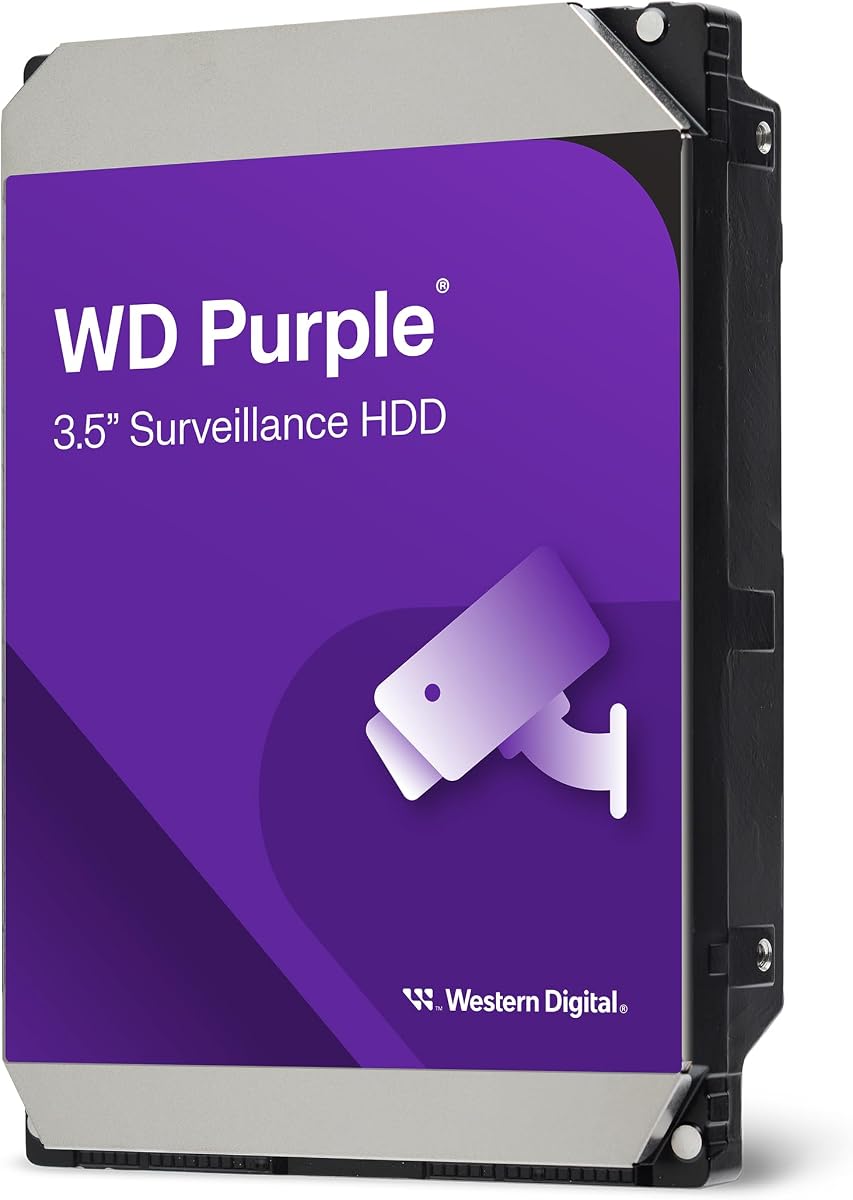
This Western Digital 2TB WD Purple drive stands out as a top choice for security applications due to its specialized firmware designed for constant data writing. It holds a solid rating from users who rely on it for uninterrupted surveillance recording, ensuring that footage is saved without interruption even during peak usage.
We may earn a commission when you buy through this link, at no additional cost to you.
The AllFrame technology minimizes frame loss and ensures smooth video playback, which is critical for identifying details in recorded footage. Its high workload rate capability allows it to handle multiple video streams efficiently, making it suitable for systems with several connected cameras recording simultaneously around the clock.
While it consumes slightly more power than desktop drives and requires a 3.5 inch bay, these trade-offs are acceptable for the reliability it provides in a dedicated security environment. The drive is built to withstand the rigors of continuous operation, reducing the risk of failure during critical monitoring periods.
Buyers seeking a robust solution for their Eufy Homebase 3 or similar NVR systems will find this drive offers excellent value. It is particularly recommended for those who prioritize data integrity and consistent performance over compact form factors or lower power usage.
This technology optimizes the drive for write-intensive tasks, ensuring that video streams remain uninterrupted and clear during recording sessions.
Engineered to handle up to 180 TB per year, this drive supports continuous operation typical of modern home and commercial surveillance setups.
We may earn a commission when you buy through this link, at no additional cost to you.
The Seagate 1TB Mobile HDD offers an attractive entry point for users who need basic storage without a high investment. Its compact design and low cost make it a popular choice for budget-conscious buyers looking to expand their Homebase 3 capacity without breaking the bank.
We may earn a commission when you buy through this link, at no additional cost to you.
At just 7mm thick, this drive is incredibly thin and lightweight, making it easy to install in confined enclosures or portable setups. While it lacks the specialized firmware of surveillance drives, it provides standard SATA performance that is sufficient for lighter recording loads or fewer camera channels.
The main limitation is the 1TB capacity, which may fill up quickly if you record in high resolution or keep footage for extended periods. Additionally, it is not specifically optimized for 24/7 writing, so it may have a shorter lifespan under constant surveillance workloads compared to dedicated drives.
This drive is ideal for temporary setups or secondary storage needs where maximum capacity is not the primary concern. For those who need a reliable and inexpensive way to add storage immediately, this model delivers solid performance for the price.
Its thin 7mm design allows installation in tight spaces where standard drives might not fit physically.
As one of the most affordable options on the market, it provides immediate storage expansion at minimal cost.
We may earn a commission when you buy through this link, at no additional cost to you.
The Seagate SkyHawk AI drive is engineered for advanced surveillance systems that utilize artificial intelligence for analysis and detection. It offers exceptional reliability with a high workload limit and features designed to protect data integrity in demanding 24/7 environments.
We may earn a commission when you buy through this link, at no additional cost to you.
This drive supports multiple HD cameras and AI channels simultaneously, ensuring smooth recording and analysis of video streams. Its tarnish-resistant components and included rescue services provide an extra layer of security for your valuable footage against environmental factors or potential failure.
Despite its robust performance, the price is significantly higher than standard drives, which may not be justified for basic home setups. It is best suited for users who require top-tier performance and need to store vast amounts of data without worrying about capacity constraints.
If your security system relies on AI detection and you need a drive that can handle the extra load without compromising speed, this is a premium option worth considering. It delivers peace of mind through superior engineering and data protection features.
Optimized to handle up to 64 HD cameras and 32 AI channels for complex surveillance analytics.
Includes Rescue Data Recovery Services for three years to safeguard against accidental data loss.
We may earn a commission when you buy through this link, at no additional cost to you.
This WD Blue mobile drive is a versatile option suitable for various computing tasks, including home storage expansion. It comes with free cloning software and is certified for wide PC compatibility, making it easy to integrate into existing systems.
We may earn a commission when you buy through this link, at no additional cost to you.
The drive offers consistent performance with a decent cache size and low power consumption, which helps maintain system efficiency. It is known for its quiet operation and reliable everyday computing, ensuring that your data is accessible when needed without generating excessive noise.
While it is not designed specifically for continuous surveillance writing, it can serve adequately for lighter usage scenarios or short-term recording needs. The included Acronis True Image software adds value by allowing users to migrate their existing data to the new drive seamlessly.
For users looking for a reliable and easy-to-install storage solution that can double for general computer use, this drive is a strong contender. It balances quality and functionality well for those who do not require specialized surveillance features.
Comes with Acronis True Image WD Edition for easy data migration and cloning to the new drive.
WD F.I.T. Lab certified to work with high-performance configurations for stable and consistent operation.
We may earn a commission when you buy through this link, at no additional cost to you.
The Seagate BarraCuda 5TB drive provides significant storage capacity in a compact 2.5 inch form factor, ideal for users with extensive recording needs. Its proven reliability and high capacity make it a robust choice for storing large libraries of video data over long periods.
We may earn a commission when you buy through this link, at no additional cost to you.
Built for general PC use, it offers a balance of performance and capacity that suits desktop and laptop environments. The 128MB cache helps maintain efficient data transfers, ensuring that files can be accessed quickly when reviewing recorded footage or managing backups.
While not specifically designed for 24/7 writing, it can handle moderate workloads effectively for home security setups. The larger size means you spend less time managing space, allowing for longer retention periods without overwriting older footage frequently.
Buyers prioritizing storage volume and brand trust will find this drive offers excellent value for the capacity provided. It is a solid option for those who need to store terabytes of data and prefer a well-known manufacturer with a history of innovation.
5TB of space allows for extensive video retention and reduces the need for frequent file management.
The 2.5 inch size makes it easy to install in space-constrained enclosures compared to larger desktop drives.
We may earn a commission when you buy through this link, at no additional cost to you.
For users who need to store vast amounts of video data without interruption, the Seagate 8TB BarraCuda offers unmatched capacity. This drive is designed for desktop PCs and provides a robust storage solution that can handle heavy daily use without frequent maintenance.
We may earn a commission when you buy through this link, at no additional cost to you.
Its high sustained transfer rate ensures that data moves smoothly, reducing bottlenecks when saving large video files. The drive is built on years of innovation, offering a reliable platform for continuous storage needs that exceed the limits of smaller capacity models.
While it requires a 3.5 inch bay and is heavier than compact drives, the benefits of having eight terabytes of space are significant for extensive setups. It is an ideal choice for those who want to eliminate storage constraints and focus purely on capturing and keeping footage.
This drive is recommended for advanced users or small business owners who need a dedicated storage pool for security archives. Its high rating and reliable performance make it a worthwhile investment for those prioritizing long-term data retention.
Sustained transfer rates of 190MB/s ensure smooth writing of large video files without delays.
Backed by twenty years of innovation, this drive offers a reliable platform for extensive data storage over time.
We may earn a commission when you buy through this link, at no additional cost to you.
The Seagate Skyhawk 4TB is custom-built for surveillance applications, offering a balance of capacity and performance for security systems. It features Image Perfect firmware that ensures crisp and clear video, which is essential for identifying details in recorded footage.
We may earn a commission when you buy through this link, at no additional cost to you.
With a high workload rating, this drive is designed to handle continuous writing without degradation, making it suitable for systems that operate around the clock. The inclusion of rotational vibration sensors helps maintain performance when multiple drives are used together in a shared enclosure.
While it requires a standard 3.5 inch bay, the reliability and surveillance-specific optimizations make it a preferred choice for dedicated security setups. Users report consistent performance and ease of use, contributing to its high rating among security enthusiasts and professionals.
Buyers seeking a dedicated surveillance drive with substantial capacity will find this model meets their needs effectively. It is a reliable choice for those who want a drive specifically engineered for video recording tasks.
Ensures crisp and clear video output by optimizing performance for write-intensive 24/7 video workloads.
Rotational vibration sensors help maintain performance in multi-drive systems to prevent data errors.
We may earn a commission when you buy through this link, at no additional cost to you.
This Seagate Skyhawk 6TB drive includes drive health management features that help monitor and maintain performance over time. It is tailored for DVR and NVR systems, providing a reliable platform for continuous video recording and storage management.
We may earn a commission when you buy through this link, at no additional cost to you.
The 256MB cache improves data handling efficiency, ensuring that multiple video streams are recorded smoothly. Its high workload rate allows it to sustain heavy usage without compromising data integrity, which is critical for professional or high-volume security systems.
The packaging is designed for easy installation without unnecessary materials, saving time during setup. However, users should ensure their system supports the 3.5 inch form factor and power requirements to avoid compatibility issues.
For those who want proactive health monitoring alongside massive storage capacity, this drive offers a compelling combination. It is recommended for setups that require both high capacity and advanced management tools to ensure long-term reliability.
Monitors drive health to help prevent failures and maintain optimal performance in demanding surveillance environments.
A larger 256MB cache enhances data transfer rates for smoother handling of multiple video streams.
We may earn a commission when you buy through this link, at no additional cost to you.
The Seagate Skyhawk 2TB is a versatile surveillance drive that balances capacity and reliability for smaller setups. It is built to handle 24/7 video recording with firmware optimized to prevent frame loss during continuous operation.
We may earn a commission when you buy through this link, at no additional cost to you.
Its 3-year limited warranty provides peace of mind for users who want protection against potential failures. The drive health management feature helps monitor the drive's condition, ensuring early detection of any issues that could affect performance.
While 2TB is a moderate capacity compared to larger models, it is sufficient for systems with fewer cameras or those that overwrite older footage frequently. It serves as an excellent entry point for those looking to upgrade from generic drives to specialized storage.
Buyers seeking a reliable and reasonably priced surveillance drive for a modest setup will find this model ideal. It offers the specialized features needed for security recording without the higher cost of massive capacity drives.
Comes with a 3-year limited manufacturer warranty to protect your investment against potential drive failures.
Optimized for write-intensive surveillance systems to ensure consistent performance and minimal frame loss.
We may earn a commission when you buy through this link, at no additional cost to you.
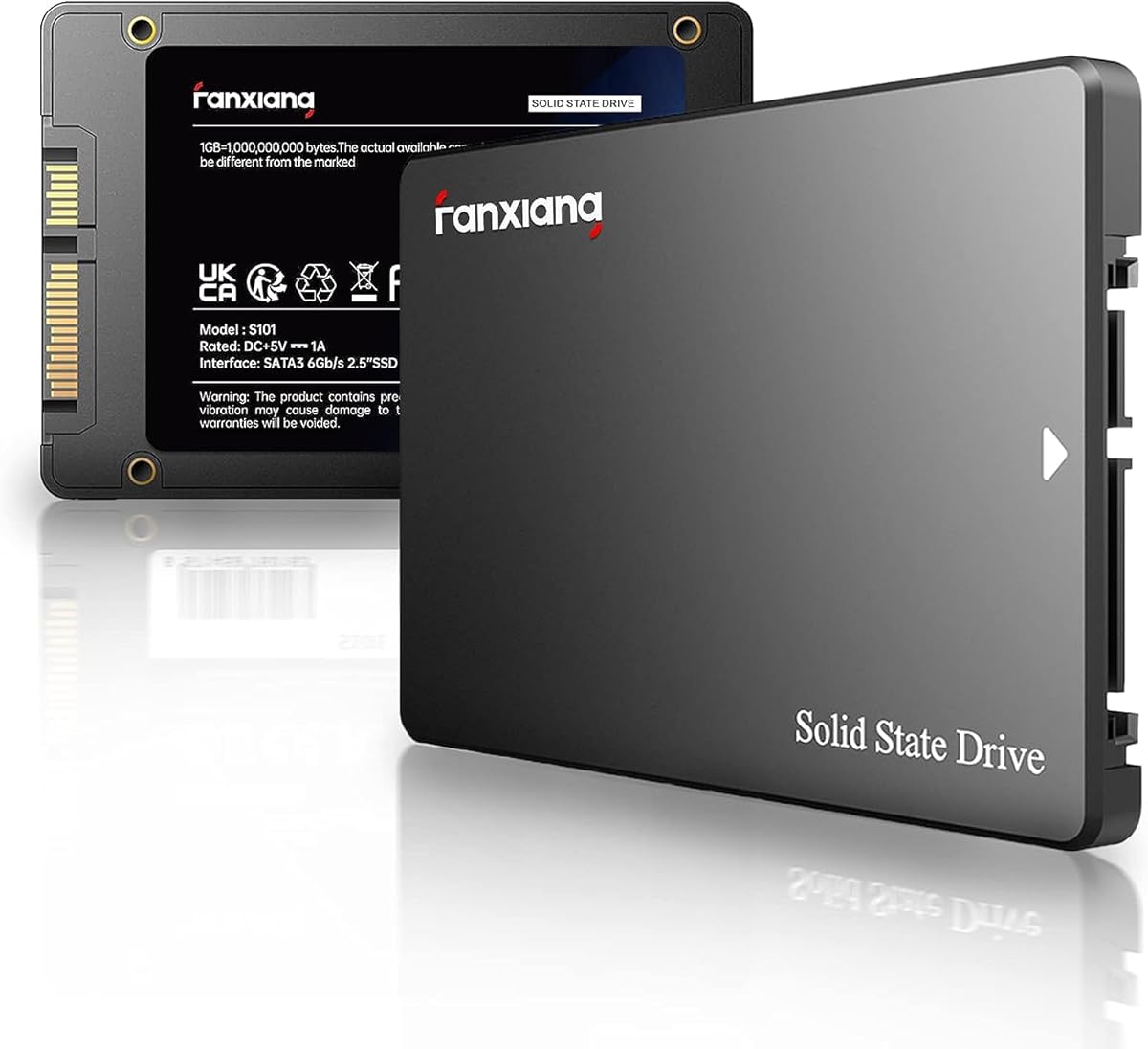
For users who prioritize speed and silence, the Fanxiang S101 1TB SSD offers rapid data access and reliability through solid-state technology. Unlike mechanical drives, it has no moving parts, which eliminates noise and reduces the risk of mechanical failure over time.
We may earn a commission when you buy through this link, at no additional cost to you.
The drive achieves read speeds of up to 520MB/s, making file transfers and system boot times significantly faster than traditional hard drives. This speed is particularly beneficial for users who frequently access stored footage or run their Homebase system from the internal drive.
However, SSDs generally have a lower endurance rating than dedicated surveillance HDDs for continuous writing. For moderate recording loads or users who value performance over maximum storage duration, this drive provides a modern alternative to spinning disk technology.
This SSD is recommended for those who want a silent and fast storage solution for their setup. It is ideal for environments where noise is a concern or where quick access to data is more critical than storing terabytes of footage.
Read speeds up to 520MB/s facilitate rapid file transfers and instant system responsiveness compared to HDDs.
With no moving parts, this drive operates silently, making it perfect for noise-sensitive environments.
We may earn a commission when you buy through this link, at no additional cost to you.
Selecting the right storage drive for your Homebase 3 involves balancing capacity, speed, and durability. Below are the key factors to consider to ensure you choose a drive that meets your specific security needs.
Capacity is the primary factor determining how much footage you can store before the system overwrites older recordings. For basic setups, 1TB may suffice, but for multi-camera systems or high-resolution recording, you may need 2TB or more.
Assess your camera count and recording quality to estimate total storage needs and select a drive that aligns with your retention goals.
The Homebase 3 typically supports internal drives that must fit within its specific physical dimensions. Ensure the drive you choose matches the required size, such as 2.5 inch or 3.5 inch, to avoid installation issues.
Verify the enclosure constraints of your Homebase 3 to ensure the drive fits physically without requiring modifications.
Drives designed for surveillance use specialized firmware to handle continuous writing without frame loss. These drives are optimized for 24/7 operation, making them more reliable for security systems than general-purpose desktop drives.
Prioritize surveillance-specific drives to ensure smooth recording and playback of video footage over extended periods.
The speed at which data is transferred affects how quickly you can review recordings and how smoothly the system operates. SATA III interfaces offer faster speeds than older versions, ensuring your footage is saved without delay.
Choose drives with high transfer rates to maintain system efficiency and reduce latency during data writes.
Surveillance drives often have workload ratings indicating how much data they can write annually without failure. Higher ratings ensure longevity in systems that record continuously rather than sporadically.
Look for high workload ratings to ensure your drive can handle the constant data input of security monitoring.
Balancing cost with performance is essential to get the best value for your budget. While high-capacity drives cost more, they may save money in the long run by reducing the frequency of replacements.
Compare prices relative to capacity and features to find a drive that offers the best performance for your spending.
Install the drive carefully into the Homebase 3 by following the manufacturer's instructions. Ensure the drive is securely mounted and connected properly to avoid data corruption or physical damage during operation.
Regularly check the health status of your drive to monitor its performance and detect any issues early. Many surveillance systems include diagnostic tools that can help you identify potential problems before they lead to failures.
Keep the device in a cool and dry environment to prevent overheating or moisture damage. Proper ventilation and avoiding extreme temperatures will help extend the lifespan of your storage drive and maintain reliable performance.
The Homebase 3 is compatible with SATA drives that fit its internal bay size. Typically, it supports 2.5 inch or 3.5 inch drives depending on the model variant. Always check your device specifications before purchasing to ensure physical compatibility.
Yes, SSDs offer faster access speeds and silent operation. However, ensure the capacity and endurance rating meet your continuous writing needs, as SSDs may have lower write endurance compared to specialized surveillance HDDs.
Storage needs depend on the number of cameras and recording resolution. A 2TB drive can store several weeks of footage for a standard setup. Calculate your estimated data usage to determine the ideal capacity for your needs.
Surveillance drives are designed for continuous writing and handle multiple video streams better. Regular drives may fail sooner under constant load. For reliability and long-term use, a surveillance-optimized drive is recommended.
The Homebase 3 usually formats the drive automatically upon installation. It is important not to format the drive on a computer beforehand to ensure proper recognition and functionality within the system.
Once the drive reaches full capacity, the system will overwrite the oldest footage automatically. This ensures continuous recording without interruption but means you may lose older videos unless you transfer them elsewhere.
Most drives last several years depending on workload and usage conditions. Regular health checks can help identify potential issues. If you notice performance drops or errors, consider replacing the drive to maintain data safety.
Yes, you can replace the drive with a larger one if your Homebase 3 supports internal storage expansion. Ensure the new drive is compatible in size and interface to avoid any issues during installation.
Choosing the right drive involves balancing capacity, reliability, and specific features to match your security needs. Whether you prioritize cost, speed, or specialized surveillance performance, there is a suitable option among the top picks reviewed.
Consider your specific requirements such as camera count and retention period to select a drive that fits your budget and system configuration. Prioritizing a drive designed for continuous operation will ensure the longevity and reliability of your setup.
Remember to check current prices and availability before making your purchase to ensure you get the best value. Staying informed about product updates and changes will help you make the most confident decision for your home security storage.