
TP-Link TL-SG105
4.7Editor score
Five Gigabit Ports
Plug and Play Setup
Metal Case Design
This guide compares the top Eero Ethernet Switch options including PoE gateways, managed switches, and unmanaged hubs to help you build a reliable home network.
Finding the right Eero Ethernet Switch is essential for expanding your wired network capacity. A good switch offers reliable connectivity, energy efficiency, and support for modern speeds like 2.5Gbps or PoE for access points.
We compared ten top-rated products based on port count, speed capabilities, management features, and user feedback. This list covers everything from budget-friendly unmanaged hubs to advanced PoE gateways for whole-home coverage.
Each pick highlights key strengths and ideal use cases to help you decide. Keep in mind that product prices and availability can change over time, so check the latest offers before purchasing your network hardware.
4.7Editor score

4.4Editor score

4.8Editor score
The following table provides a side-by-side comparison of all ten products to help you quickly identify the right fit for your network needs based on port count and speed.



This gateway is a powerful solution for users wanting a dedicated network switch with PoE capabilities. It holds a strong 4.4 rating due to its ability to power multiple access points while routing traffic efficiently.
We may earn a commission when you buy through this link, at no additional cost to you.
The inclusion of two 10 GbE ports allows for incredibly fast wired speeds up to 9.4 Gbps. With eight 2.5 GbE PoE ports, it supports up to eight eero PoE 6 access points without needing extra hardware.
While it is expensive, the cost is justified for those building a professional home or small office network. The automatic updates ensure the device stays secure and functional over time without manual intervention.
Anyone looking for a unified system that combines routing and switching should consider this device. It simplifies setup and provides a reliable foundation for a high-performance wired and wireless network.
This device removes the need for a separate router and PoE switch, reducing cable clutter and saving desk space.
With support for up to 802.3bt class 5 devices, it scales well for large networks needing multiple high-performance access points.
We may earn a commission when you buy through this link, at no additional cost to you.
This compact switch is ideal for small setups that need extra ports without breaking the budget. It maintains a high 4.7 rating for its reliability and simple functionality across various home environments.
We may earn a commission when you buy through this link, at no additional cost to you.
With five 10/100/1000Mbps ports, it easily expands your network capacity for computers or gaming consoles. The fanless design ensures it runs quietly in any room without noise issues.
It lacks smart features like VLANs, but for basic connectivity needs, it performs flawlessly. The metal case provides durability that protects against physical damage in busy household areas.
Homeowners needing a quick plug-and-play solution should look no further. It is a solid investment for expanding wired connections where advanced network configuration is not required.
The switch uses innovative technology to reduce power consumption, helping save money on electricity bills over time.
QoS features help prioritize video or voice data to ensure smooth streaming and calling experiences.
We may earn a commission when you buy through this link, at no additional cost to you.
This switch stands out for its easy smart managed features and reliable power delivery. It holds an excellent 4.8 rating for users needing control over their network traffic and power usage.
We may earn a commission when you buy through this link, at no additional cost to you.
With a total power budget of 62W, it supports multiple access points or cameras efficiently. The Easy Smart software interface makes configuring VLANs and prioritizing traffic straightforward for beginners.
The fanless design is a significant advantage for offices or living rooms where noise is a concern. It ensures silent performance while maintaining high-speed network capabilities consistently.
Small businesses or advanced home users benefit most from this unit. It offers the right balance of performance and management tools without the complexity of enterprise-grade hardware.
The compact metal design supports both desktop and wall-mount placement, allowing for versatile installation options.
IEEE 802.3az Energy Efficient Ethernet reduces power consumption without compromising network speed.
We may earn a commission when you buy through this link, at no additional cost to you.
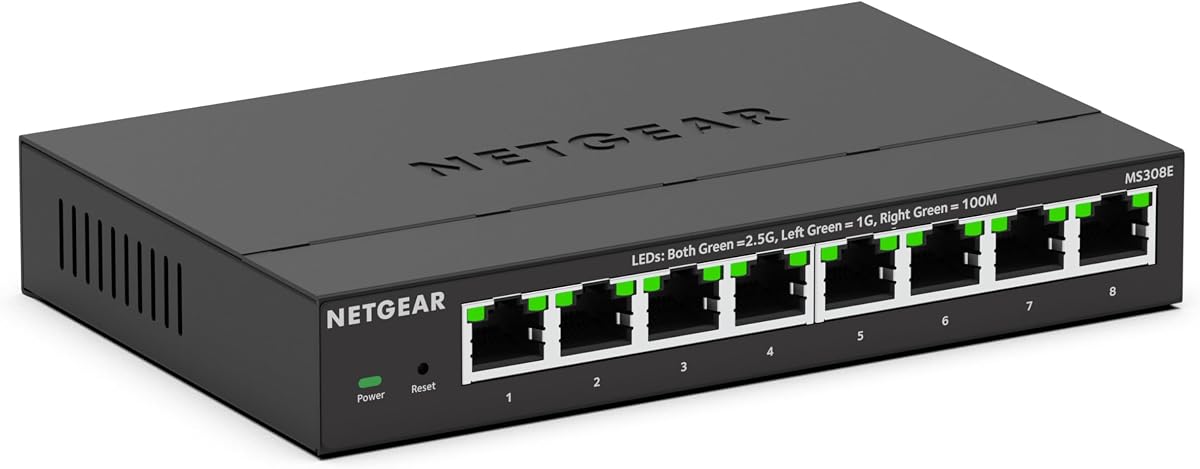
This switch is designed for users needing faster than standard Gigabit speeds for their network. It offers a robust setup with eight ports that support 2.5Gbps connectivity for high performance.
We may earn a commission when you buy through this link, at no additional cost to you.
Auto-negotiating ports detect the optimal speed for connected devices automatically. This flexibility ensures compatibility with existing Cat5e or Cat6 cables while delivering high speeds.
The Easy Smart Managed interface allows you to configure VLANs and prioritize traffic easily. It is a solid choice for those wanting some control over their network without full enterprise complexity.
Users with high-speed internet plans should consider this unit to fully utilize their bandwidth. It provides the necessary speed headroom for large file transfers and intense data workloads.
The compact metal design supports desktop or wall-mount placement to fit various installation needs.
The fanless design ensures the device runs silently while handling high-speed data transfers.
We may earn a commission when you buy through this link, at no additional cost to you.
This unmanaged switch is perfect for expanding wired connections with minimal configuration. It holds a strong 4.8 rating for its reliability and ease of use in typical home networks.
We may earn a commission when you buy through this link, at no additional cost to you.
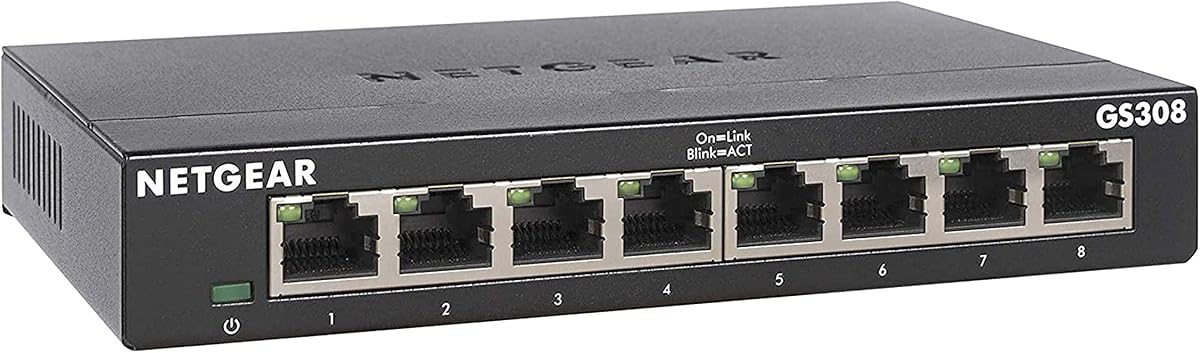
With eight 1.0Gbps Ethernet ports, you can connect multiple devices like PCs and consoles directly. Auto-negotiating ports ensure the optimal speed is used for each connected device automatically.
The fanless design makes it silent during operation, which is ideal for quiet environments like bedrooms. It is robust enough for daily use without overheating or noise issues.
Anyone needing a simple, reliable way to add more ports should choose this model. It provides high speed and durability without the complexity of software management.
The compact metal design supports both desktop and wall-mount placement for versatile installation options.
IEEE 802.3az Energy Efficient Ethernet reduces power consumption to save energy over time.
We may earn a commission when you buy through this link, at no additional cost to you.
This small managed switch brings network control to a compact form factor. It is ideal for users who need VLANs or traffic prioritization without a large footprint.
We may earn a commission when you buy through this link, at no additional cost to you.
The Easy Smart Managed interface simplifies configuration of VLANs and port monitoring. It is particularly useful for small businesses needing to segment networks efficiently.
Its fanless design ensures it runs silently even when handling traffic prioritization tasks. The metal casing adds durability to the device for long-term reliable use.
Network administrators needing basic management features in a small package will appreciate this unit. It bridges the gap between unmanaged simplicity and advanced enterprise capabilities.
QoS features prioritize critical data like voice to ensure high quality during transmission.
The compact design makes it easy to place on a desk or mount on a wall without clutter.
We may earn a commission when you buy through this link, at no additional cost to you.
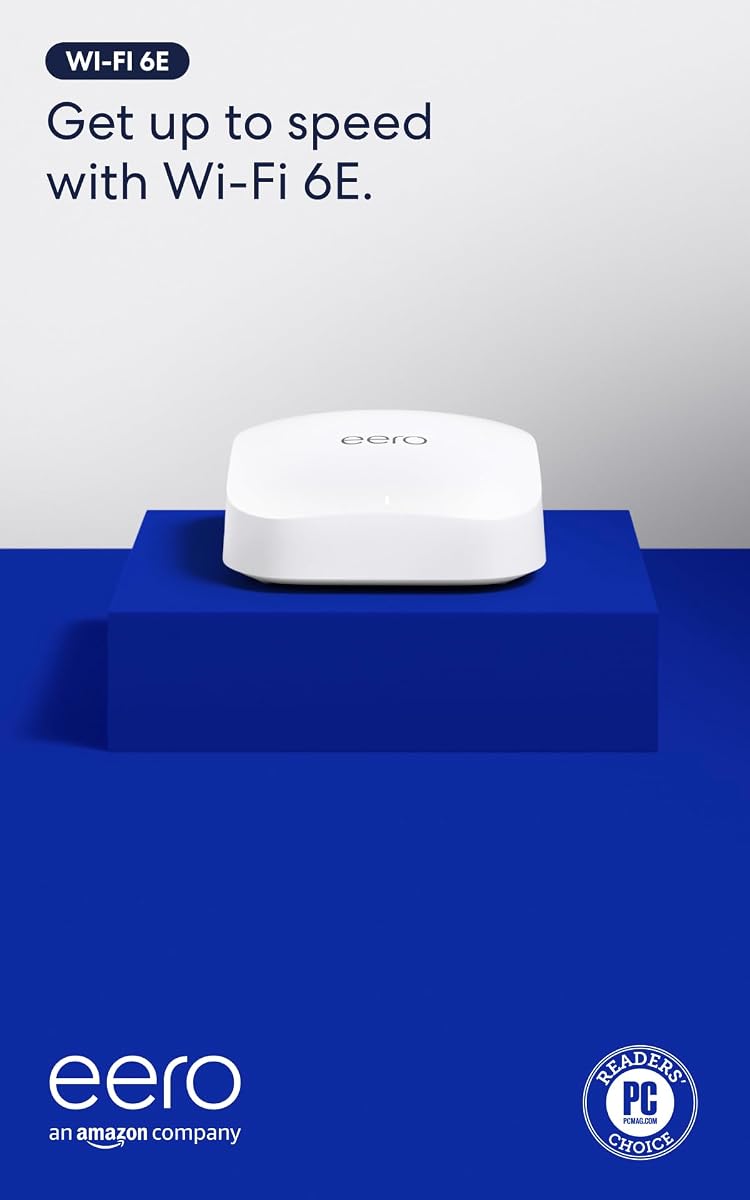
This router offers the latest Wi-Fi 6E technology for reduced latency and faster speeds. It has a solid 4.3 rating for its ability to connect 100+ devices seamlessly in a home network.
We may earn a commission when you buy through this link, at no additional cost to you.
The wired speeds reach up to a gigabit with a 2.5 Gb Ethernet port. TrueMesh technology intelligently routes traffic to eliminate dead spots and ensure reliable coverage.
While it is a router rather than a switch, its gateway features often reduce the need for a separate PoE switch. Users may still want an external switch for more wired devices.
Homeowners wanting a high-performance wireless system with wired speed capabilities should consider this. It simplifies setup with the eero app and provides a reliable network foundation.
Support for 100+ devices ensures every smart home gadget connects without lag or dropping.
Automatic updates keep the system secure and improve performance over time without manual work.
We may earn a commission when you buy through this link, at no additional cost to you.
This router is a solid choice for modern Wi-Fi 6 needs at an accessible price. It holds a 4.4 rating for its consistent coverage and ability to support 75+ devices effectively.
We may earn a commission when you buy through this link, at no additional cost to you.
The built-in Zigbee hub eliminates the need for a separate smart home hub. This integration simplifies the setup process for Alexa-compatible smart devices in your home.
While it supports speeds up to 900 Mbps, users needing more wired connections might need an external switch. TrueMesh technology ensures reliable streaming and gaming across the home.
Families needing reliable wireless coverage and smart home control will find this unit ideal. It balances performance with ease of use for everyday internet needs.
Connect compatible smart devices directly without buying additional smart home hubs separately.
TrueMesh technology routes traffic to reduce drop-offs, allowing for smooth 4K video streaming.
We may earn a commission when you buy through this link, at no additional cost to you.
This access point delivers the latest Wi-Fi 7 performance for the most demanding users. It holds a 4.1 rating for its ability to support over 200 devices with minimal interference.
We may earn a commission when you buy through this link, at no additional cost to you.
With one 10 GbE port and one PoE+ port, it supports up to 9.4 Gbps of wired throughput. The tri-band design boosts backhaul speeds for data-intensive workflows.
The low-profile design eliminates power cables, making installation cleaner and less visible. TrueChannel software helps avoid interference to keep connections steady and reliable.
Those building a professional or high-end home network should consider this unit. It provides future-proof speeds and reliability for the next generation of connected devices.
Support for 200+ devices ensures everyone in the house gets fast speeds without lag.
TrueRoam software avoids network congestion to keep you connected from room to room.
We may earn a commission when you buy through this link, at no additional cost to you.
This router brings Wi-Fi 7 performance to a more accessible price point than other models. It holds a 4.4 rating for its ability to minimize disruptions and deliver fast reliable speeds.
We may earn a commission when you buy through this link, at no additional cost to you.
With two auto-sensing 2.5 GbE ports, it supports internet plans up to 2.5 Gbps. Multi-link operation exclusive features help keep you on the optimal connection possible at all times.
The TrueMesh software proactively manages traffic to reduce dead spots and buffering. It supports 120+ devices and covers up to 2,000 square feet effectively.
Users wanting to future-proof their network with the latest tech at a lower cost should choose this. It provides a solid foundation for a high-speed home or small office setup.
Two 2.5G ports allow for high-speed internet plans to be fully utilized by wired devices.
Use any single unit as a gateway or add to existing eero networks for extended coverage.
We may earn a commission when you buy through this link, at no additional cost to you.
Choosing the right network hardware involves understanding port speeds, power needs, and management features to ensure optimal performance.
Determine how many wired devices you need to connect and what speeds they require. If you have 2.5G internet plans, ensure the switch supports Multi-Gigabit ports to match that speed.
Count your total wired devices and add extra ports for future expansion to avoid buying another unit later.
If you plan to use wireless access points or cameras, you need a switch that supports Power over Ethernet. Check the total power budget to ensure it can handle all connected PoE devices.
Select a switch with enough Wattage to power your devices simultaneously without overloading the system.
Unmanaged switches are plug-and-play and require no configuration, making them ideal for basic home use. Managed switches allow you to configure VLANs and prioritize traffic, which is useful for small businesses.
Choose managed switches if you need to segment your network traffic or have specific security requirements.
Metal casings provide better durability and heat dissipation compared to plastic options. Fanless designs are crucial for quiet environments like bedrooms or offices where noise can be distracting.
Look for fanless models and metal construction to ensure silent and long-lasting performance.
Some PoE gateways like the eero PoE Gateway combine routing and switching into one unit. This simplifies your network setup but may require specific compatibility with other devices.
Check if the switch can serve as a router to reduce the number of devices on your desk.
Energy Efficient Ethernet standards reduce power consumption when devices are not transmitting data. This feature helps lower electricity bills and reduces heat generation during operation.
Prioritize switches that support IEEE 802.3az to save energy over the long term.
Look for products that come with a solid warranty like 3 years to protect your investment. Free technical support helps resolve setup issues quickly without extra costs.
Choose brands known for reliable customer support to ensure help is available when needed.
Ensure your existing Ethernet cables support the speeds you plan to use. Cat6 cables are recommended for 2.5G speeds to avoid bottlenecks in your network performance.
Upgrade your cables if necessary to match the port speed of your new switch.
Connect the switch to your router or modem using an Ethernet cable to establish a network backbone. Plug your devices into the available ports to expand your wired connectivity.
Ensure the switch is placed in a well-ventilated area to prevent overheating. Regularly check cables for wear and replace them if they show signs of damage.
Keep the firmware updated to maintain security and performance standards. Most managed switches offer software interfaces for regular updates and configuration checks.
Yes, if you want to power your Eero PoE access points without separate power adapters. A PoE switch provides power through the Ethernet cable, simplifying your setup and reducing clutter.
Managed switches allow configuration of settings like VLANs and traffic prioritization. Unmanaged switches work automatically without any setup and are ideal for simple home networks.
Yes, 2.5G switches automatically negotiate down to 1G speeds for older devices. This ensures compatibility without compromising performance for your modern high-speed devices.
Check the power requirements of each device you plan to connect. Sum up the wattage to find the total needed and add a small buffer to avoid overloading the switch.
A router connects your network to the internet while a switch connects local devices. Some PoE gateways act as both, reducing the hardware you need for home setups.
Yes, models with managed features support traffic prioritization and security settings required for offices. They handle higher device loads efficiently in professional environments.
Use Cat6 or higher rated Ethernet cables for speeds above 1Gbps. Lower quality cables might limit your connection speed regardless of the switch capabilities.
Ensure the device is in a well-ventilated area. Avoid stacking items on top of it and consider models with fanless designs for silent cooling.
The products reviewed offer options for every budget and network complexity. From the budget-friendly TP-Link TL-SG105 to the advanced eero PoE Gateway, there is a solution for your needs.
Prioritize PoE support if you plan to use wireless access points and consider managed features for traffic control. Selecting the right unit now ensures a stable and fast network for years.
Always verify the latest pricing and availability before making your purchase. Network technology evolves quickly so checking current offers helps you get the best deal on your hardware.