
K7 Total Security
4.2Editor score
Affordable single user license
Includes ransomware protection
Webcam security features
This guide compares the top laptop protection software options for 2026, analyzing features like antivirus, VPN, and identity monitoring to help you secure
Protecting your laptop from digital threats is more critical than ever in our interconnected world. Modern security suites go beyond simple virus scanning to offer comprehensive safeguards for your data and privacy across multiple devices.
We evaluated ten leading solutions based on their detection rates, user interfaces, additional features like VPNs, and overall value. Our analysis covers both traditional antivirus programs and broader internet security suites designed for diverse needs.
Each pick highlights specific strengths such as budget-friendly pricing or premium identity protection. Remember that subscription costs can change frequently, so verify current deals before making your final decision to ensure you get the best value.
4.2Editor score

4.2Editor score

4.3Editor score
The following table provides a side-by-side comparison of all ten reviewed products, highlighting their key specifications and device limits to help you quickly identify the right fit for your needs.



McAfee Total Protection 2027 offers robust security for up to five devices with a strong focus on preventing threats before they reach you. It consistently receives high marks for its ability to catch suspicious links and scams automatically.
We may earn a commission when you buy through this link, at no additional cost to you.
The suite integrates identity monitoring to watch for exposed personal info and provides secure connections on public Wi-Fi networks. Guided action alerts make it easy for users to understand what matters and take necessary steps immediately.
While the auto-renewal subscription model is standard, users should be aware of the billing cycle to manage costs effectively. The software does require a payment method for activation even if the initial period is promotional.
This product is ideal for households needing balanced protection across multiple device types without sacrificing performance. Its combination of antivirus, VPN, and identity tools makes it a solid choice for general security needs.
Suspicious links and risky sites are caught automatically before they can compromise your system or steal your data.
Your personal info is watched for exposure on the dark web so you know immediately if action is needed.
We may earn a commission when you buy through this link, at no additional cost to you.
This version of McAfee Total Protection is tailored for smaller setups needing protection for three devices specifically. It brings together antivirus security with identity monitoring and an unlimited VPN to keep your browsing safe everywhere.
We may earn a commission when you buy through this link, at no additional cost to you.
The included password manager helps you generate and store complex passwords securely across your accounts. Dark web monitoring adds an extra layer of privacy by alerting you if your information surfaces where it should not.
Users looking to secure more than three devices will need to consider a higher tier plan from the same provider. The download code process is instant which is convenient for those who prefer digital activation.
It is a practical solution for individuals or small families who want award-winning security without overwhelming complexity. The balance of features makes it a strong contender for standard internet security requirements.
Connect to public Wi-Fi with confidence using unlimited VPN to protect your privacy automatically while browsing.
Generate and store complex passwords with a built-in manager to keep your accounts safe from unauthorized access.
We may earn a commission when you buy through this link, at no additional cost to you.
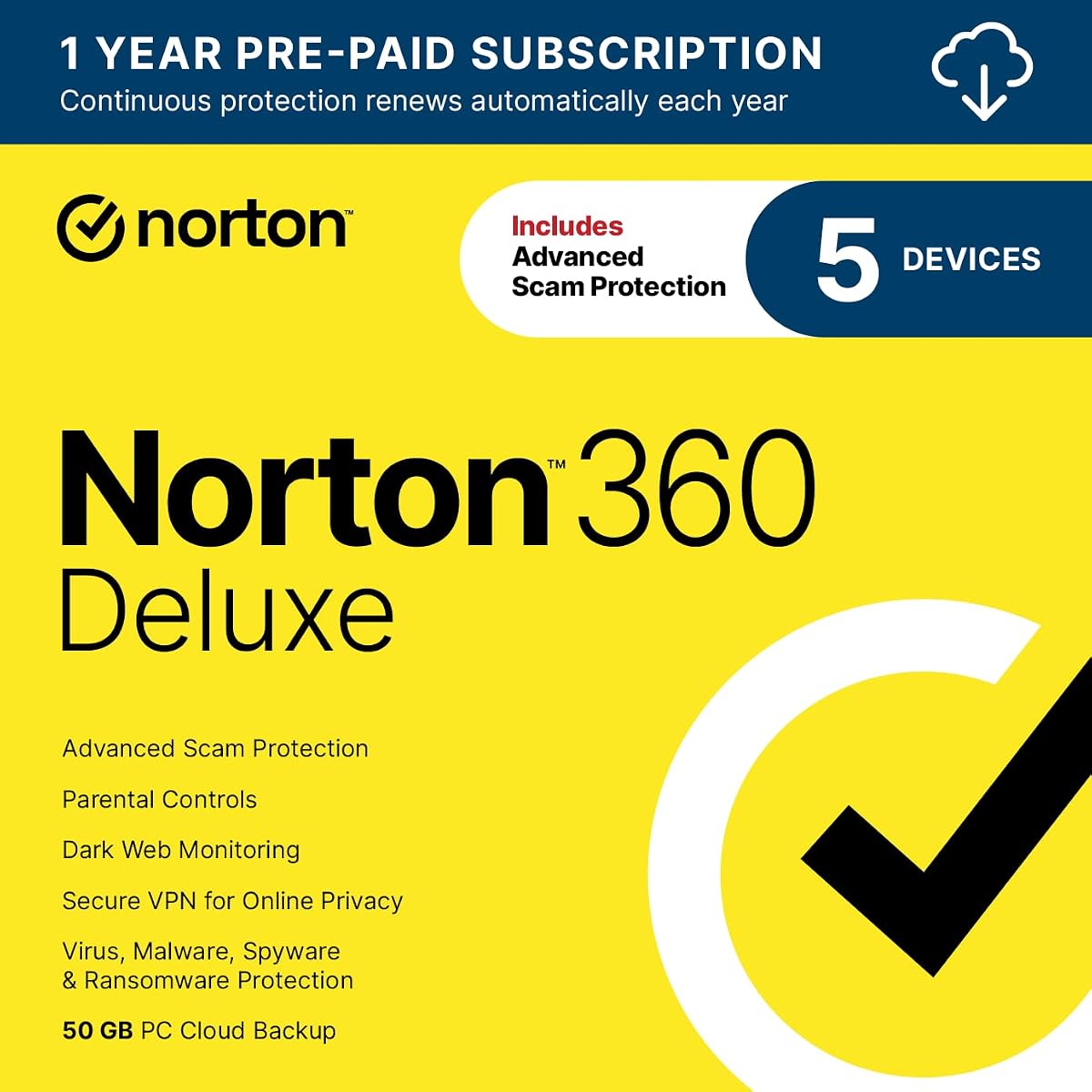
Norton 360 Deluxe provides ongoing protection for five devices including PCs Macs and mobile options. It stands out with a built-in Genie AI assistant that helps identify suspicious messages and emails automatically.
We may earn a commission when you buy through this link, at no additional cost to you.
The 50 GB secure PC cloud backup helps prevent data loss from ransomware or hardware failures. Dark web monitoring scans for your personal information and notifies you if it is found for sale.
Introductory pricing makes the first year affordable but renewal rates may increase so check terms carefully. A payment method must be stored even if the charge happens only after the prepaid term ends.
This suite is excellent for users who prioritize data recovery alongside traditional virus protection. Its real-time protection is designed not to slow down device performance while blocking emerging threats.
Genie AI helps you spot hidden scams online so you never have to wonder if a message is suspicious.
Photos and files are safeguarded with 50 GB of cloud storage to prevent loss from ransomware or drive failures.
We may earn a commission when you buy through this link, at no additional cost to you.
McAfee+ Premium 2027 extends coverage to unlimited devices making it ideal for tech-heavy households or families. It includes advanced personal data scans to find your info on sites selling it and guides removal.
We may earn a commission when you buy through this link, at no additional cost to you.
The Social Privacy Manager helps you decide what you share by finding buried privacy settings in social accounts. Secure connections are maintained on public Wi-Fi with just a few clicks to ensure safety.
This tier offers more than standard antivirus by combining scam protection identity monitoring and VPN in one place. It is designed for those who want the highest level of automated protection available.
The guidance provided through alerts helps users know what matters and what to do next quickly. Support is available around the clock via phone or chat to assist with any issues.
Fix your social account privacy settings automatically to control what information you share online.
Take your info off the market by finding personal data on selling sites and getting guided removal help.
We may earn a commission when you buy through this link, at no additional cost to you.
K7 Total Security provides essential safeguards against viruses malware and phishing for a single user. It includes ransomware protection to keep your photos and files from being encrypted by untrusted apps.
We may earn a commission when you buy through this link, at no additional cost to you.
Webcam protection prevents unauthorized applications from spying on you by blocking access to your camera. The software maintains your online identity and privacy allowing you to work and shop with confidence.
Delivery of the activation code is fast typically occurring within 24 hours via email or message center. It is a straightforward no-frills solution for those needing basic protection without extra features.
This product is suitable for users who want reliable antivirus software without paying for premium bundles. The 2hr email delivery promise ensures you can get protected almost immediately after purchase.
Prevent hackers from spying by blocking unauthorized access to your webcam and other sensitive peripherals.
Protect your files from encryption and deletion by ransomware to ensure your data remains accessible.
We may earn a commission when you buy through this link, at no additional cost to you.
ASURION offers a protection plan that covers drops spills and cracked screens due to normal use from day one. It is distinct from software antivirus but provides critical support for hardware malfunctions after manufacturer warranties end.
We may earn a commission when you buy through this link, at no additional cost to you.
Real experts are available 24/7 to help with connectivity issues troubleshooting and set-up for your device. If the product cannot be repaired you will receive an e-gift card or replacement for the purchase price.
Claims can be filed anytime online or by phone and most are approved within minutes for quick resolution. There is no additional cost for repairs including shipping which simplifies the maintenance process significantly.
This plan is ideal for protecting your physical laptop investment against accidents and failures rather than digital threats. Ensure the plan is purchased within 30 days of the product purchase to qualify for coverage.
Drops and spills are covered from day one so you don't worry about accidental physical harm to the laptop.
Get help with set-up and connectivity issues from real experts available around the clock whenever you need them.
We may earn a commission when you buy through this link, at no additional cost to you.
This 2027 edition of McAfee Total Protection covers three devices with adaptive protection that keeps up as threats change. It automatically protects your info on public Wi-Fi every time you connect with just a few easy clicks.
We may earn a commission when you buy through this link, at no additional cost to you.
Guided action alerts provide clear instructions on what to do next when risks are detected. Adaptive protection tunes alerts to you so you receive relevant notifications without being overwhelmed by false alarms.
Support is available 24/7 via phone or chat plus help articles if you prefer to sort issues yourself. Instant code download allows for quick activation after purchase to secure your devices without delay.
It is a solid choice for users needing reliable coverage for a trio of devices like phones tablets and laptops. The subscription renews annually so cancellation is available from your My Account page to manage terms.
Automatically protect your info on public Wi-Fi networks every time you connect to avoid data interception.
Detection updates as threats change and alerts are tuned to you for a personalized security experience.
We may earn a commission when you buy through this link, at no additional cost to you.
Bitdefender Total Security provides world-class antivirus and cyber protection across Windows Mac iOS and Android devices. It features advanced threat defense including real-time data protection and multi-layer ransomware protection for comprehensive security.
We may earn a commission when you buy through this link, at no additional cost to you.
The suite includes webcam and microphone monitoring to alert you to unauthorized use. Anti-tracker and phishing tools along with parental controls offer further customization for safe browsing for all ages.
The activation code is printed on a card shipped inside a protective cardboard sleeve and may take time to arrive. Eco-friendly packaging avoids bulky boxes and hard-to-recycle discs which is a plus for environmental awareness.
This product is well-suited for mixed-device environments where consistent security is needed across different platforms. Safe online banking via a dedicated browser ensures your transactions are secure from hackers and malware.
Secure your digital life across Windows Mac iOS and Android with world-class antivirus and cyber protection.
Detect unauthorized access to your microphone and webcam to maintain your physical privacy online.
We may earn a commission when you buy through this link, at no additional cost to you.
Norton 360 Deluxe for three devices is an entry level option that still includes Genie AI assistant for scam protection. It offers a top-performing VPN to protect your privacy across all your devices including Smart TVs.
We may earn a commission when you buy through this link, at no additional cost to you.
The dark web monitoring searches for your information and notifies you should it be found. Real-time protection safeguards against emerging malware threats and viruses without slowing down your device performance.
Secure PC cloud backup provides 25 GB to help prevent loss of photos and files due to failures. Introductory pricing makes it accessible for new customers but renewal rates may vary after the first year.
This version is a good fit for users who need essential security features without the complexity of larger suites. It allows you to cancel anytime in your Norton account if the service no longer meets your needs.
Use the built-in Genie AI assistant to help spot hidden scams online with intelligent analysis.
Protect your privacy with a fast VPN that works across all devices including Smart TVs for complete coverage.
We may earn a commission when you buy through this link, at no additional cost to you.
Norton 360 Premium extends protection to ten PCs Macs and mobile devices for larger households. It includes 75 GB secure PC cloud backup to prevent loss of files due to ransomware or hardware failures.
We may earn a commission when you buy through this link, at no additional cost to you.
Genie AI assistant helps spot hidden scams online so you can trust your communications more easily. Dark web monitoring ensures you are notified if your personal information is found on websites or forums.
Real-time protection shields against existing and emerging malware threats without impacting device speed. The service renews annually at the current renewal price available at Norton.com/pricing after the first year.
This plan is ideal for families with many devices that need consistent security coverage. You can cancel anytime in your Norton account ensuring you maintain control over your subscription terms.
Secure up to 10 PCs Macs and mobile devices instantly for complete household protection.
Enjoy 75 GB of secure cloud storage to safeguard your photos and files against loss or ransomware.
We may earn a commission when you buy through this link, at no additional cost to you.
Choosing the right protection software requires evaluating device limits, features, and usability to match your specific needs and budget.
Determine how many laptops, tablets, and smartphones you need to protect. Some plans cover just one device while others support unlimited devices making them better for families with multiple gadgets.
Select a plan that matches your current device count and any potential future expansions to avoid upgrading prematurely.
Look for software that uses real-time threat detection to catch viruses malware and spyware before they infect your system. High detection rates ensure you are safe from both known and emerging digital threats.
Prioritize solutions that have consistently performed well in independent security tests for reliable protection.
Many suites include identity monitoring to scan the dark web for your personal information and alert you if it is compromised. This feature helps prevent identity theft by letting you take action before damage occurs.
Choose a product that offers dark web monitoring to safeguard your sensitive personal details effectively.
A built-in VPN allows you to browse securely on public Wi-Fi networks by encrypting your internet traffic. This prevents hackers on the same network from intercepting your data or tracking your activity.
Ensure the software includes unlimited VPN access to maintain privacy whenever you are away from home.
A password manager helps you generate strong unique passwords and store them securely in an encrypted vault. This reduces the risk of account hacking by preventing password reuse across multiple websites.
Opt for a suite that bundles a robust password manager to simplify your online security management.
Some software includes cloud backup to save your files to a secure offsite location. This protects your data from ransomware encryption or physical hardware failures like hard drive crashes.
Check the included storage capacity to ensure it can hold your important photos and documents adequately.
Effective security software should not slow down your laptop during scans or daily use. Look for lightweight programs that run efficiently in the background without draining battery life.
Read reviews focusing on system speed to avoid choosing a tool that hampers your workflow.
Reliable support options such as 24/7 phone or chat help resolve issues quickly if you face installation or detection problems. Good support ensures you are never left vulnerable due to technical errors.
Choose a provider with a reputation for responsive and knowledgeable customer service teams.
Start by downloading the installation file and entering your activation code to enable protection. Follow any on-screen prompts to configure initial settings and ensure real-time scanning is active.
Run a full system scan regularly to check for any dormant threats that might have been missed previously. Schedule scans for times when your laptop is idle so performance remains smooth during work hours.
Keep the software updated to benefit from the latest virus definitions and security patches. Also review your subscription settings periodically to manage auto-renewals and billing details accurately.
Most modern security suites are designed to run efficiently in the background with minimal impact on performance. However if you notice significant slowdowns it might be due to a heavy background scan. You can schedule these tasks for off-hours to maintain a smooth workflow.
Antivirus software primarily focuses on detecting and removing malicious code like viruses and worms. Internet security suites build on this by adding features such as firewalls parental controls and VPNs for broader protection against online threats.
Windows Defender provides basic protection but third-party suites often offer additional features like identity monitoring and advanced ransomware shields. For users who want layered security and extra tools a dedicated solution may be more beneficial.
Dark web monitoring tools scan underground forums and marketplaces for your personal information. If they find your details like email or credit card numbers they alert you so you can take steps to secure your accounts immediately.
Yes many plans cover multiple devices up to a specific limit or unlimited. Always check the product details to confirm how many laptops phones or tablets are included before purchasing to ensure full coverage.
Most security software includes quarantine and removal tools to isolate and delete threats. If an infection occurs follow the on-screen instructions to resolve the issue and run a secondary scan to ensure the threat is completely gone.
The top picks like McAfee Total Protection and Norton 360 Deluxe offer a strong balance of features and value for most users. Whether you choose a budget option or a premium suite ensure it meets your specific security requirements.
Prioritize protection that includes identity monitoring and reliable threat detection to stay safe online. Features like VPNs and backup tools add significant value and help maintain overall digital hygiene.
Remember to check current pricing and subscription terms before finalizing your purchase. Software costs can change so verifying the latest deals ensures you get the best possible value for your investment.