
Dexpt 65W Laptop Charger
4.5Editor score
Supports 65W 45W 33W
Three connector sizes included
Wide voltage input range
Find the perfect ASUS Vivobook and Zenbook Power Cord replacement with our expert guide comparing top chargers for safety, compatibility, and performance.
Finding the right power source for your laptop is crucial for maintaining productivity and device health. A reliable charger ensures your machine stays ready for work or entertainment at any time of day.
We compared ten highly rated chargers based on compatibility, safety features, and build quality. Our analysis focuses on models that support various ASUS VivoBook and ZenBook series requirements.
Each pick highlights key strengths and limitations to help you choose confidently. Please note that product availability and pricing may change, so verify details before purchasing.
4.5Editor score

4.4Editor score
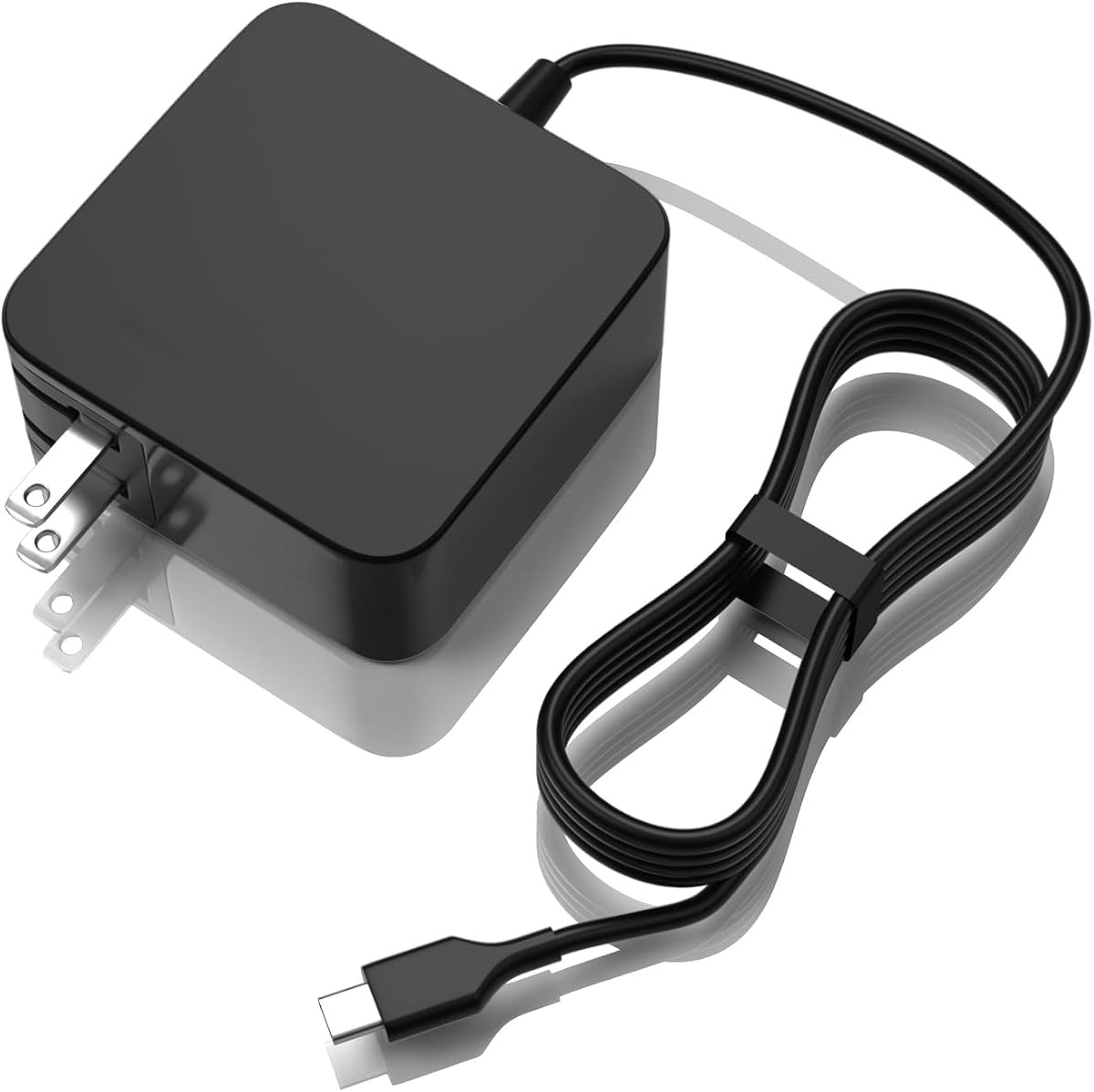
4.8Editor score
This side-by-side comparison helps you evaluate key specifications across all ten top-rated chargers to find the ideal match for your specific ASUS laptop model.


The Superer 65W Laptop Charger stands out as a top choice for many users seeking a reliable power source. It delivers consistent power with a rating that reflects high customer satisfaction across various use cases.
We may earn a commission when you buy through this link, at no additional cost to you.
Its primary strength lies in the four switchable round connectors which ensure compatibility with numerous ASUS VivoBook and ZenBook models. This versatility eliminates the guesswork often associated with buying replacement chargers online.
While it offers excellent value, users should note it does not support high-performance gaming models or OLED variants requiring higher wattage. Confirming your device needs prevents mismatched purchases and ensures safe operation.
For standard daily computing tasks, this charger provides an efficient and cost-effective solution. We recommend it for students and professionals alike who need dependable power without overspending on accessories.
The inclusion of four interchangeable tips allows you to match the exact connector size needed for your specific laptop model seamlessly.
With a twenty-four-month manufacturer warranty, you gain peace of mind knowing that support is available if any issues arise during normal use.
We may earn a commission when you buy through this link, at no additional cost to you.
The Dexpt Charger offers exceptional value for budget-conscious buyers needing a solid replacement for their ASUS devices. It maintains a strong rating among users who prioritize function over fancy features.
We may earn a commission when you buy through this link, at no additional cost to you.
A key advantage is the seven-and-a-half-foot power cord which provides significant reach across a room. The LED indicator light also helps you quickly confirm when the device is actively receiving power.
However, this unit is designed for standard models and cannot support gaming laptops or high-performance variants. Always verify that your machine does not require more than sixty-five watts before purchasing.
If you need a straightforward, economical charger for office or home use, this option delivers reliable performance. It is an ideal choice for keeping a spare adapter in a travel bag or office drawer.
The seven-point-five-foot cord ensures you can plug in from a comfortable distance without being tethered tightly to the nearest wall outlet.
The built-in LED indicator provides immediate visual confirmation that the charger is functioning correctly and delivering power to your laptop.
We may earn a commission when you buy through this link, at no additional cost to you.
The Powseed Laptop Charger presents a robust option for those needing a versatile replacement across multiple ASUS device types. It holds a strong rating based on consistent performance in daily charging scenarios.
We may earn a commission when you buy through this link, at no additional cost to you.
This unit features four interchangeable DC barrel tips covering common sizes like 4.5×3.0mm and 5.5×2.5mm. The six-foot cord offers adequate length for most desk setups without cluttering your workspace.
While effective for standard models, it is not compatible with USB-C ports found on newer laptops. Users with devices relying solely on USB-C should look for the alternative options listed in our guide.
The two-year warranty adds significant value by ensuring long-term support for your purchase. We recommend this charger for anyone needing a reliable, multi-tip solution for various ASUS devices at home or school.
The set includes four distinct barrel tips allowing you to match the specific connector type required by your particular VivoBook or ZenBook model.
Operating between 100 to 240 volts, this charger handles global voltage standards making it suitable for international travel and use abroad.
We may earn a commission when you buy through this link, at no additional cost to you.
The 90W Charger is designed for users with newer ASUS Vivobook models that require USB-C charging and higher wattage. It maintains a high rating due to its ability to power demanding laptops effectively.
We may earn a commission when you buy through this link, at no additional cost to you.
With ninety watts of output power, this charger supports fast charging capabilities for devices like the Vivobook S15 or S16X models. The USB Type-C connector ensures a modern connection standard for current laptops.
Although it performs well, it is restricted to USB-C ports and will not work with older barrel-connector models. This makes it a specialized purchase for specific newer generations of ASUS hardware.
If your laptop supports USB-C power delivery and demands higher wattage, this charger is an excellent choice. It balances performance and safety certifications to ensure your device charges quickly and securely.
At ninety watts, this adapter provides sufficient power to charge high-performance laptops even while you are using them for intensive tasks.
FCC and CE certifications confirm that this charger meets strict safety standards for electrical devices used in households and offices.
We may earn a commission when you buy through this link, at no additional cost to you.
The 90W USB C Fast Charger leads our list with an outstanding rating and premium features designed for modern ASUS devices. It is ideal for those seeking top-tier performance and fast charging speeds.
We may earn a commission when you buy through this link, at no additional cost to you.
This unit supports Power Delivery protocols allowing it to deliver up to ninety watts efficiently. Its robust safety mechanisms protect against overvoltage and overheating ensuring safe long-term operation with your laptop.
The main trade-off is the higher price point compared to basic models. However, the superior build quality and advanced protection features justify the cost for users with expensive or high-performance machines.
We recommend this charger for anyone with a USB-C capable ZenBook or Vivobook who wants reliable fast charging. It is a premium investment that ensures your device stays powered up efficiently.
This charger supports PD technology enabling it to negotiate the optimal power levels with your laptop for faster and more efficient charging cycles.
Built-in safety mechanisms guard against electrical issues like overvoltage and short circuits protecting your laptop from potential damage during charging.
We may earn a commission when you buy through this link, at no additional cost to you.
The USB-C 65W AC Adapter is tailored for users prioritizing portability and simplicity in their charging solution. It holds a strong rating among travelers and commuters needing a lightweight power source.
We may earn a commission when you buy through this link, at no additional cost to you.
Its compact design includes a foldable plug which saves space in your bag. The five-foot-nine-inch cord provides just enough length for standard use while maintaining a sleek form factor.
While it lacks advanced features found in premium models, it reliably charges devices needing up to sixty-five watts. This makes it suitable for everyday use with Chromebooks and standard Ultrabooks.
For frequent travelers or students who need a spare charger on the go, this option is excellent. Its certification and warranty ensure it meets safety standards without adding bulk to your travel gear.
The foldable plug design reduces bulk allowing this charger to fit easily into tight spaces inside laptop bags or backpacks.
Compliance with CE FCC and RoHS standards guarantees that this charger operates within safe electrical limits for all your devices.
We may earn a commission when you buy through this link, at no additional cost to you.
The Nicpower 65W Laptop Charger offers extensive compatibility with a wide range of ASUS VivoBook and ZenBook models. It maintains a solid rating based on its ability to serve many users effectively.
We may earn a commission when you buy through this link, at no additional cost to you.
It supports outputs for sixty-five forty-five and thirty-three watts making it flexible for various laptop requirements. The round connector design works well with classic models that use barrel plugs.
Note that this charger does not support USB-C ports so verify your laptop uses a round connector before buying. Checking the tip size is crucial to avoid compatibility issues with newer devices.
For owners of standard barrel-connector ASUS laptops, this charger provides a reliable and affordable solution. It is an excellent choice for those looking to replace an original adapter without overspending.
Designed to fit dozens of VivoBook and ZenBook models including classic and modern series with standard round connector ports.
Supports 65W 45W and 33W output ensuring you can use a single charger across different devices with varying power requirements.
We may earn a commission when you buy through this link, at no additional cost to you.
The 45W Laptop Charger provides a stable and continuous power source for devices that require exactly forty-five watts. It holds a high rating among users needing a specific 4.0mm connector size.
We may earn a commission when you buy through this link, at no additional cost to you.
This adapter features a precise 4.0mm x 1.35mm round connector which matches many smaller ASUS models perfectly. The six-foot cable offers decent reach for a standard desk environment.
While it does not support higher wattage models, it is fully backward compatible with devices needing 33W. This ensures it works well with older VivoBook and ZenBook variants requiring lower power.
If your laptop specifically needs 45W and a 4.0mm tip, this charger is an ideal match. It offers a cost-effective solution with reliable performance for smaller or older ASUS devices.
The 4.0mm connector ensures a secure and stable fit into laptops designed for this specific size connector type.
Delivering 45W efficiently ensures your device charges without unnecessary heat or energy waste during the process.
We may earn a commission when you buy through this link, at no additional cost to you.
The Dexpt 65W Laptop Charger delivers reliable performance for standard devices needing a replacement power adapter. It holds a strong rating due to its consistent output and compatibility features.
We may earn a commission when you buy through this link, at no additional cost to you.
This model includes three connector sizes which helps cover a wide range of ASUS laptop connector requirements. The maximum output of 19V 3.42A matches most standard 65W devices effectively.
While it supports many models, ensure your device requires 65W or less and does not use USB-C. Also confirm the amperage requirements to avoid issues with high-draw devices.
For general use with standard VivoBook or Chromebook models, this charger offers dependable functionality. It is a practical choice for replacing a broken original adapter quickly and affordably.
Three connector sizes are included allowing you to test and find the best fit for your laptop from a common set of plugs.
The 19V 3.42A output ensures your device receives the correct power for stable operation without risking under-powering issues.
We may earn a commission when you buy through this link, at no additional cost to you.
The EERSY 65W Laptop Charger offers excellent value with an unusually long power cord for increased flexibility. It stands out with a high user rating reflecting consistent performance across different devices.
We may earn a commission when you buy through this link, at no additional cost to you.
The eight-point-eight-foot cable allows you to place your laptop far from the outlet which is ideal for large desks or hard-to-reach areas. It also supports 65W 45W and 33W outputs.
While the long cord is beneficial it may require careful management to avoid tangles. Ensure you verify the tip size matches your device since it supports several standard connector types.
If you need extra reach and a reliable power source for standard ASUS laptops, this charger is highly recommended. It provides a versatile solution for both home and office environments.
The eight-point-eight-foot cord provides exceptional reach allowing you to position your workspace comfortably away from wall outlets.
Supports 65W 45W and 33W making this charger suitable for different laptop models within your home or work environment.
We may earn a commission when you buy through this link, at no additional cost to you.
Choosing the right power cord involves checking compatibility, wattage, and connector type to ensure safe and effective charging for your specific ASUS laptop model.
The most critical factor is ensuring the connector tip matches your laptop port exactly. Most older VivoBooks and ZenBooks use round barrel connectors with specific sizes like 4.0mm or 5.5mm while newer models use USB-C.
Always check your device model number or measure your old plug before purchasing to avoid buying a charger that does not fit securely.
Matching the wattage output is vital to ensure your laptop charges efficiently. Using a charger with lower wattage than required may result in slow charging or the battery not charging while in use.
Always ensure the voltage matches your device requirements exactly while the amperage can be equal to or higher than the original specification for safe operation.
Newer ASUS laptops often utilize USB-C charging which is more versatile than traditional barrel jacks. If your device has a USB-C port look for a charger specifically labeled as USB-C compatible with Power Delivery.
Using a barrel jack charger on a USB-C port or vice versa is not possible so identify your laptop connection type clearly before making a selection.
Look for chargers that carry certifications like FCC or CE which indicate compliance with safety standards. These certifications reduce the risk of electrical hazards such as overheating or short circuits during operation.
A safety-certified charger protects your expensive laptop from damage caused by power surges or electrical faults during charging.
The length of the power cord affects your flexibility when using your laptop. Standard cords range from five to six feet but some models offer longer lengths for reaching distant wall outlets easily.
Select a cord length that suits your desk setup and prevents strain on the connector where it attaches to the laptop.
Durability is key since chargers often undergo frequent plugging and unplugging. High-quality materials and reinforced stress points at the ends of the cable help extend the lifespan of the product.
Investing in a well-built charger reduces the likelihood of having to replace it again soon due to wire fraying or connection issues.
A warranty provides protection against defects and ensures customer support is available if issues arise. Most reputable brands offer at least a one-year warranty which adds confidence to your purchase decision.
Check the warranty duration and return policy before buying to ensure you have recourse if the charger fails unexpectedly during the coverage period.
While prices vary widely third-party chargers generally offer significant savings over buying directly from the manufacturer. However balance cost with quality since the cheapest options may lack safety features.
A mid-range charger often provides the best balance of price safety and durability for most users looking for a reliable replacement.
Always plug the charger into the wall outlet first and then connect it to your laptop to ensure a stable power flow. This helps prevent voltage spikes that might occur if plugged into the laptop first.
Avoid wrapping the cord tightly around the power brick which can damage internal wires over time. Instead use the cable tie included or a soft strap to organize it loosely.
Store the charger in a cool dry place when not in use to prevent heat or moisture damage. This simple care routine extends the life of your charger and maintains consistent performance.
Yes you can safely use a 65W charger for a laptop that requires 45W as long as the voltage matches. The laptop will draw only the power it needs so the higher wattage does not damage it.
If your device has a USB-C port you need a USB-C charger specifically. Do not try to force a barrel connector plug into a USB-C port as this will not work and may damage the port.
It is normal for chargers to get warm during use due to internal resistance. However if it becomes too hot to touch stop using it immediately as this indicates a potential safety issue or defect.
Cord length does not affect charging speed directly but longer cords allow more flexibility. Ensure the cord is not stretched or kinked as this can damage internal wires and affect safety.
The most accurate way is to measure the outer diameter of your old tip with a caliper or ruler. Compare this measurement to the product descriptions in the guide to find a match.
Yes if they carry proper safety certifications like FCC or CE. Always check reviews and warranty details to ensure the charger meets quality standards before trusting it with your device.
We have reviewed ten top options for ASUS laptop power cords covering a range of prices and connector types. Each offers distinct strengths whether you prioritize budget compatibility or advanced USB-C performance.
When making your choice focus on verifying connector size and wattage to ensure safety. Prioritize models with good warranty coverage and safety certifications to protect your device long term.
Remember to check current pricing and availability before purchasing since these details can change. This guide provides a solid starting point to find a reliable power source for your specific ASUS laptop model.