
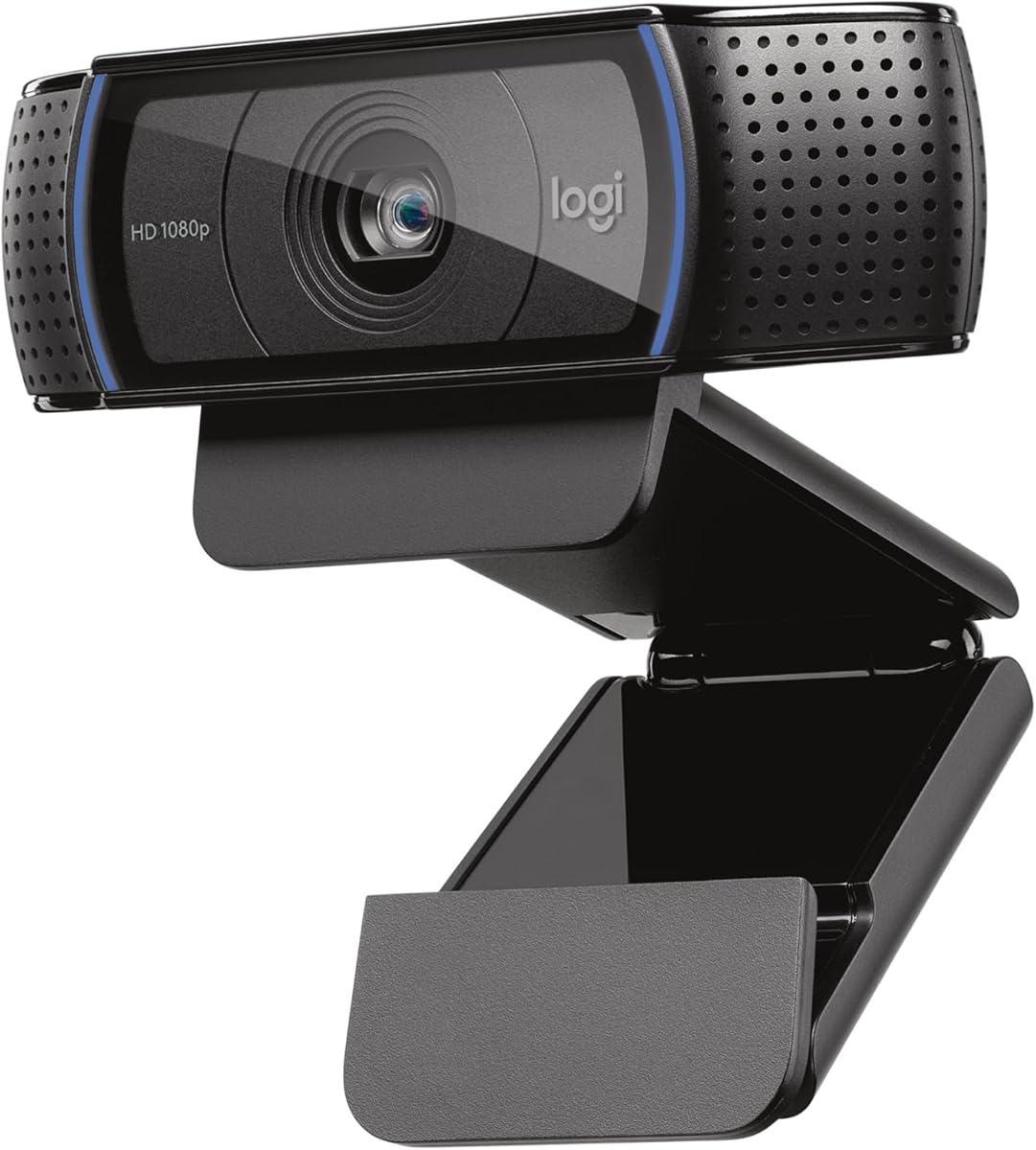
Logitech Brio 100 1080p Full HD Webcam
4.5Editor score
Up to Full HD 1080p Resolution at 30 fps
58 Diagonal Field of View
Plug and Play Compatibility
This guide compares the top 1080p webcams for streaming and meetings featuring models from Logitech and EMEET with detailed specs and expert insights.
Finding the right 1080p webcam ensures your video calls look crisp and professional whether you work from home or stream content online for audiences worldwide today.
We evaluated ten top models based on image quality microphone performance ease of use and compatibility with popular platforms like Zoom Teams and Google Meet to find the best picks.
Each pick highlights key strengths and ideal use cases while noting that prices and availability can shift frequently so check current listings before making your final purchasing decision.
4.5Editor score
4.6Editor score

4.6Editor score
Here is a side by side comparison of all ten models highlighting their core specifications and unique features to help you choose the right webcam for your setup.


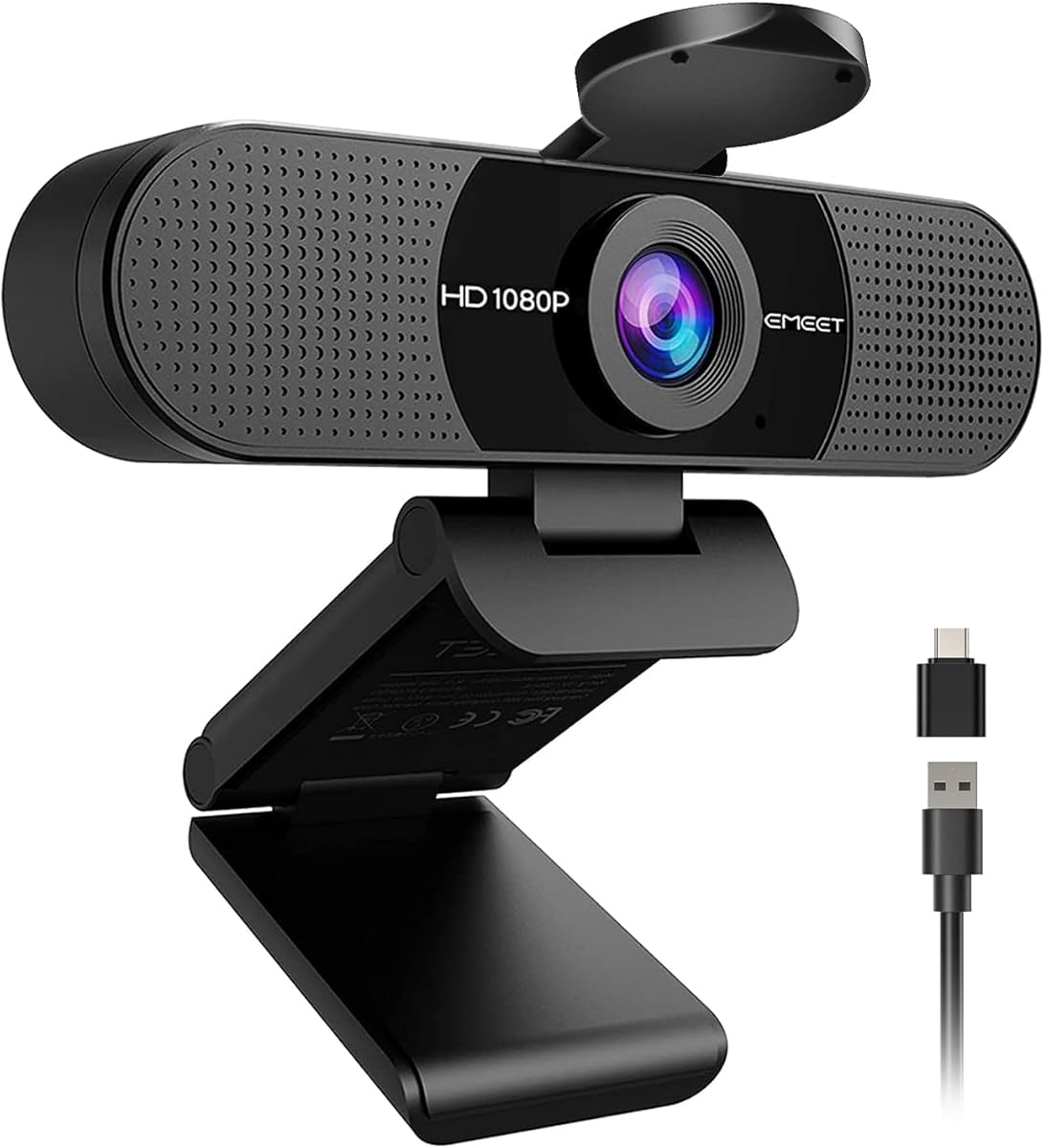
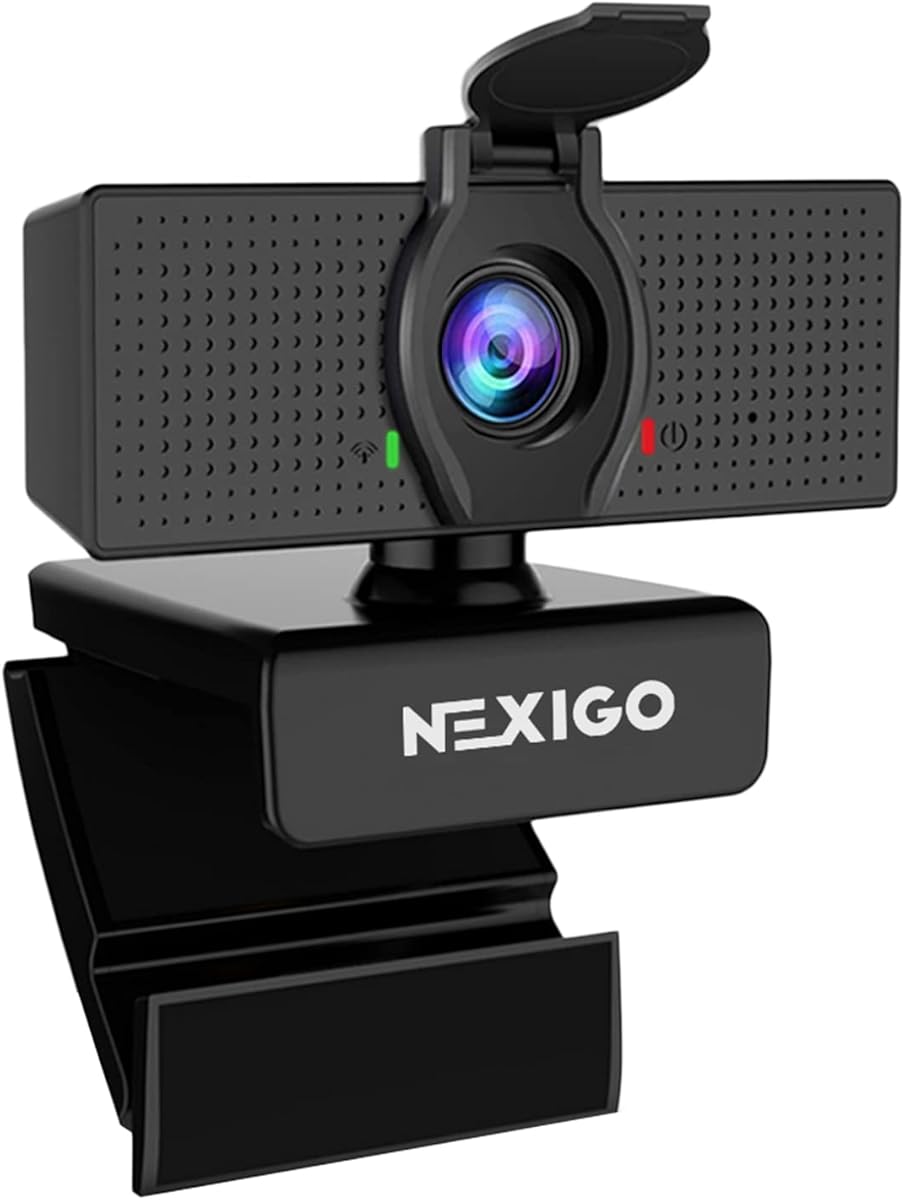

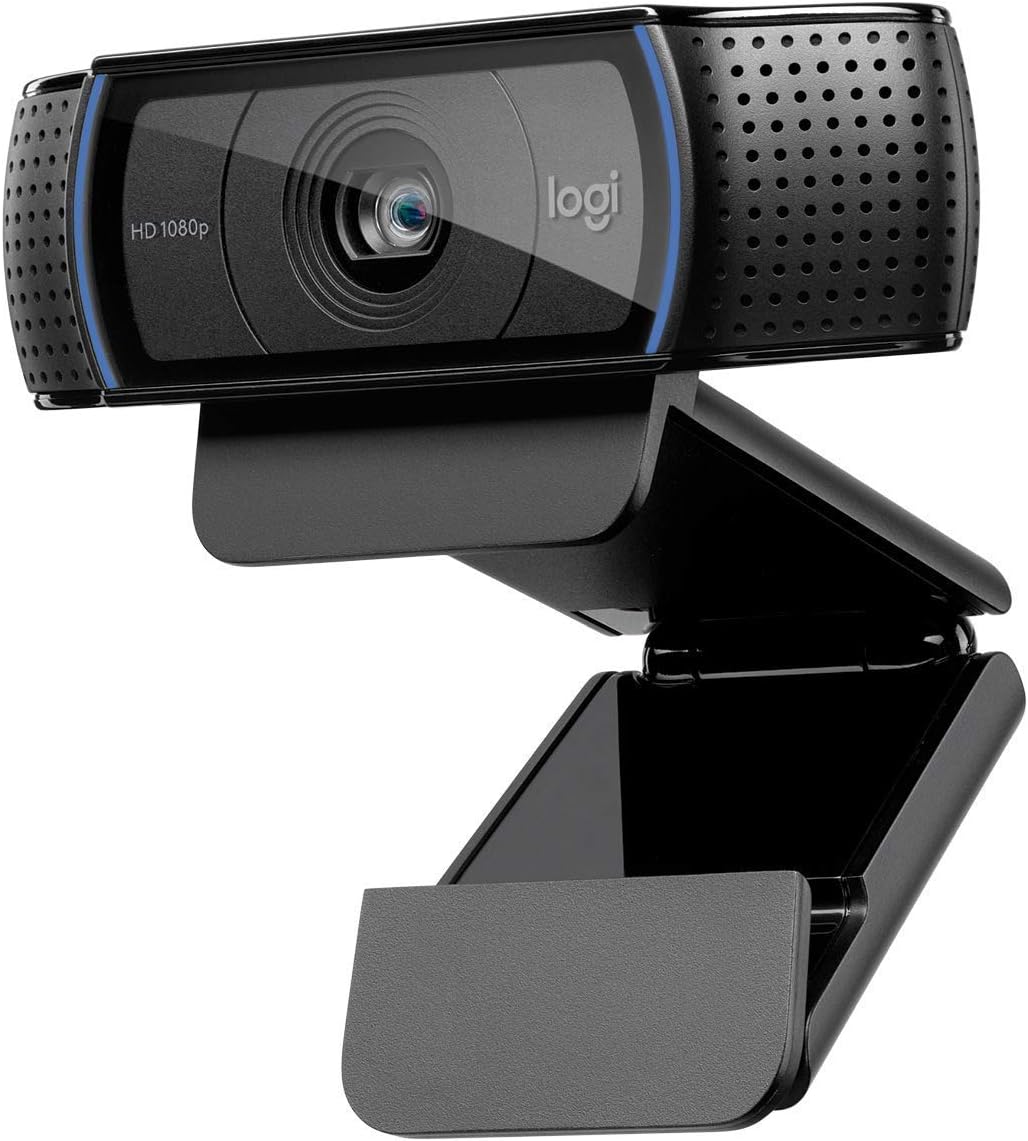

The Logitech C920x stands out as a reliable choice for professional video calls and streaming with its Full HD 1080p resolution at 30 fps delivering consistently sharp images.
We may earn a commission when you buy through this link, at no additional cost to you.
Its autofocus and HD light adjustment ensure you remain visible and clear even in varying lighting conditions which is crucial for users working from different environments daily.
While the lack of a privacy shutter requires external solutions or careful management the built-in stereo microphones provide natural sound that reduces the need for separate audio gear.
This model is ideal for remote workers and streamers who prioritize video clarity and audio quality without needing extra drivers or complex configurations on their system.
The 1080p resolution ensures every detail is captured clearly making you look professional during meetings and presentations.
Dual microphones capture your voice with minimal background noise ensuring clear communication throughout your calls.
We may earn a commission when you buy through this link, at no additional cost to you.
The Logitech C920S builds on the trusted C920 series by adding a crucial privacy shutter allowing you to physically cover the lens when not in use.
We may earn a commission when you buy through this link, at no additional cost to you.
It delivers premium Full HD 1080P video quality with autofocus that keeps your image sharp and clear throughout your video calls or recorded sessions.
The stereo audio with dual microphones ensures your voice sounds natural without needing extra equipment which simplifies your desk setup significantly for daily use.
If privacy is a top concern alongside video quality this webcam offers a balanced solution that meets professional standards without compromising on ease of use.
The integrated shutter gives you peace of mind by blocking the lens physically when the camera is not active.
HD autofocus ensures you stay in focus whether you move slightly or adjust your position during meetings.
We may earn a commission when you buy through this link, at no additional cost to you.
The Logitech C920e is designed specifically for business environments with certifications for Zoom and Microsoft Teams ensuring seamless integration and optimized performance.
We may earn a commission when you buy through this link, at no additional cost to you.
It features a 78-degree fixed field of view that frames individual users well while providing enough room to share objects visually during collaborative work sessions.
Dual omnidirectional microphones capture audio clearly from up to one meter away which reduces the need for headsets and keeps conversations natural and flowing.
For organizations prioritizing reliability and compliance this model offers a robust solution that meets professional standards for video conferencing and remote work setups.
Certifications for major platforms ensure the webcam works flawlessly with the software your organization already uses daily.
The attachable privacy screen provides an easy way to cover the lens when you are not actively on a call.
We may earn a commission when you buy through this link, at no additional cost to you.
The Logitech Brio 101 brings solid Full HD performance to both work and gaming setups with its Auto Light Balance tech ensuring you look bright even in dim rooms.
We may earn a commission when you buy through this link, at no additional cost to you.
Its integrated privacy cover slide offers a quick and reliable way to hide the lens which adds a layer of security for home users with shared workspaces.
Built with a minimum of 77 percent recycled plastic this model aligns with sustainability goals while still delivering essential features needed for daily video communication.
Budget conscious buyers seeking a reputable brand will find this webcam a practical choice that balances performance privacy and environmental responsibility effectively.
RightLight technology boosts brightness significantly to reduce shadows and ensure your face remains visible in any room.
Manufacturing with recycled materials reduces environmental impact without compromising on build quality or functionality.
We may earn a commission when you buy through this link, at no additional cost to you.
The Logitech Brio 105 delivers clear Full HD 1080p video at a competitive price making it an excellent entry point for businesses upgrading their remote work tools.
We may earn a commission when you buy through this link, at no additional cost to you.
It includes RightLight 2 technology to adjust to suboptimal lighting conditions automatically so users look professional without needing to adjust manual settings constantly.
With a certified Google Meet experience and Logitech Sync support this webcam helps IT teams deploy devices remotely and keep them updated with minimal effort.
Small teams or freelancers seeking reliable video quality and enterprise compatibility will appreciate the value and features this model provides for everyday use.
Certification ensures optimal settings and features are available directly within the Google Meet interface for smooth sessions.
Sync software allows easy management of device settings and updates across multiple computers without physical access.
We may earn a commission when you buy through this link, at no additional cost to you.
The Logitech Brio 100 renewed model offers a cost effective way to access reliable Full HD 1080p video for streaming and recording without paying for a new unit.
We may earn a commission when you buy through this link, at no additional cost to you.
It features a wide 58-degree diagonal field of view which captures more of your surroundings making it suitable for both individual calls and small group setups.
Its plug and play compatibility ensures it works seamlessly with popular video conferencing applications right out of the box without requiring complex driver installations.
Those looking for a simple no fuss solution can depend on this option to handle basic video conferencing tasks effectively while saving on initial costs.
Renewed options provide a chance to own a reputable brand at a fraction of the standard retail price while maintaining quality.
The wider angle allows you to share your space or include objects in the frame more easily than narrow cameras.
We may earn a commission when you buy through this link, at no additional cost to you.
The EMEET S600 pushes beyond standard 1080p by offering 4K streaming quality via a Sony sensor which delivers exceptionally crisp images for content creators and streamers.
We may earn a commission when you buy through this link, at no additional cost to you.
Its PDAF autofocus technology ensures precise focus even in varied scenes and the auto light adjustment balances shadows to maintain visual clarity during live broadcasts.
At 1080p the field of view adjusts between 40 and 73 degrees giving users flexibility to frame themselves tightly or show more of their environment as needed.
If you are serious about video quality and want top tier performance this model provides advanced features typically found in much higher end camera setups.
The 4K resolution ensures fine details are visible to viewers making your streams look professional and high quality.
Adjustable field of view lets you switch between a tight portrait mode and a wider view for sharing your space.
We may earn a commission when you buy through this link, at no additional cost to you.
The EMEET C960 offers a wide 90-degree field of view which is perfect for capturing multiple people or a broader workspace without needing to reposition the camera.
We may earn a commission when you buy through this link, at no additional cost to you.
It includes a privacy cover that removes automatically to meet needs and features automatic light adjustment to stabilize image performance in various indoor environments.
Two built-in omnidirectional microphones pick up your voice clearly and the upgraded USB connectivity supports both Type-A and Type-C for wider device compatibility.
For users seeking a budget friendly option with wide angles and essential features this model provides strong value for home office setups.
The wide field of view allows you to share more of your surroundings or include multiple people in the frame easily.
Having two microphones helps capture clearer audio and filter out some background noise for better call quality.
We may earn a commission when you buy through this link, at no additional cost to you.
The NexiGo N60 is designed for simplicity and compatibility offering Full HD 1080P video and broad support for operating systems including Windows Mac and Linux.
We may earn a commission when you buy through this link, at no additional cost to you.
It features a noise-cancelling microphone that reduces ambient noise to enhance sound quality making it ideal for conferencing and streaming in noisy environments.
The privacy protection cover blocks the lens when not in use providing security and peace of mind for individuals and companies alike without extra hardware.
This webcam is a practical choice for general users who need a reliable camera with essential features and wide platform support for everyday video calls.
Built-in noise cancellation filters out background distractions to ensure your voice comes through clearly during calls.
Support for various operating systems ensures this camera works with most devices without requiring specific drivers or software.
We may earn a commission when you buy through this link, at no additional cost to you.
The Logitech HD Pro Webcam C920 remains a trusted option for widescreen video calling and recording delivering Full HD 1080p video consistently for various desktop and laptop setups.
We may earn a commission when you buy through this link, at no additional cost to you.
It offers classic HD Pro design and quality that has stood the test of time making it a reliable choice for users who prioritize straightforward performance.
With support for desktop and laptop use this webcam adapts well to different work environments and provides essential video quality without extra setup or configuration.
If you need a proven camera that works well out of the box this classic model provides dependable video and audio for standard video conferencing needs.
This model has been a standard for video calls for years ensuring reliable performance across many software platforms.
The design supports both monitor mounting and tripod use giving you flexibility to position the camera for your space.
We may earn a commission when you buy through this link, at no additional cost to you.
Choosing the right webcam involves balancing video quality audio performance privacy features and compatibility with your existing systems.
Resolution determines how sharp your image appears and 1080p is the standard for clear video calls while frame rate affects smoothness during movement or streaming.
Aim for at least 1080p at 30 frames per second to ensure natural and clear visuals without stuttering or motion blur.
The field of view dictates how much of your surroundings the camera captures and a wider angle is useful for multiple people or showcasing your workspace.
Look for options between 70 and 90 degrees depending on whether you need to frame just yourself or include more context.
Integrated microphones vary in quality and dual mics with noise cancellation can significantly improve audio clarity by reducing background noise during calls.
Prioritize models with dual omnidirectional mics if you do not plan to use a separate headset for better communication.
Autofocus keeps your image sharp as you move and light correction adjusts to suboptimal lighting conditions to prevent dark or grainy video.
Ensure the webcam includes automatic light balance to maintain visibility even if your room lighting changes during the day.
Physical privacy covers are becoming essential for security and allow you to block the lens completely when the camera is not in use.
Choose models with an integrated slide or attachable screen to prevent accidental access and give you peace of mind.
Compatibility ensures the webcam works with your operating system and applications like Zoom Teams or Google Meet without requiring extra drivers or software.
Check that the model supports Windows Mac OS and your preferred conferencing tools before purchasing to avoid setup issues.
Mounting options like adjustable clips or tripod threads allow you to position the webcam securely on laptops monitors or desks for the best angle.
Look for sturdy clips that grip securely and tripod mounts if you need flexibility to move the camera between devices.
Consider the value relative to the features offered and check if the manufacturer provides a warranty or customer support for peace of mind after purchase.
Budget models may save money but investing in a reputable brand often ensures better longevity and software updates over time.
To get the best video quality position the webcam at eye level and ensure your face is well lit with natural or soft artificial light to reduce shadows.
Keep the lens clean by wiping it gently with a soft dry cloth to remove dust or smudges that could degrade image clarity over time.
Always use the privacy cover when not in use and test your audio and video settings before important calls to ensure everything is working properly.
Not all 1080p webcams support 60 frames per second as many standard models are limited to 30 fps to balance performance and cost. Some higher end options offer 60 fps at lower resolutions or specific modes. Check the product specs for frame rate details before purchasing to ensure smooth video during motion.
Privacy covers add an essential layer of security by physically blocking the lens when the camera is not in use. They prevent accidental leaks and provide peace of mind especially in shared spaces. Using a cover is a simple way to protect your privacy without relying on software settings.
Many modern webcams connect via USB and work with tablets or phones using adapters though compatibility varies by operating system. Some models are specifically optimized for computers and may not function fully on mobile devices. Always check device compatibility lists before buying for mobile use.
To improve image quality in low light add a desk lamp facing you or use a ring light to illuminate your face evenly. Many webcams have automatic light adjustment but external lighting helps reduce noise and improve clarity significantly for clearer video calls.
Using an external microphone can significantly improve audio quality and reduce background noise compared to built-in webcam mics. For professional calls or recording external audio gear ensures your voice is captured clearly without distractions. If audio is critical invest in a separate mic or headset.
Most modern webcams are plug-and-play and do not require additional drivers on Windows or Mac systems. They work immediately upon connecting to a USB port though optional software can enable advanced features like filters or effects. Always check if your OS needs specific drivers before installation.
The top picks in this guide cover a range of needs from budget friendly options to certified business models ensuring there is a suitable webcam for every user.
Prioritize features that matter most to your workflow such as privacy covers autofocus or wide angles to find a model that enhances your daily video communication.
Remember that prices and availability fluctuate frequently so check current listings and reviews before making your final decision to get the best value today.