
Yilador Webcam Cover 3 Pack
4.3Editor score
Three covers per package
Ultra-thin 0.027 inch profile
Strong adhesive for long-term use
This guide compares the top 10 laptop webcam covers for privacy, thickness, adhesive quality, and design to help you secure your devices effectively.
Protecting your digital privacy has never been more critical as remote work and online meetings become standard. A laptop webcam cover provides a simple physical barrier against unauthorized access to your camera lens, ensuring peace of mind during daily tasks without compromising device functionality or aesthetics.
We evaluated ten highly rated laptop webcam covers based on build quality, ease of installation, thinness, and compatibility across various devices. Our analysis considers user feedback, material durability, and design features to highlight the most reliable options available for securing your privacy this season.
Each product in our list offers unique benefits tailored to different needs, from ultra-thin aluminum designs to adhesive-free clip-on solutions. Note that product availability and pricing may vary over time, so always verify current details on the retailer site before making a final purchase decision for your setup.
4.3Editor score

4.5Editor score
4.3Editor score
Below is a detailed side-by-side comparison of all ten products analyzed in this guide. We highlight key specifications, compatibility details, and unique features to help you quickly identify the best fit for your specific device and privacy needs without needing to read every review.


The CloudValley Laptop Camera Cover Slide stands out as a top choice due to its exceptional thinness and durable metal construction. With a thickness of only 0.023 inches, it blends seamlessly with modern devices while providing robust privacy protection against unauthorized camera access.
We may earn a commission when you buy through this link, at no additional cost to you.
Its space aluminum alloy design offers a premium look that complements high-end laptops and tablets. The installation process is straightforward, requiring only alignment and a firm press for fifteen seconds. Users report strong adhesion without residue, ensuring long-term reliability.
While highly effective, the two-pack limit might require additional purchases for multi-device households. The lack of decorative patterns means it suits minimalist setups best. These trade-offs are acceptable given the high quality and broad compatibility with Mac and PC devices.
Anyone prioritizing privacy without compromising device thickness or aesthetics should consider this cover. It is particularly well-suited for professionals and students who need reliable protection across various gadgets. Its simple design ensures it remains unobtrusive during daily use.
At 0.023 inches, this cover ensures laptops close properly without interference.
Aluminum alloy provides a sturdy barrier against potential intruders.
We may earn a commission when you buy through this link, at no additional cost to you.
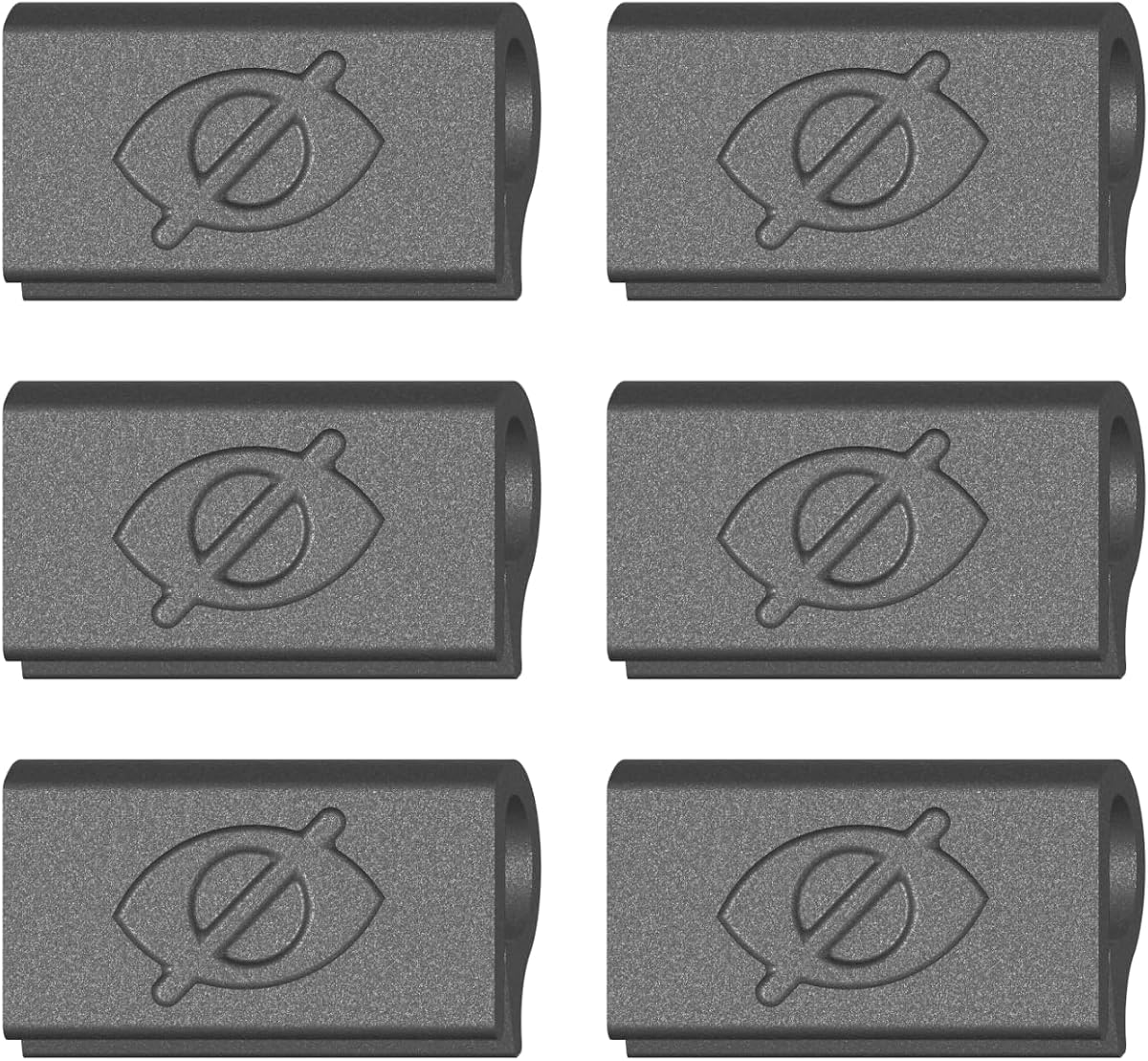
The Yilador Webcam Cover 3 Pack offers excellent value for users needing multiple privacy solutions. Its 0.027-inch thinness allows it to fit discreetly on laptops and phones without affecting closure or aesthetics, making it a practical choice for budget-conscious shoppers.
We may earn a commission when you buy through this link, at no additional cost to you.
The upgraded 3.0 adhesive ensures a strong hold that withstands daily use without damaging equipment. Compatibility spans across various brands including Apple and Samsung devices. Installation involves cleaning, applying adhesive, aligning the lens, and pressing for ten seconds.
However, it is not suitable for devices with full-screen protectors or notched tempered glass. Some users may find the adhesive leaves slight residue upon removal. These limitations are minor considering the cost-effectiveness and broad utility for general privacy needs.
Ideal for households with multiple devices, this pack allows for comprehensive coverage. It suits students and remote workers seeking reliable protection at a low cost. The balance of price and performance makes it a top contender in the budget category.
Three covers enable protection across laptops, phones, and tablets easily.
Upgraded adhesive ensures long-lasting hold without damaging surfaces.
We may earn a commission when you buy through this link, at no additional cost to you.
This clip-on option eliminates adhesive concerns entirely by using a flexible TPU clip to secure the cover over the bezel. Its premium design ensures no sticky residue is left behind if you decide to remove it, appealing to those who value device cleanliness.
We may earn a commission when you buy through this link, at no additional cost to you.
The thin profile allows laptops to close fully and enter sleep mode without interference. Manufactured in the USA, it benefits from rigorous quality control standards. The push-on installation is quick, requiring only one finger to press it onto the bezel.
While excellent for laptops, it is not designed for tablets or phones which limits versatility. Some users might prefer adhesive for a more permanent feel. However, for laptop owners wanting reusable protection, this is a superior premium choice.
Recommended for users who switch devices frequently or dislike adhesives. It suits MacBook and Chromebook owners specifically. The six-pack ensures spare availability, making it a robust solution for multi-device users prioritizing ease and cleanliness.
Flexible TPU clips on without any sticky backing residue.
Ideal for switching covers between devices without residue.
We may earn a commission when you buy through this link, at no additional cost to you.
Unlike laptop integrated covers, this solution is tailored for external Logitech webcams commonly used for streaming and meetings. Its design prevents dust and scratching while blocking the lens effectively when not in use, offering peace of mind for remote workers.
We may earn a commission when you buy through this link, at no additional cost to you.
The 180-degree flip mechanism allows easy removal and replacement without tools. Installation attaches securely without leaving residue, ensuring a quick setup. The package includes a direction booklet and 18-months after-sales support, enhancing reliability.
Limitations include compatibility solely with specific Logitech models like the C920 series. Users without external webcams may not need this. However, for streamers using these cams, it provides specific protection that generic covers cannot match.
Ideal for content creators using Logitech hardware who want lens care plus privacy. It ensures your equipment remains clean and secure during storage. This specialized design makes it a standout option for external camera users.
Blocks dust fall and scratching while keeping the lens safe.
Modeled to fit Logitech C920 series perfectly.
We may earn a commission when you buy through this link, at no additional cost to you.
This six-pack offers significant value for users needing multiple covers. At 0.022 inches, it is among the thinnest options, ensuring laptops close properly. The flexible ABS material is durable and resistant to cracking during daily use.
We may earn a commission when you buy through this link, at no additional cost to you.
Installation involves aligning the tape and pressing for ten seconds for a secure hold. Compatible with various devices including Macs and Echo Show. It focuses on privacy security against hackers effectively with a simple slide mechanism.
The design is basic without extra features like rotation or patterns. Some users report adhesive wear over time with heavy use. However, the cost-effectiveness and high count make it a practical choice for bulk privacy needs.
Recommended for families needing multiple units at low cost. It suits general users who prioritize function over aesthetics. The flexibility and thinness ensure it works reliably across most laptop and tablet models.
Six covers allow for privacy across multiple devices easily.
0.022 inch design ensures no interference with closing.
We may earn a commission when you buy through this link, at no additional cost to you.
This pack offers three distinct sizes to accommodate different camera lenses across devices. Including a large oval for Tesla Model 3 and Y interior cabin cameras, it provides unique versatility. The 0.03-inch thickness is minimal for most standard laptops.
We may earn a commission when you buy through this link, at no additional cost to you.
Installation involves cleaning the surface and pressing for fifteen seconds for a strong hold. The adhesive is designed to leave no traces on removal. QC packed in USA ensures consistent quality control for each unit in the box.
While the variety is useful, the adhesive quality might differ slightly across shapes. Simple black design may not appeal to all users. However, for those needing tailored fits for unique devices, this pack stands out.
Ideal for users with diverse devices including cars. It suits tech enthusiasts needing specific fits. The mix of shapes ensures every camera gets covered without compromising style or function.
Includes specialized sizes for Tesla and various devices.
Packed with quality control standards for reliability.
We may earn a commission when you buy through this link, at no additional cost to you.
Designed to eliminate gunk on your screen, this clip-on cover slides over bezels without any adhesive. It is perfect for users tired of sticky residue from other options. The flexible material grips without scratching your screen.
We may earn a commission when you buy through this link, at no additional cost to you.
Made in the USA, it ensures durable quality. It fits most laptops and tablets with standard bezels. While it works well when the laptop is open, users may need to remove and reattach it quickly.
The lack of adhesive might mean less stability on some surfaces. It is best suited for slim devices without heavy cases. However, for those prioritizing cleanliness and reuse, it offers a clean simple solution.
Recommended for users switching devices often or wanting clean screens. It suits those who prefer reusable tools. The value pack allows sharing among family members easily.
Zero adhesive leaves no sticky residue on your device.
Flexible material allows easy removal and reapplication.
We may earn a commission when you buy through this link, at no additional cost to you.
This option brings fun to privacy with cute patterns on ultrathin covers. The large aperture ensures normal camera shooting without obstruction. It allows 360-degree rotation for switching views effectively.
We may earn a commission when you buy through this link, at no additional cost to you.
Installation requires cleaning and pressing for 30 seconds. It is designed to protect privacy from hackers with a slide mechanism. Compatible with Mac, PC, and iPhone models.
Patterns might wear over time with heavy handling. Adhesive might need replacing. However, for those wanting style plus security, it balances both well.
Ideal for users seeking fun designs. It suits students and creative professionals. The combination of utility and aesthetics makes it a unique choice.
Cute patterns add style while protecting privacy effectively.
Large aperture and rotation ensure clear camera views.
We may earn a commission when you buy through this link, at no additional cost to you.
This is an alternative to OEM parts specifically for Logitech webcams. It blocks the lens efficiently to protect privacy during calls. Compatible with popular HD Pro and stream models.
We may earn a commission when you buy through this link, at no additional cost to you.
Installation is simple, attaching securely without residue. It prevents hackers from accessing your video feed. Users praise its reliability in protecting sensitive information.
Limited to Logitech models, it does not fit generic cameras. It requires an external webcam to function. However, for C920 users, it is a precise solution.
Ideal for professionals using Logitech hardware. It suits those prioritizing security. The cost-effective design ensures affordability without sacrificing function.
Designed to fit Logitech C920 series perfectly.
Affordable alternative to OEM parts for security.
We may earn a commission when you buy through this link, at no additional cost to you.
This cover features adorable plant designs, making it a great gift. It fits MacBook Pro and Air snugly without gaps. The slim profile ensures your laptop closes properly.
We may earn a commission when you buy through this link, at no additional cost to you.
Installation is simple with no residue left behind. It protects privacy from hackers effectively. Compatible with iPads and other devices.
Design specific to plant themes may not suit everyone. Adhesive may vary slightly. However, for plant lovers, it is a perfect accessory.
Ideal as a gift for friends. It suits plant enthusiasts. The combination of style and security makes it a standout choice.
Adorable designs make this perfect for gifting.
Simple application leaves no sticky residue behind.
We may earn a commission when you buy through this link, at no additional cost to you.
Choosing the right webcam cover involves balancing privacy needs, device compatibility, and aesthetic preferences. This section outlines key factors to consider before purchasing to ensure the best fit for your specific setup and privacy concerns.
Thickness is critical for laptop covers as it affects whether your device closes fully. Ultra-thin covers between 0.022 and 0.03 inches are ideal for preventing physical strain on hinges. Always check product specs to ensure it is thin enough for your specific laptop model.
Prioritize covers under 0.03 inches to ensure seamless device closure without gaps.
Materials range from flexible TPU to durable aluminum alloy. Metal offers better resistance to wear, while plastic provides flexibility. Ensure the material is robust enough to withstand repeated sliding without breaking or cracking over time.
Choose metal or high-quality ABS plastic for long-term daily use.
Most covers use adhesive tape, while some clip on without glue. Adhesive offers stability but may leave residue on removal. Clip-on options are residue-free but may slide easily. Select based on your preference for permanence versus reversibility.
Select adhesive for stability or clip-ons if you avoid sticky residue.
Ensure the cover fits your specific device size. Some work only for laptops, while others support tablets and phones. Check manufacturer notes regarding compatibility with full-screen protectors or notched screens to avoid installation issues.
Verify compatibility with your exact device model and screen type.
Many options come in multi-packs, allowing coverage for multiple devices. A 3-pack or 6-pack often offers better value than single units. Consider how many devices you need to protect before purchasing to maximize cost efficiency.
Buy multi-packs if you need to cover several gadgets.
Covers come in plain colors or decorative patterns. While privacy is paramount, some users prefer designs that match their device style. Aesthetic choices do not impact functionality but can influence satisfaction with the product.
Choose designs that match your personal style without compromising utility.
Look for covers that slide smoothly without getting stuck. Some designs allow rotation or flipping, which adds convenience. A smooth sliding mechanism ensures you can access the camera quickly during calls.
Ensure the slider moves smoothly for quick access during use.
Some covers include extra features like dust prevention or lens protection. These can extend the life of your camera hardware. Review product descriptions for added benefits beyond basic privacy blocking.
Look for added dust or scratch protection to preserve hardware.
To install your webcam cover effectively, start by cleaning the surface around your laptop camera lens with an alcohol wipe and drying it completely. This ensures the adhesive or clip grips properly without trapping dust or debris underneath. Align the cover precisely over the lens before pressing firmly.
Once installed, practice sliding the cover open and closed gently to avoid damaging the mechanism. Avoid excessive force that might break the plastic slide or loosen the adhesive over time. Regularly check the adhesion to ensure it remains secure during daily use.
If you decide to remove the cover, use a soft cloth and mild soap to gently remove adhesive residue. Never use sharp tools to pry it off as this can scratch your screen or bezel. Clean the area thoroughly before reapplying a new cover for continued privacy.
No, laptop webcam covers are passive devices that do not interact with the software or hardware performance. They simply block the lens physically, so they do not impact battery life or system speed. Their primary function is visual privacy, not processing.
Yes, many webcam covers are designed for tablets including iPads and Surface devices. However, ensure the cover is thin enough not to interfere with the tablet case or screen protector. Verify compatibility notes for tablet usage before purchasing.
Quality webcam covers are designed not to damage screens when installed correctly. Ultra-thin models prevent hinge strain. However, thick or improperly placed covers could cause scratches, so always choose certified thin products and install with care.
Adhesive quality varies by brand, but most high-quality covers last several months to years without peeling. Factors like temperature and humidity can affect longevity. If it begins to lift, clean the surface and apply a fresh unit for best results.
Yes, most covers can be removed without damaging the device. Adhesive ones may leave slight residue, which is removable with mild soap. Clip-on models leave no residue at all. Always check installation instructions for removal steps to avoid scratches.
Yes, using a webcam cover is legal everywhere as it is a privacy tool. Some workplaces may have policies against covering internal cameras, so check corporate guidelines. For personal use, they are universally accepted for security.
Using a webcam cover when not in use prevents accidental activation but does not affect login recognition if removed. Ensure you slide it open before needing camera access for facial unlock. Always verify it clears before starting video calls.
Most webcam covers do not block indicator lights because they are usually separate from the lens area. Some models are designed to avoid this issue entirely. If unsure, check product images to confirm light visibility when closed.
Our top picks highlight the diversity in available solutions. The CloudValley Metal Cover offers the best overall thinness, while the Yilador 3 Pack provides excellent budget value. For those who dislike adhesives, the Clip-On options ensure clean installation.
When choosing, prioritize thickness and compatibility with your specific device. If you switch devices often, clip-ons offer flexibility without residue. For static setups, adhesive versions provide reliable long-term protection against unauthorized access.
Remember that product availability changes frequently. Always verify current pricing and stock before purchase to ensure you get the best value. Invest in a reliable cover today to secure your digital privacy against potential threats.